AI Ad Creation
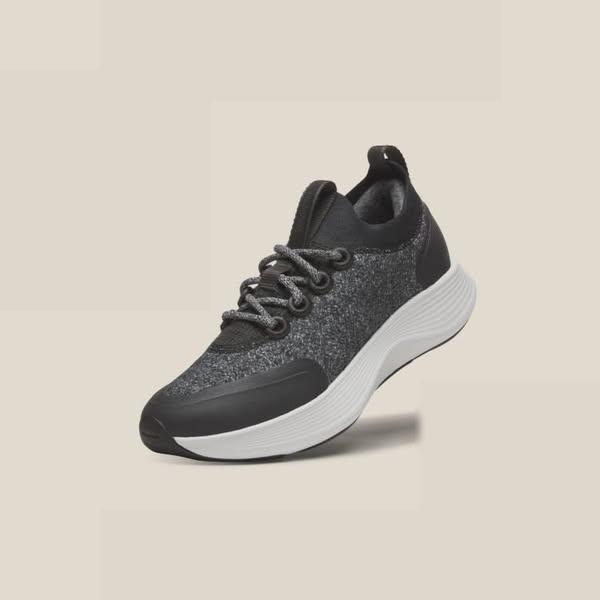
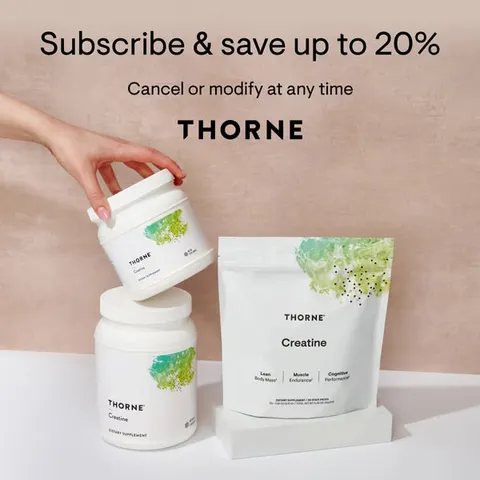
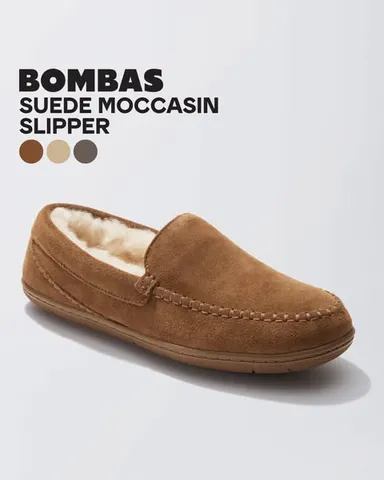
Upload a product photo, choose a style, and create variations for your next campaign.
We don’t just generate ads that convert — we grow with your brand
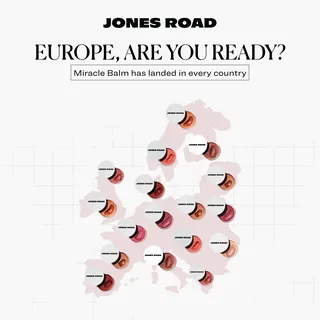

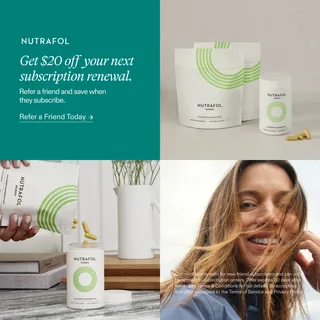
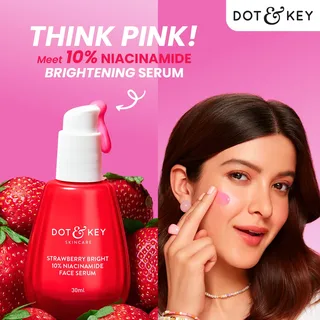
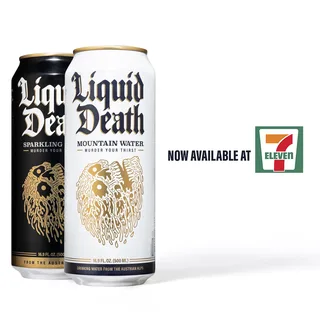
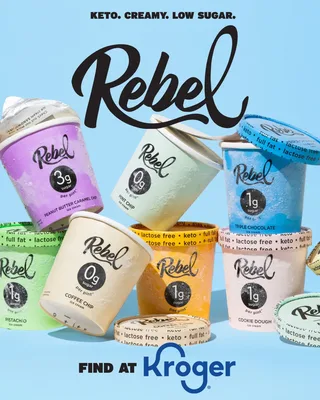
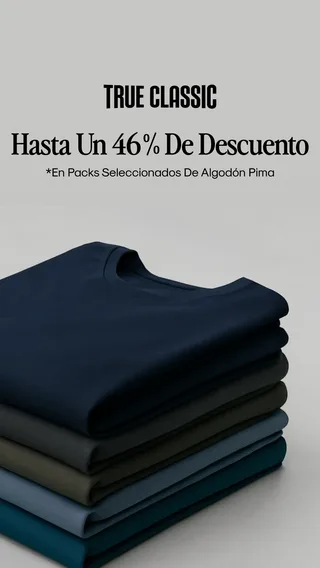
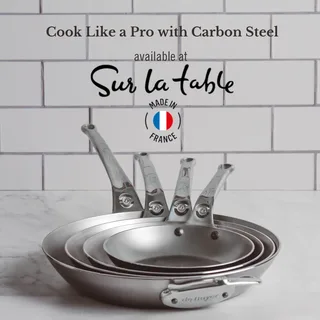
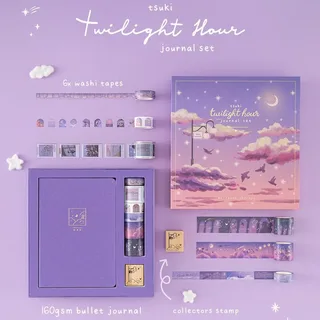
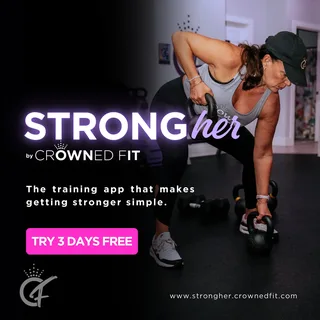
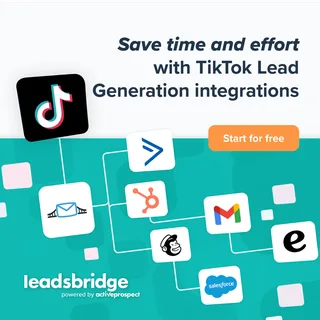
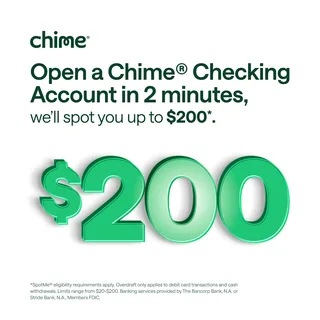
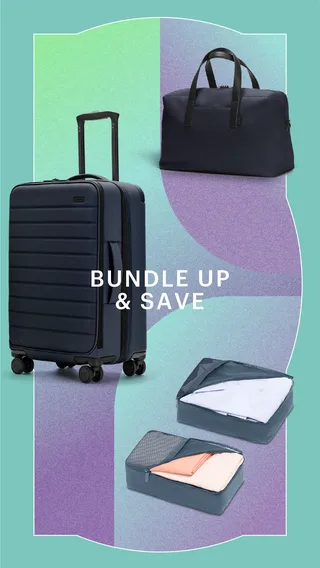
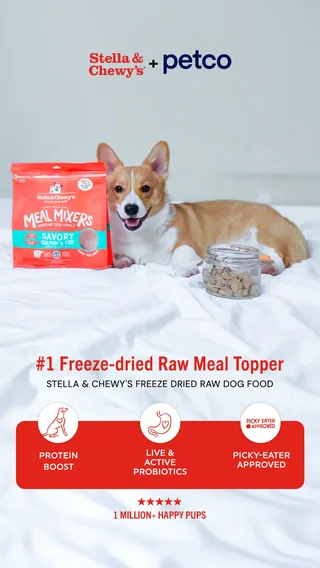
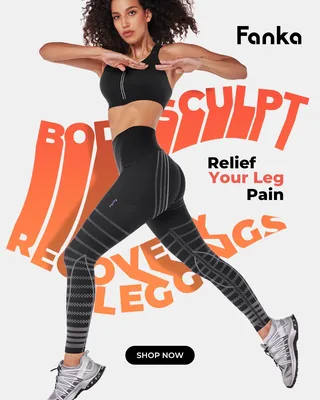

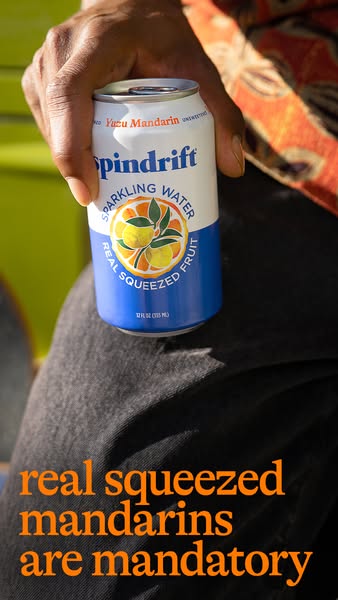
Turn your brand assets and ideas into ad creatives.
Upload a product photo, choose a style, and create variations for your next campaign.
Adapt a reference ad’s layout or creative direction to your own content.
Describe the scene, message, or campaign idea you want to explore.
Describe changes to an existing creative and generate an updated version.
Browse ads from different brands. Study their layouts, messages, and visual approaches to find ideas for your own products.
Save your images and product details to reuse across new creative variations.
Zero prompts, zero design skills. Pick a battle-tested style and turn your product into winning ads instantly.
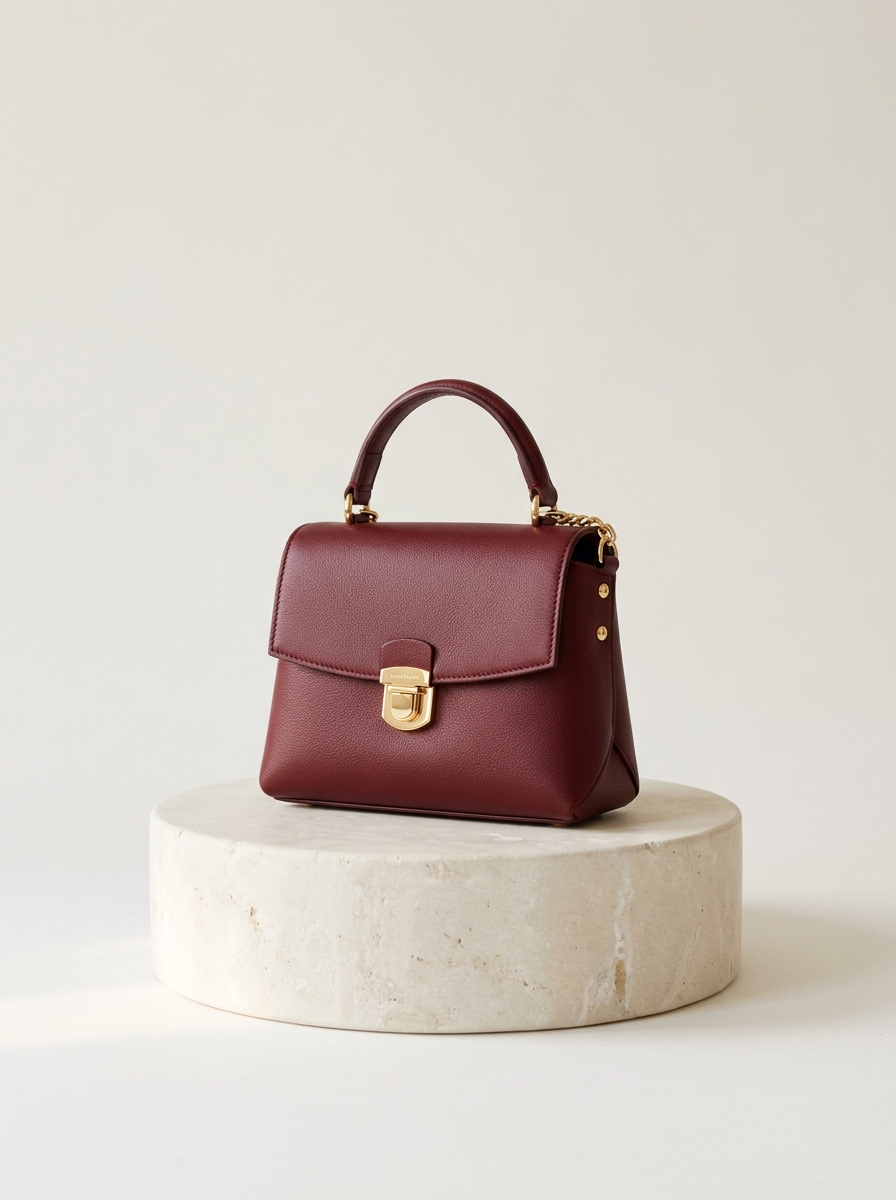
See how brands present a product, an offer, or a moment of use. Compare layouts and find a direction for your next creative.
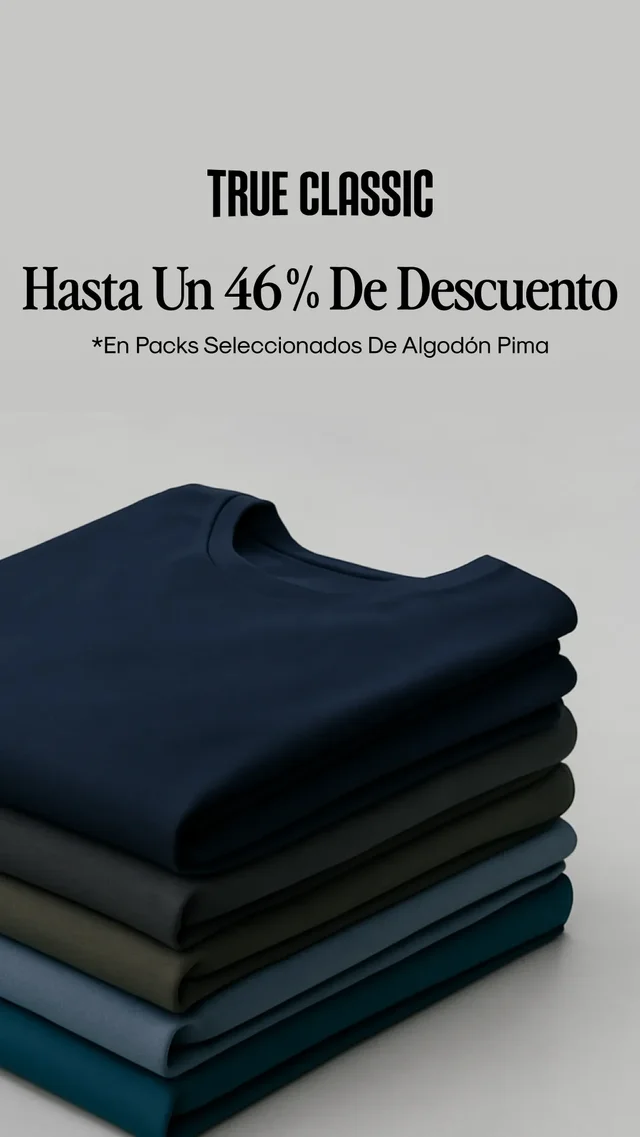
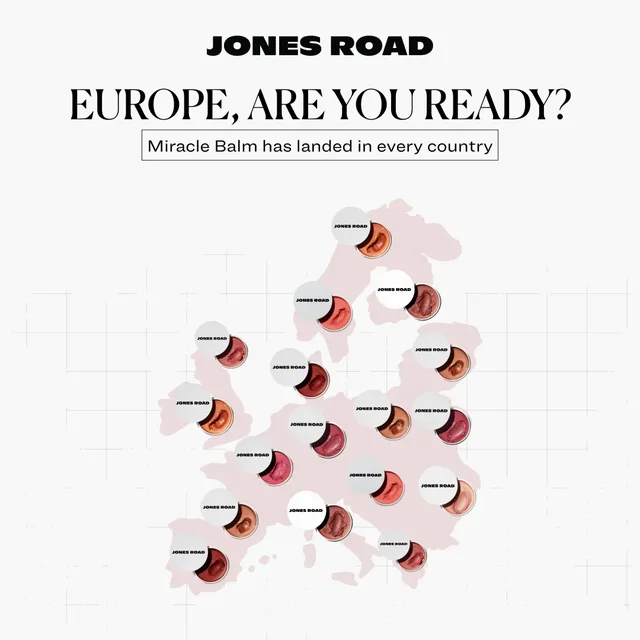
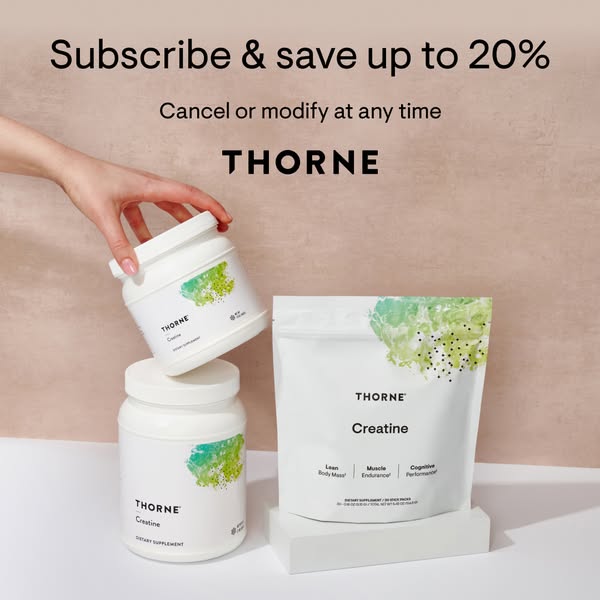
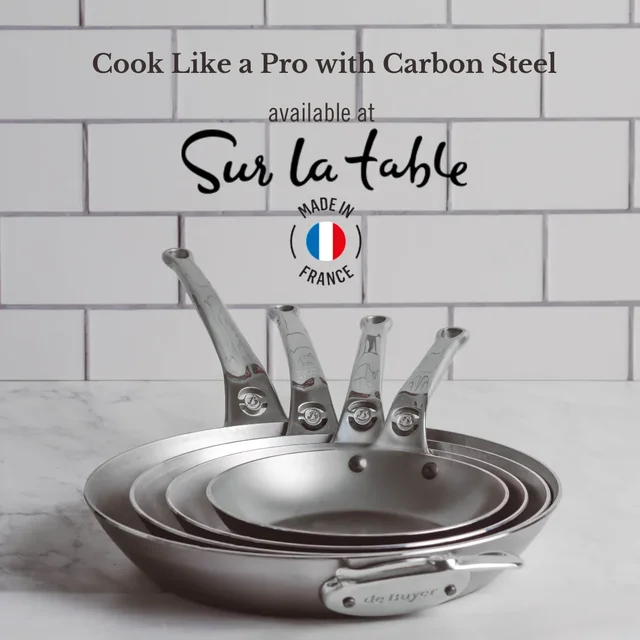
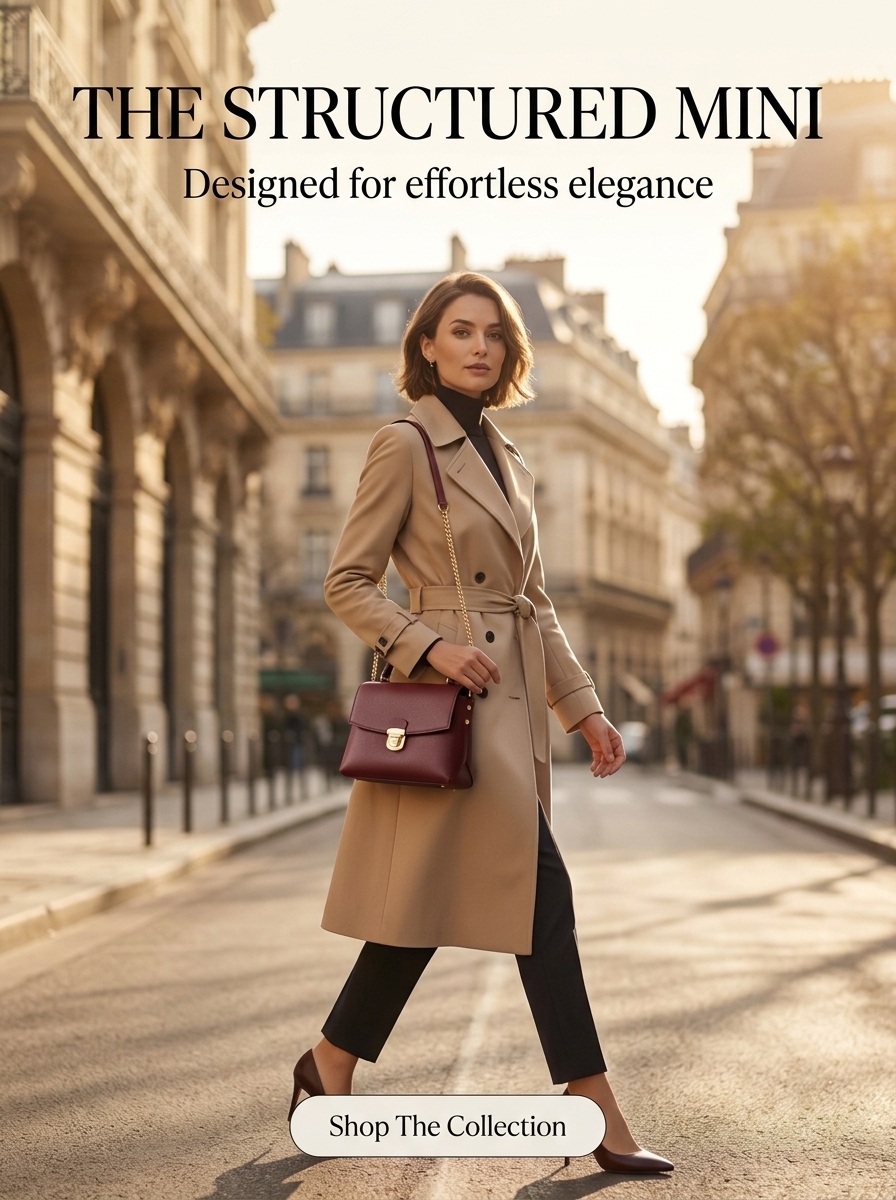
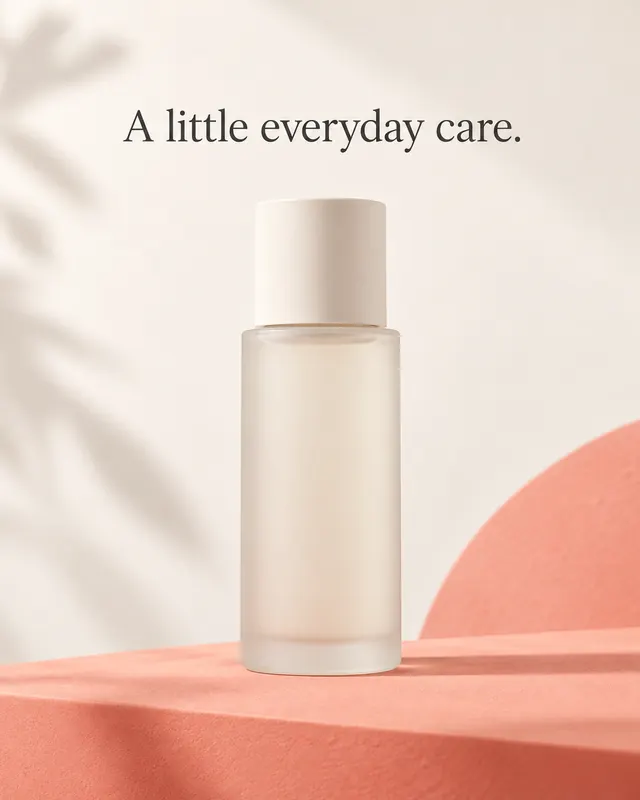
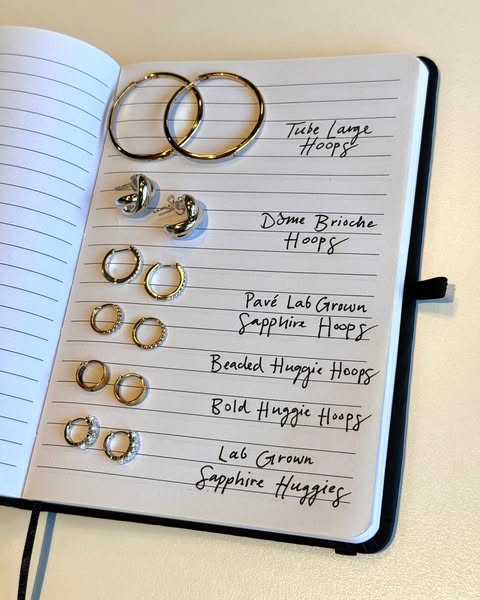

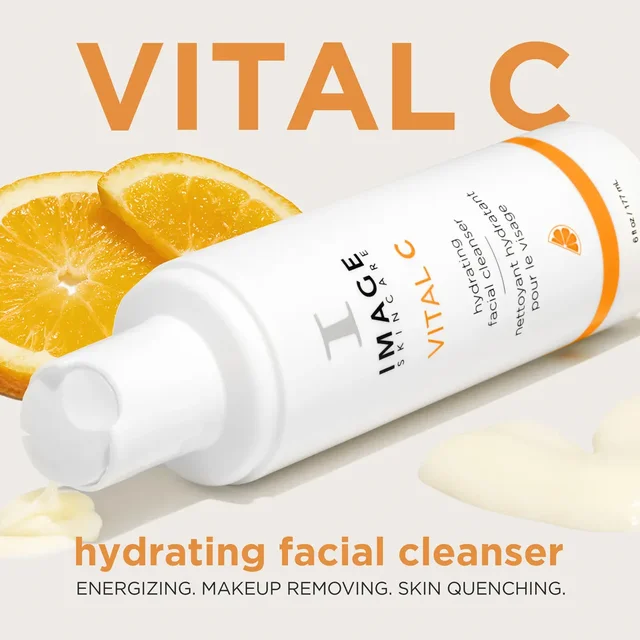
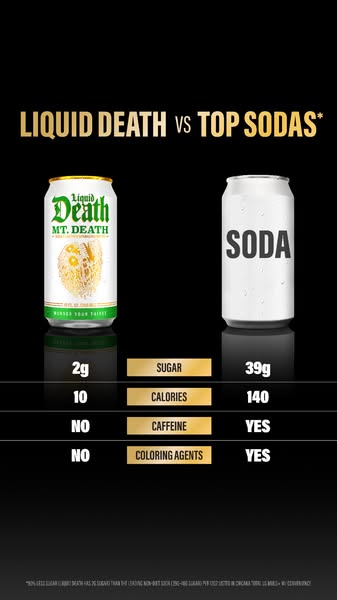
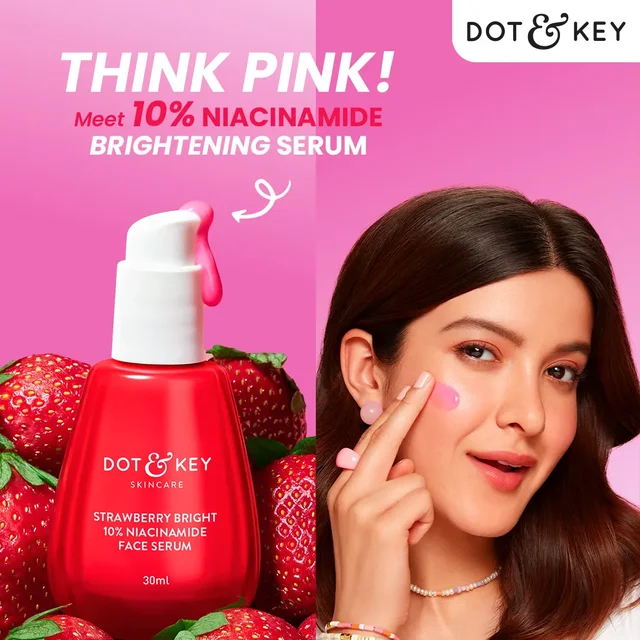
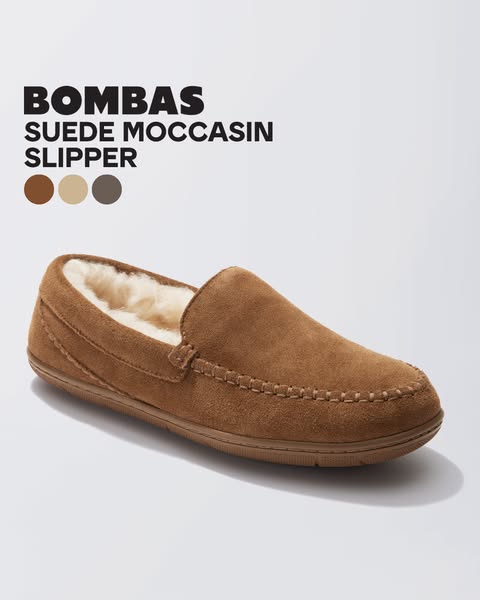
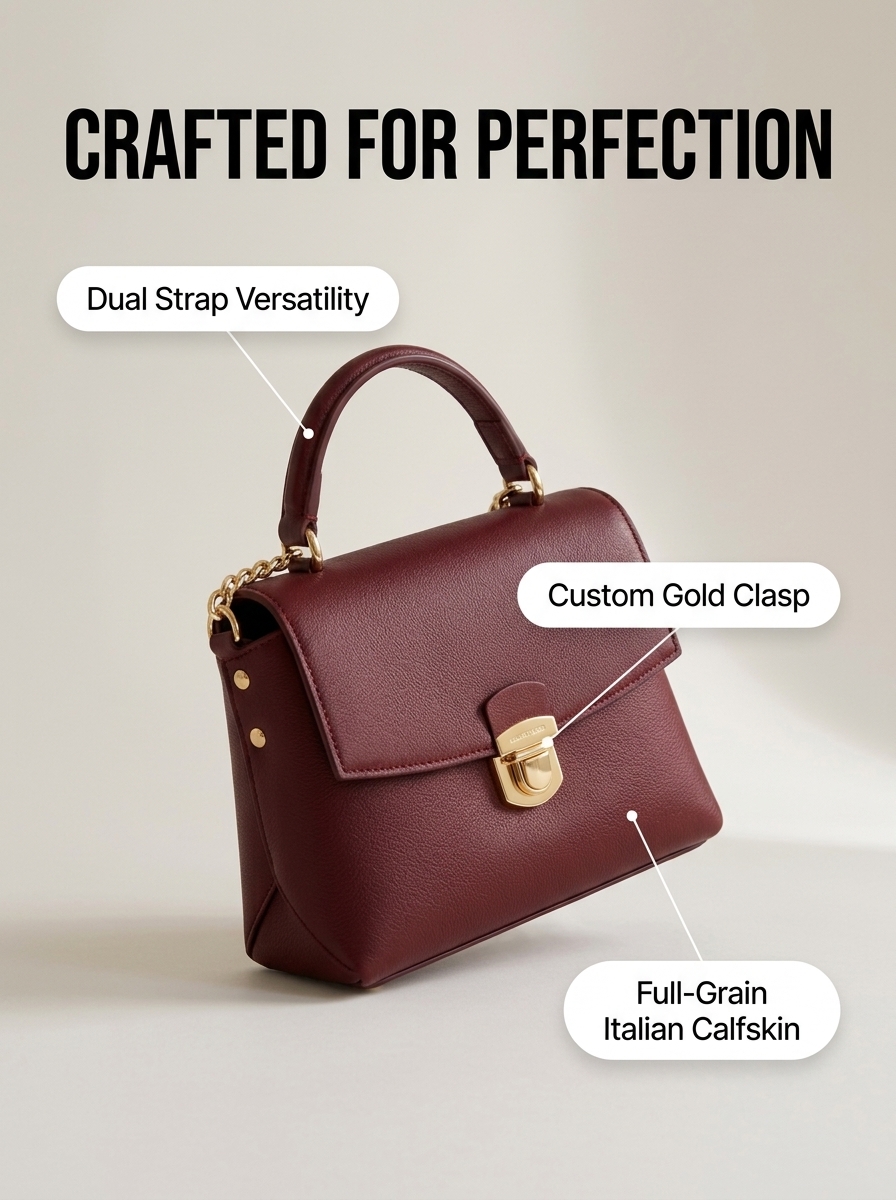
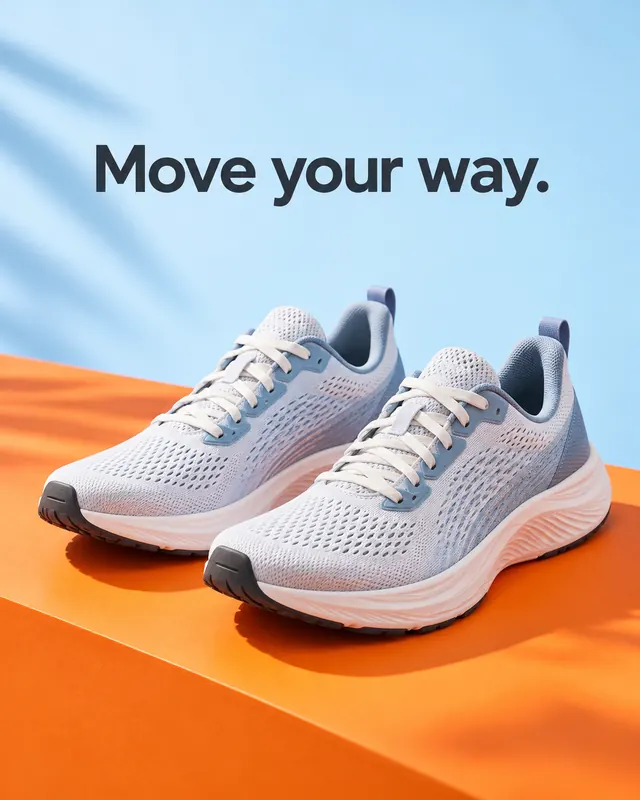
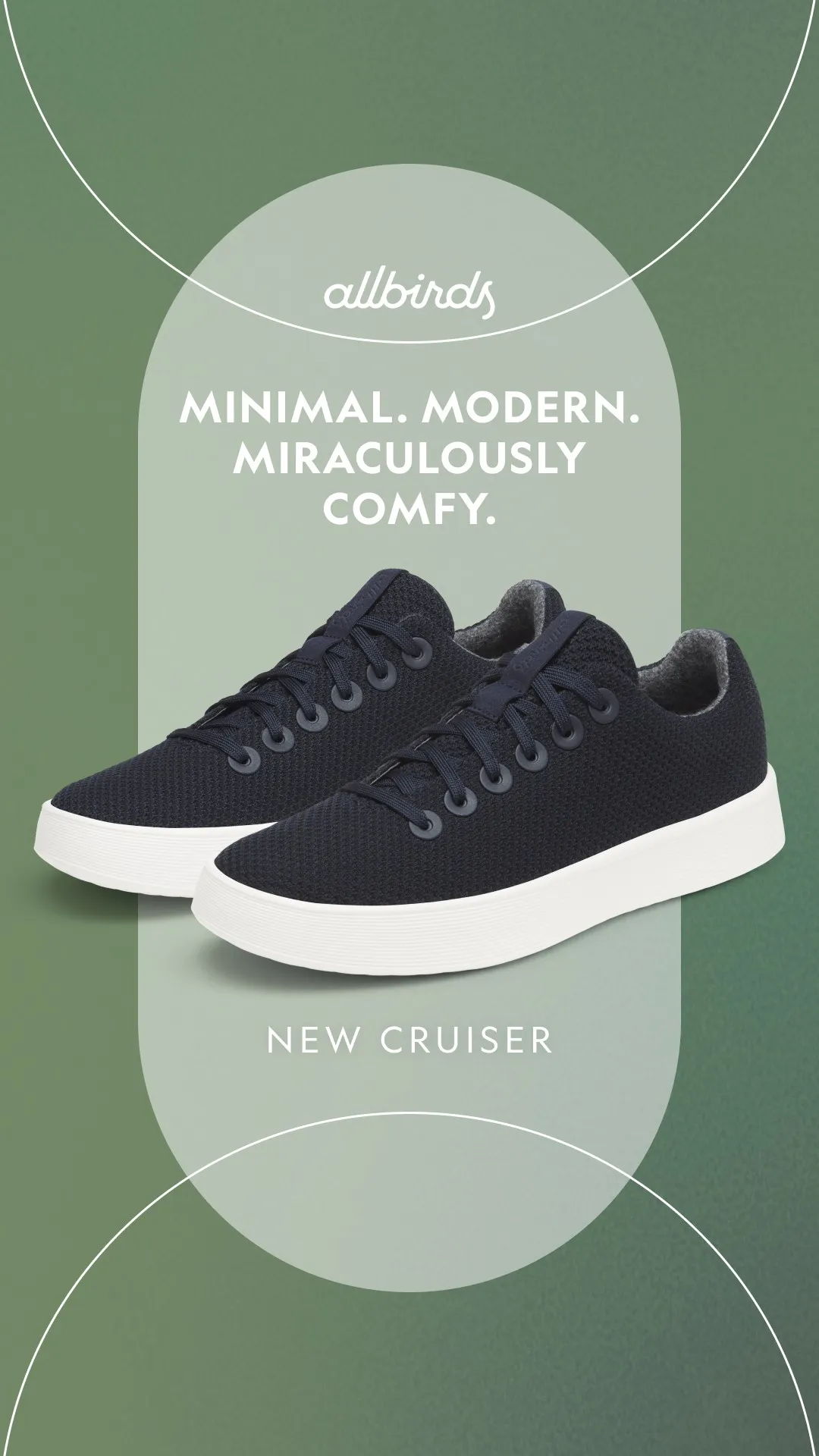
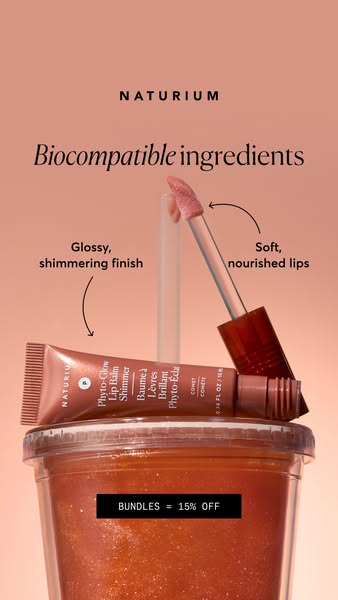
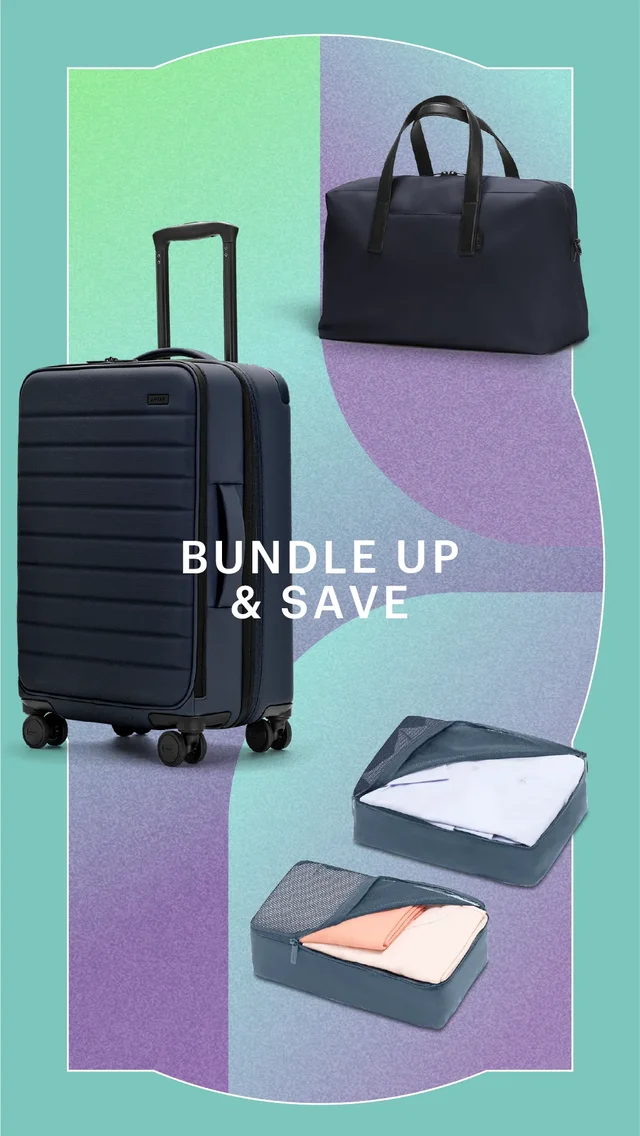
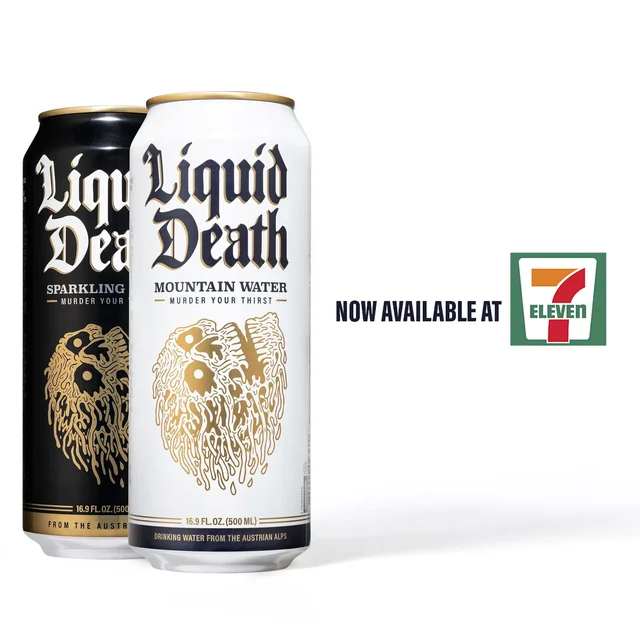
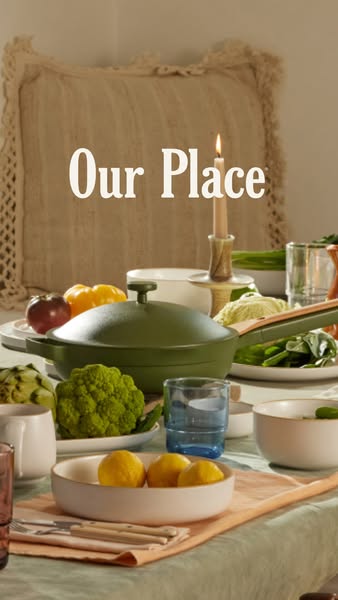
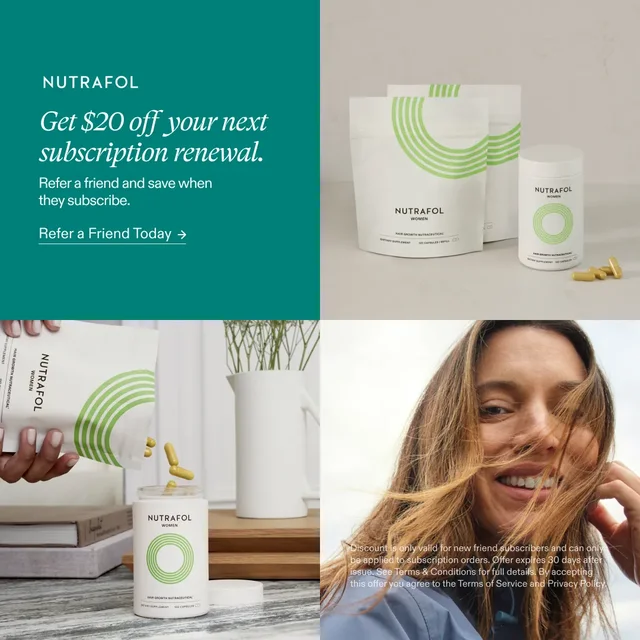
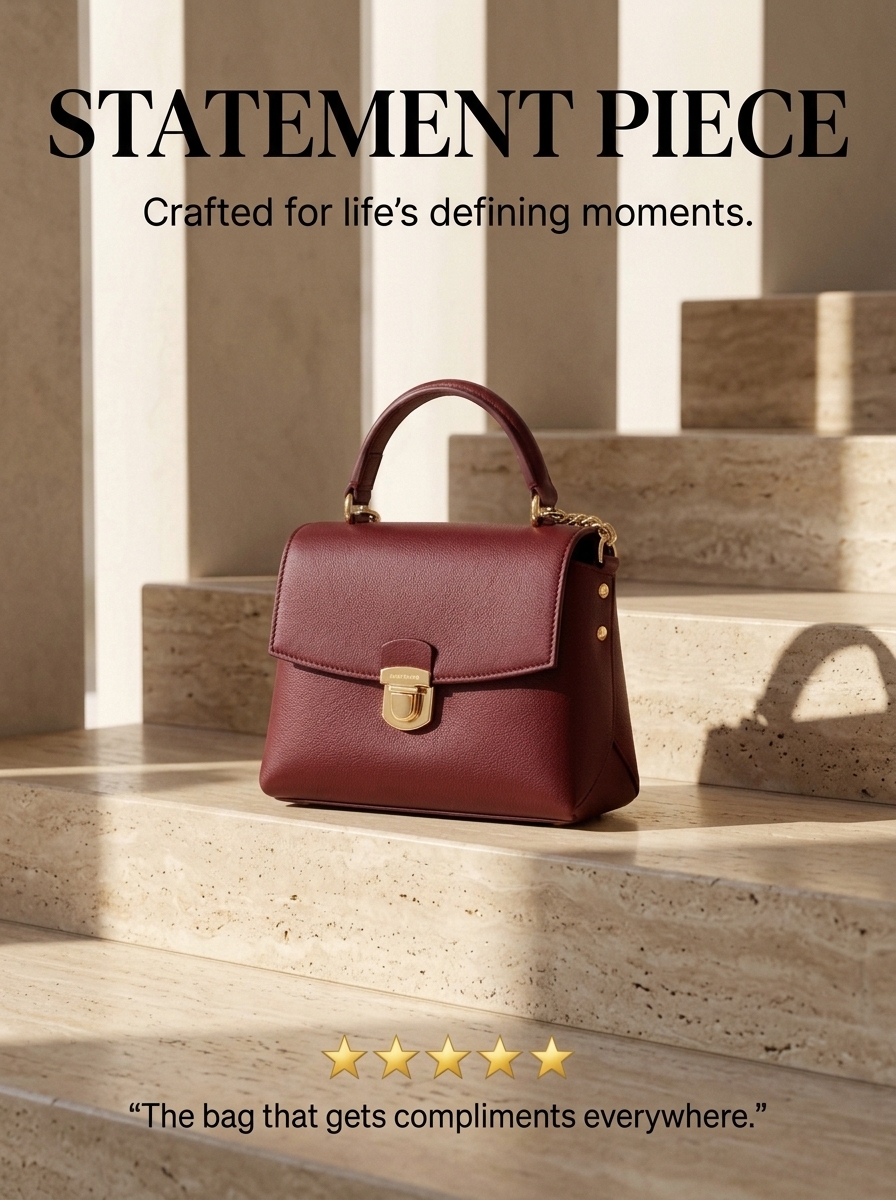
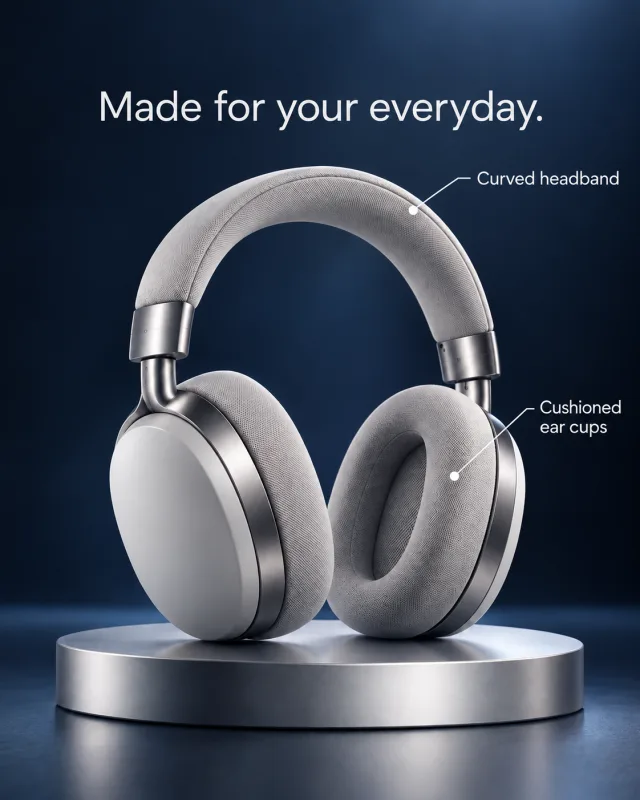
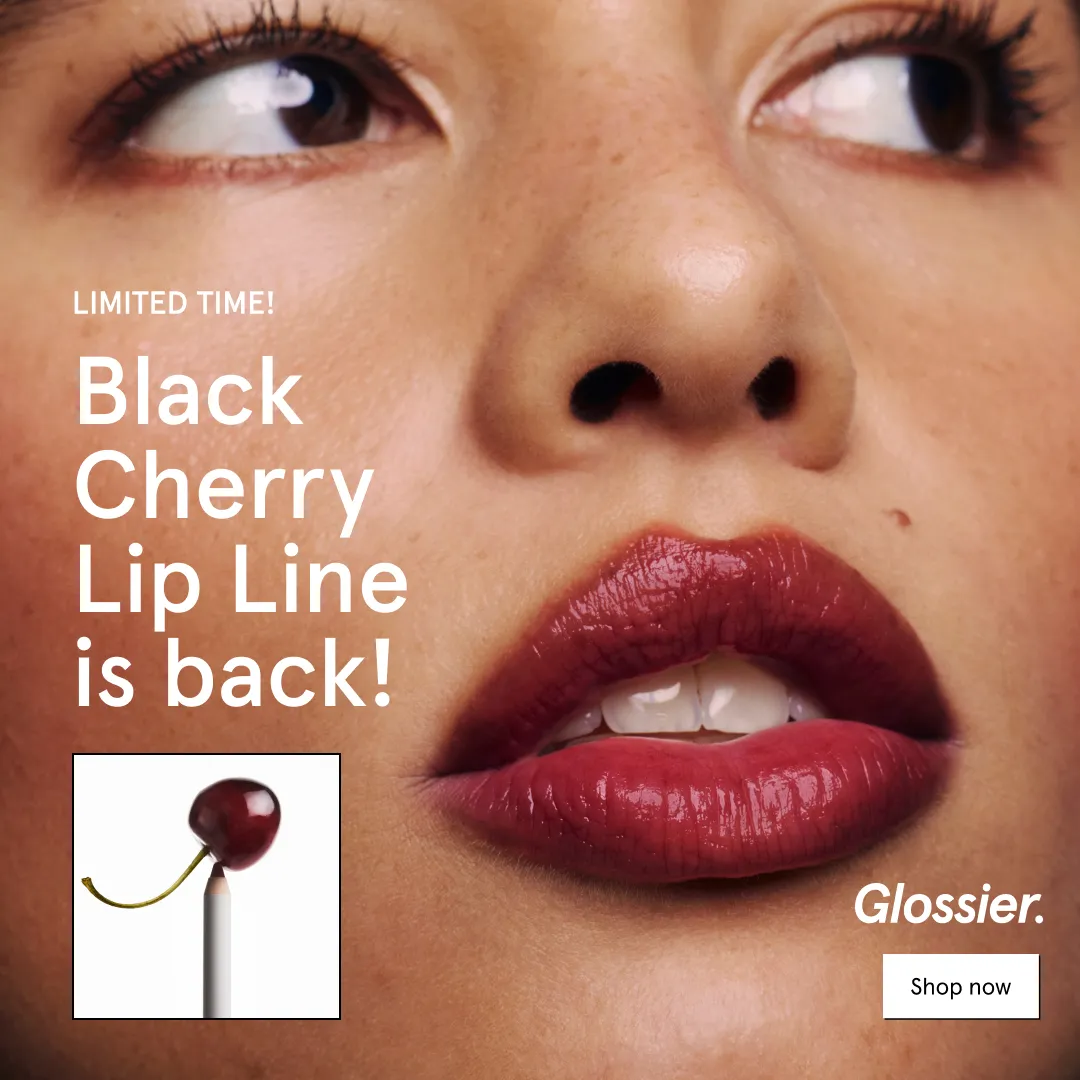
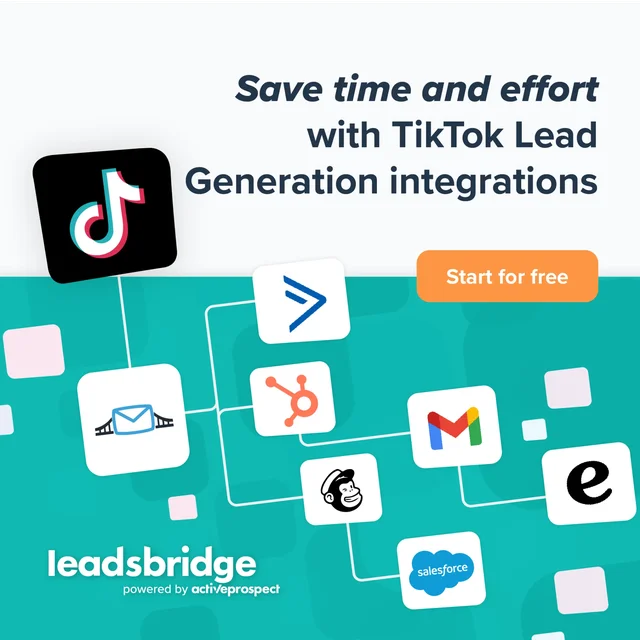
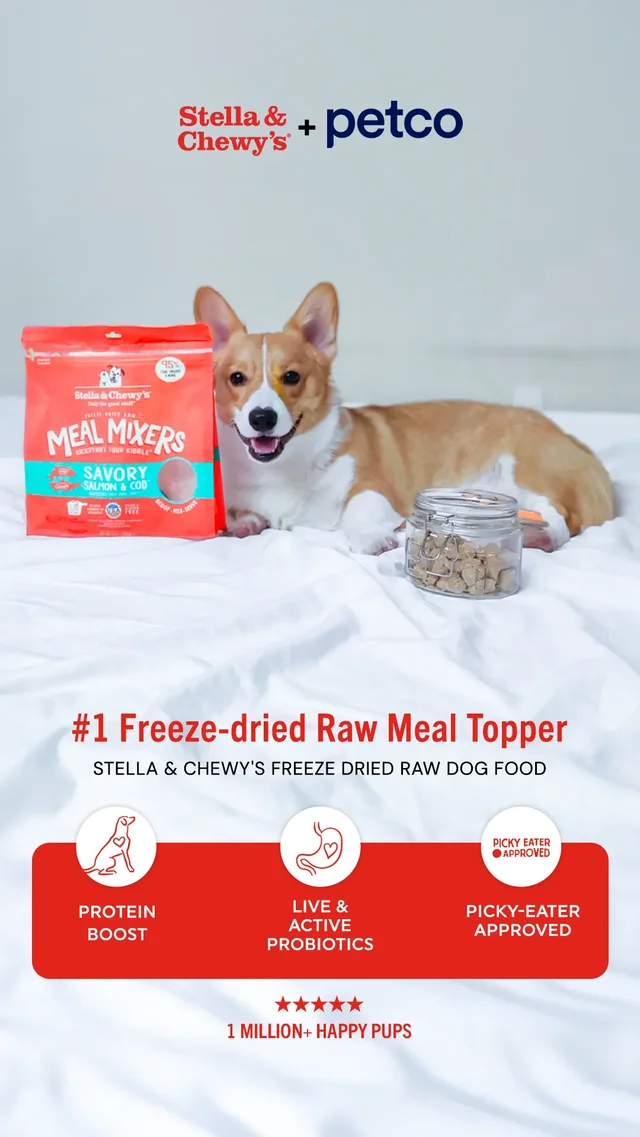
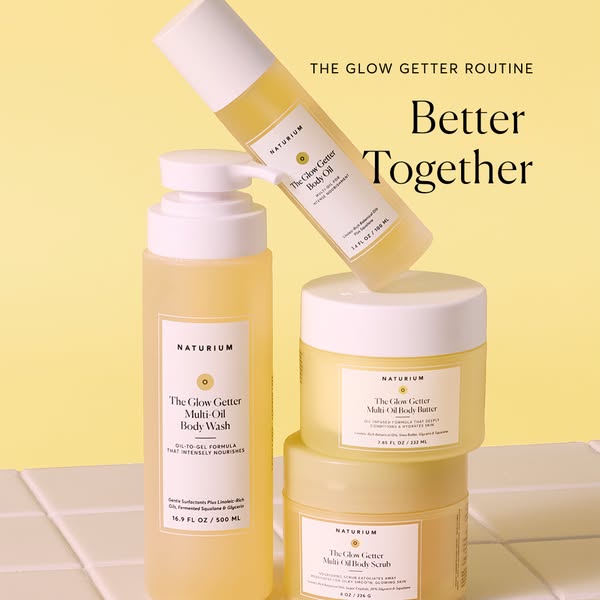
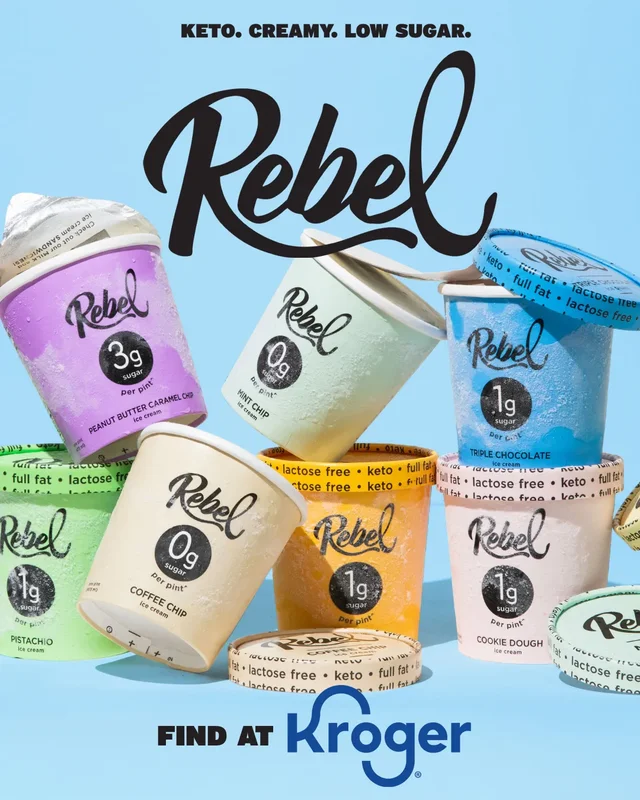
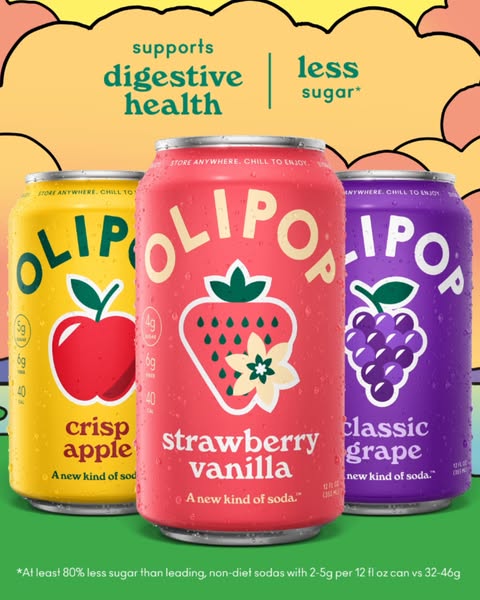
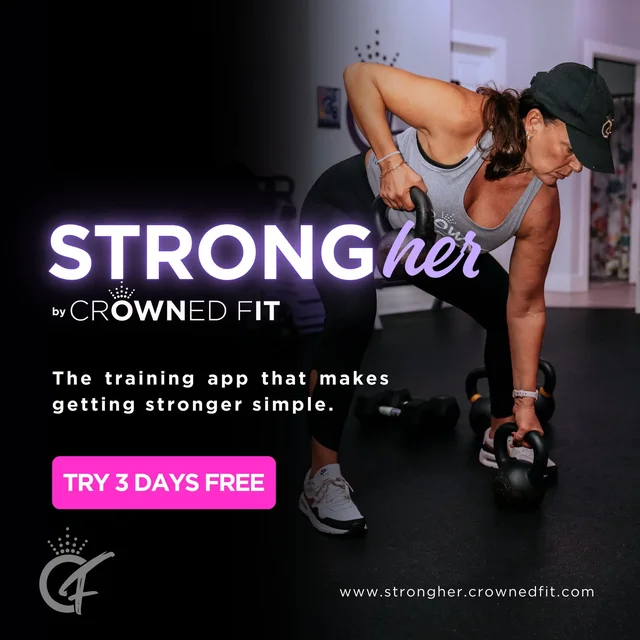
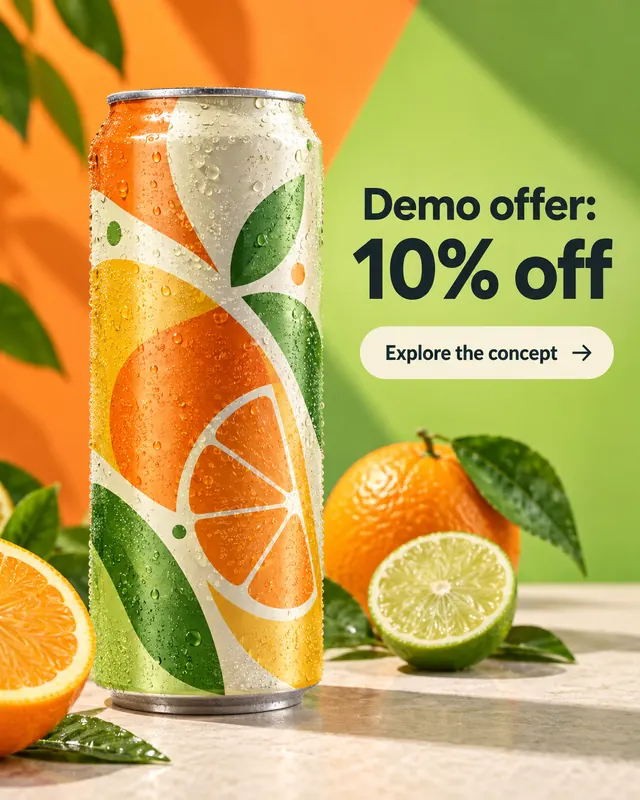
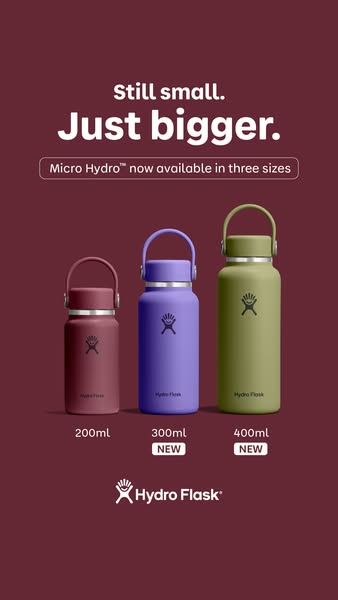
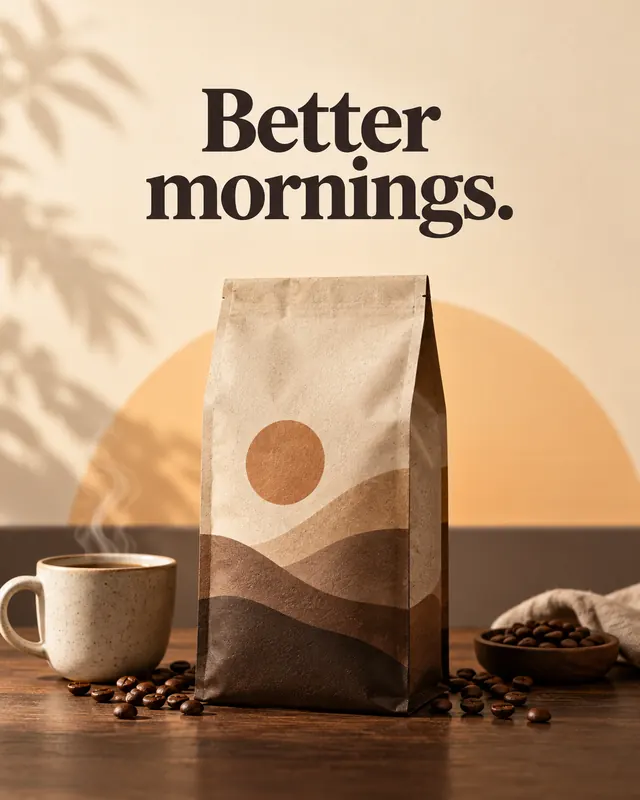
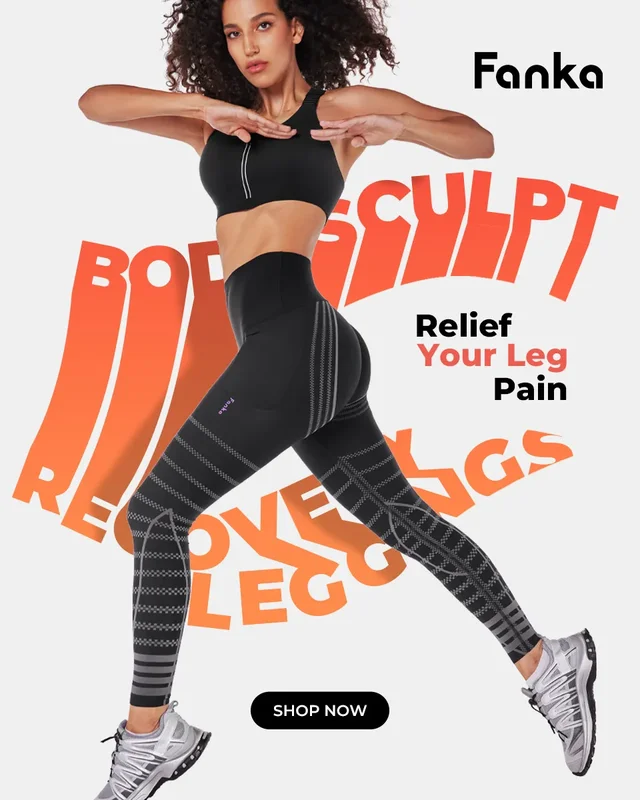
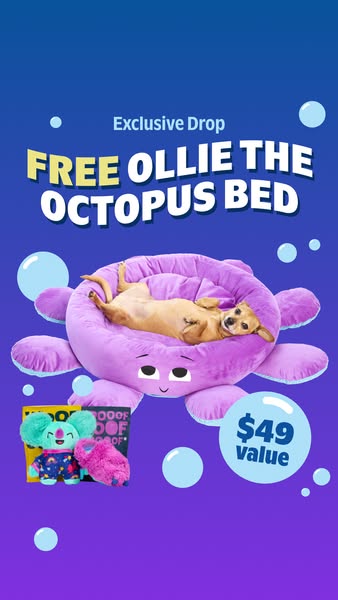
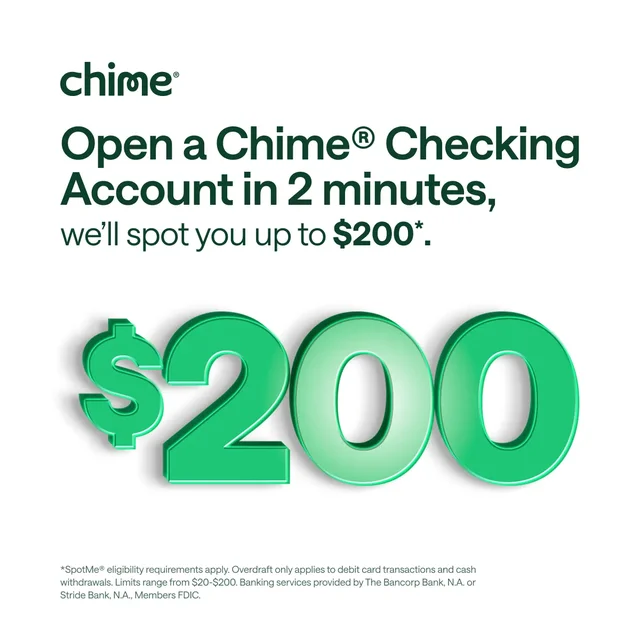
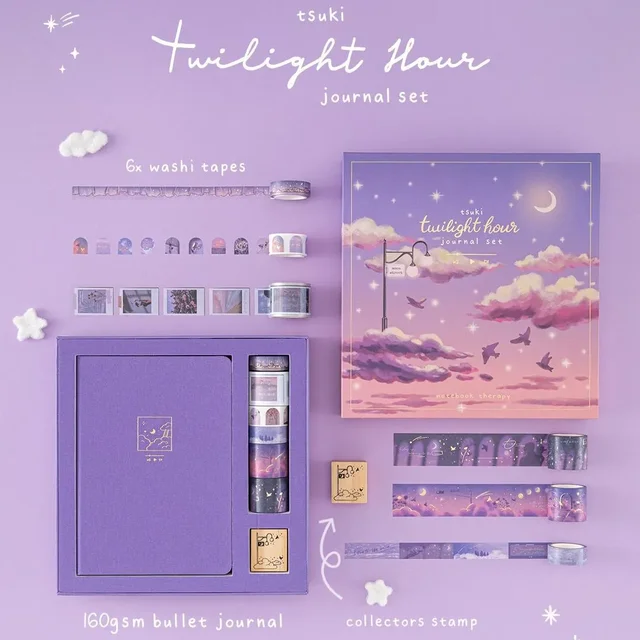
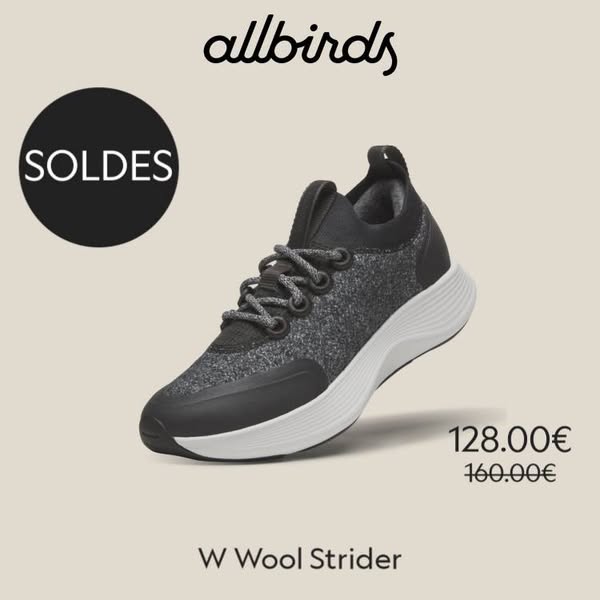
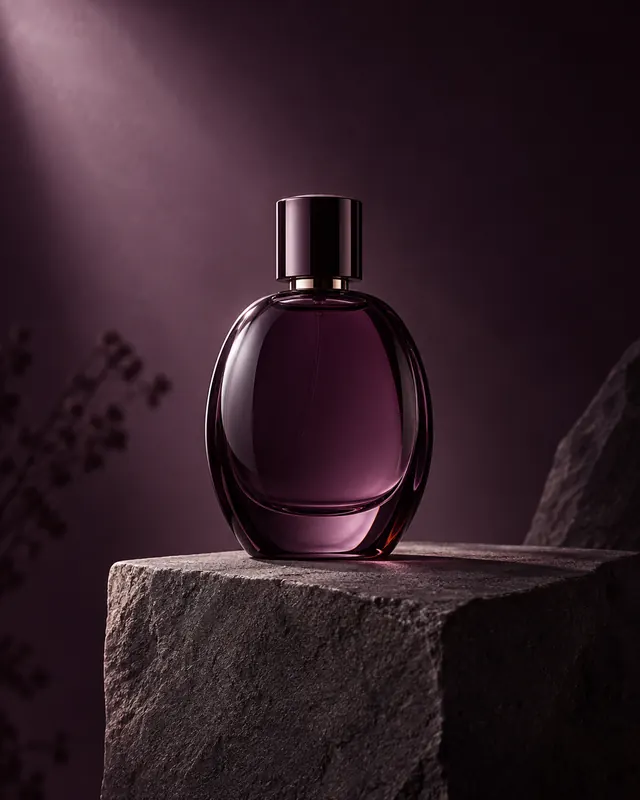
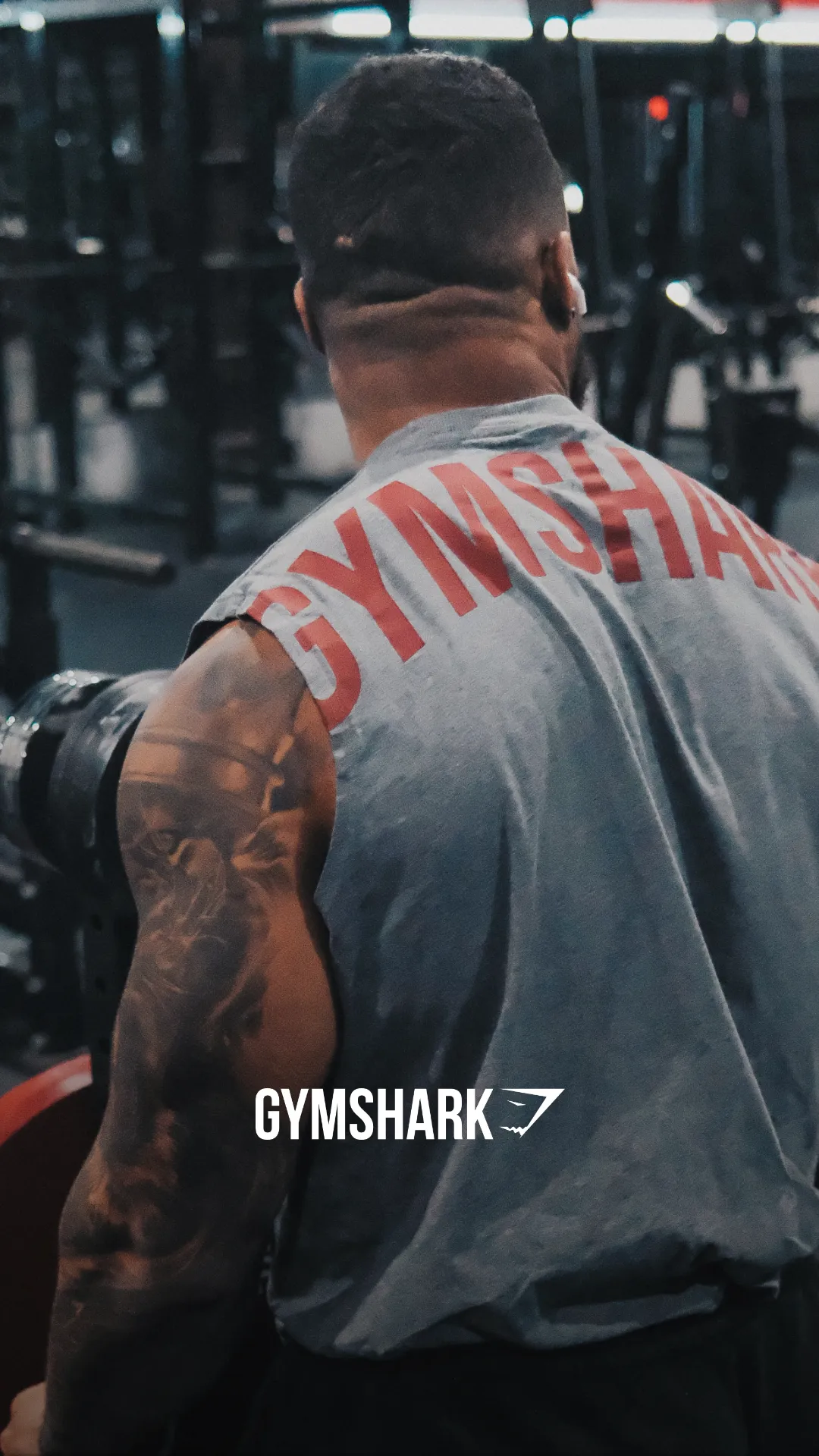
Start with a reference. Add your product. Make the next version yours.
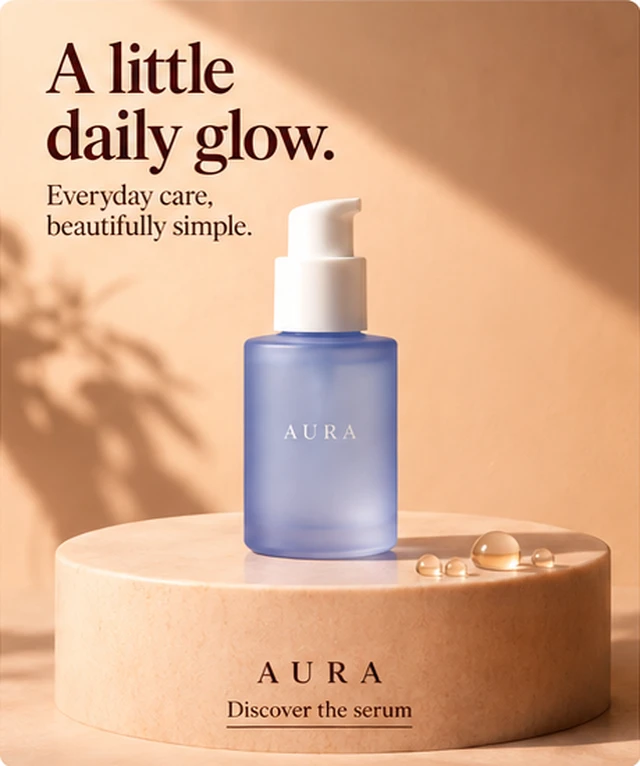
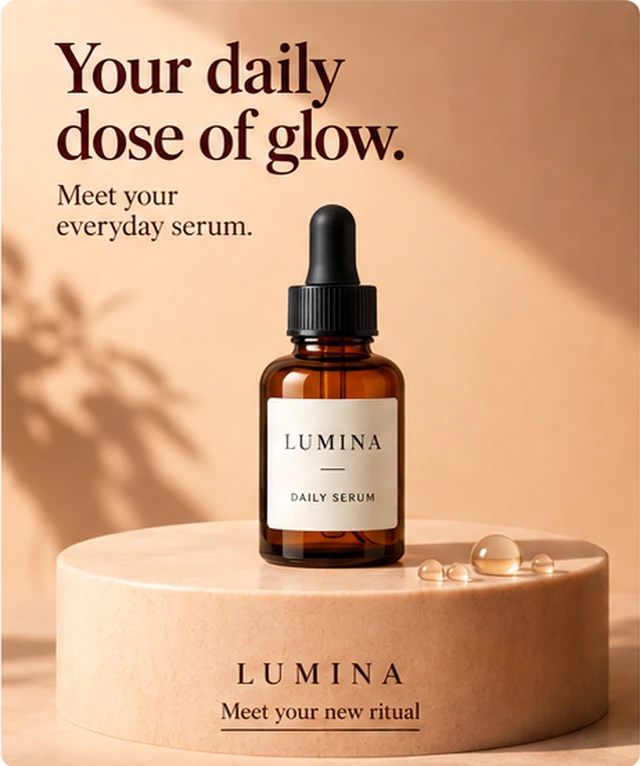
More ad ideas. Less starting over
 ChatGPT
 Midjourney
 Gemini
Choose the right plan for your team. Cancel anytime.
For independent stores and creative testing
FEATURES
For growing brands and active media buyers
FEATURES
For high-volume brands and creative agencies
FEATURES
AdVariq is an AI ad creative platform for brands, marketers, and agencies. Turn your images and brand assets into ad creatives, explore new creative directions, and keep your assets and variations together for your next campaign.
Yes. After verifying your email or signing up with Google, you will receive a one-time grant of 3 free credits (standard 1K generation starts from 1 credit), which never expire. No credit card required.
A credit is used when you generate an ad creative (standard 1K generation starts from 1 credit). Each plan includes monthly credits that renew every month. Once generated, downloading your creatives is completely free and unlimited.
Save your product details once, choose a creative style, and make new ad variations without rebuilding your brief each time.
Your product details and past creations stay together, ready to reuse. Build on what you’ve already made for your next launch, offer, or campaign.
Yes. No design or prompting skills needed—just choose a style and format to generate.
A clear product photo and a few product details. A well-lit photo with a plain background works best.
Generate a new version with your changes while keeping the original. Images aren’t layered files, and each new version uses credits.
Still have questions? Contact support