
AI Ad Clone.
An idea you love.
Made your own.
Turn a reference ad into a new creative with your product and message.

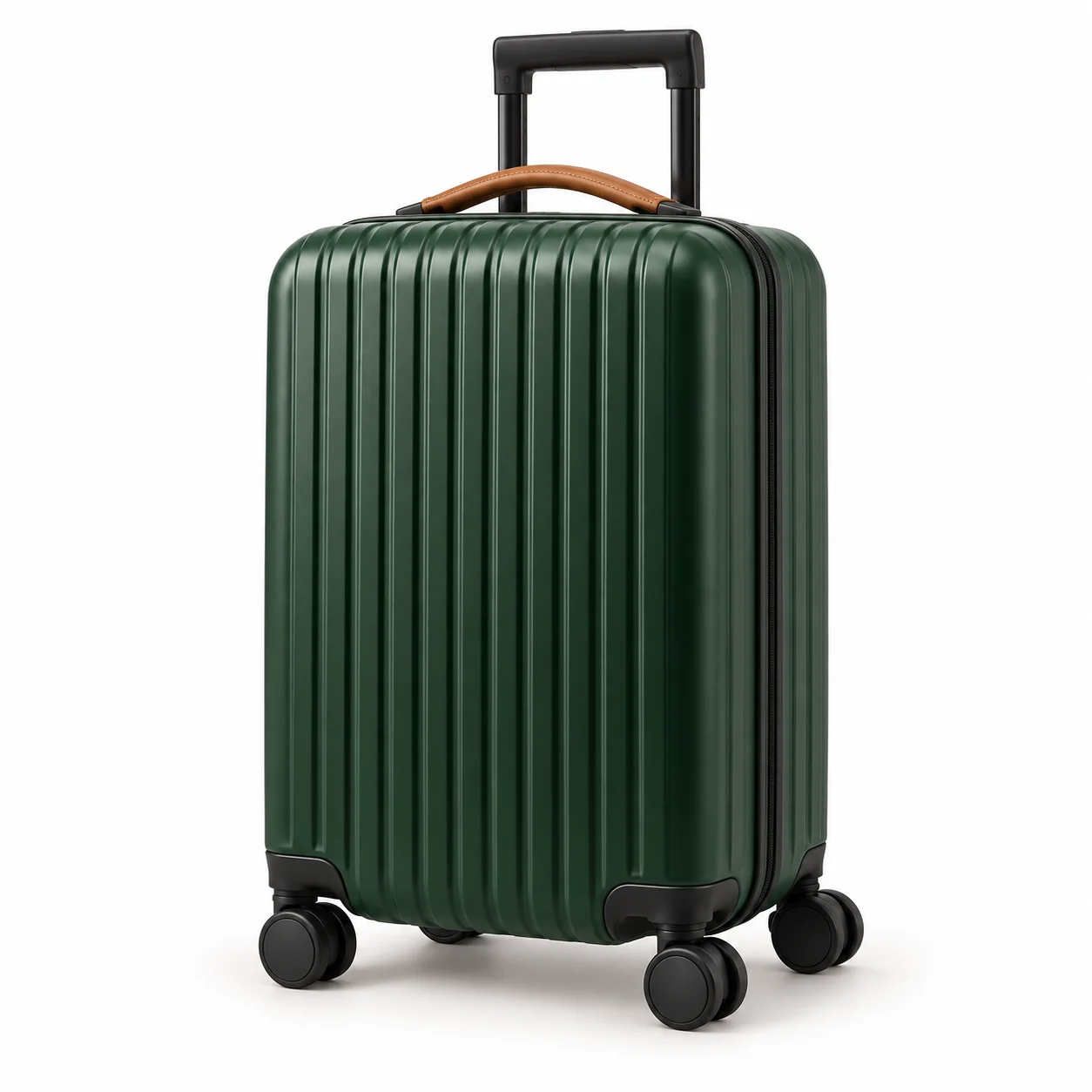
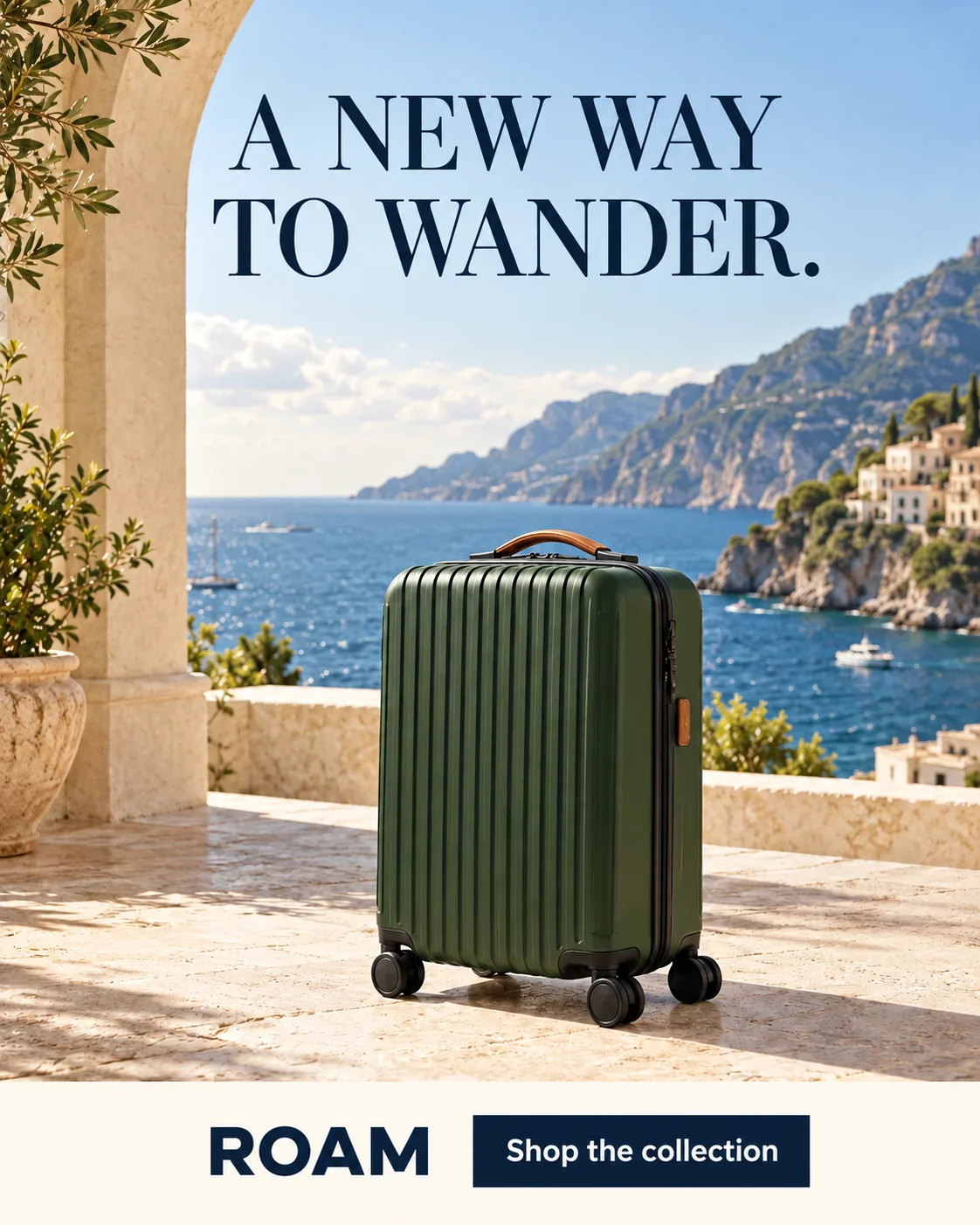
Illustrative example · New product and headline
Make the reference your own.
Explore what makes it work, then choose how closely to follow.
Leave room for your message.
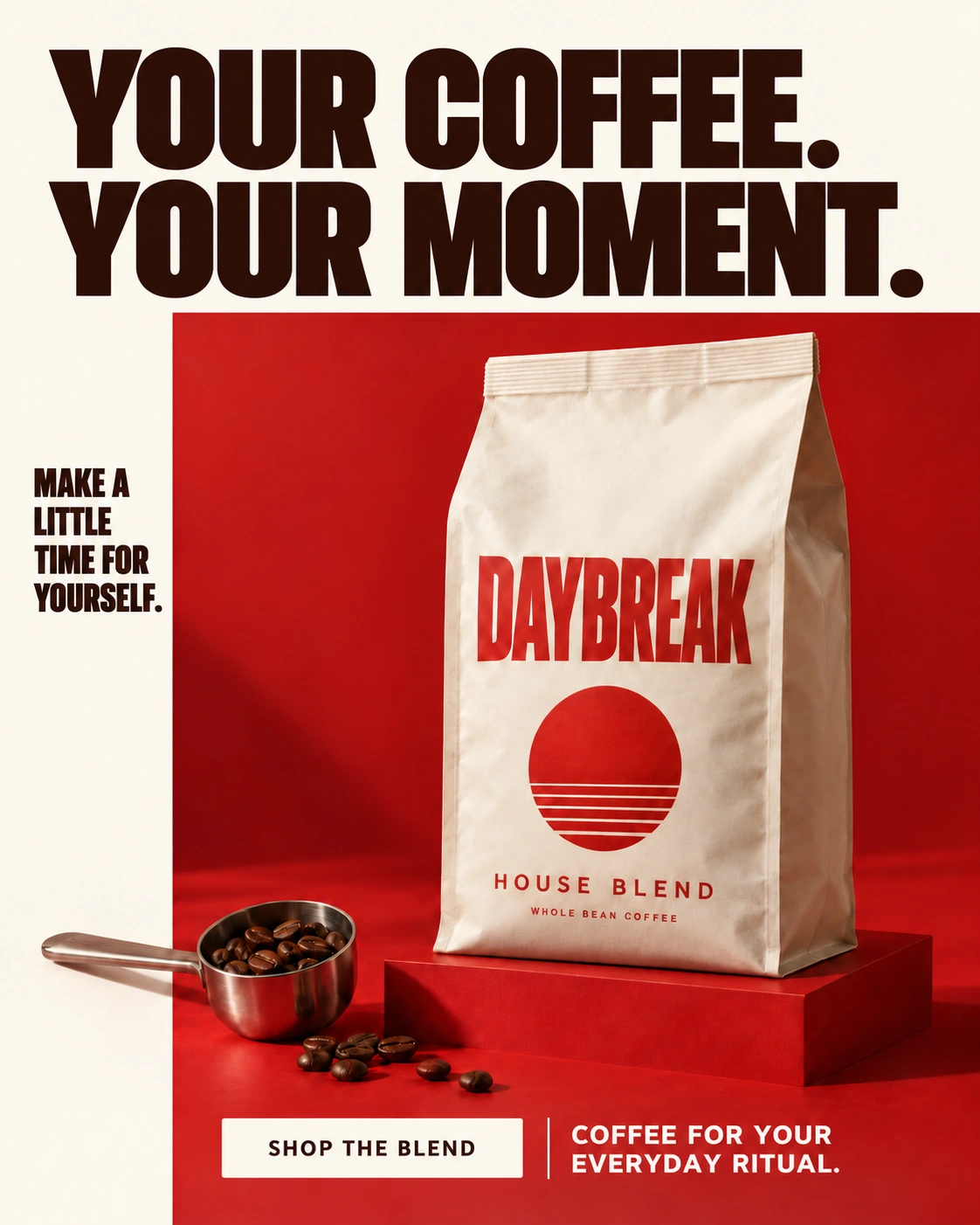
Product below. Headline above. A clear focal point with space to read.
Carry over the mood.
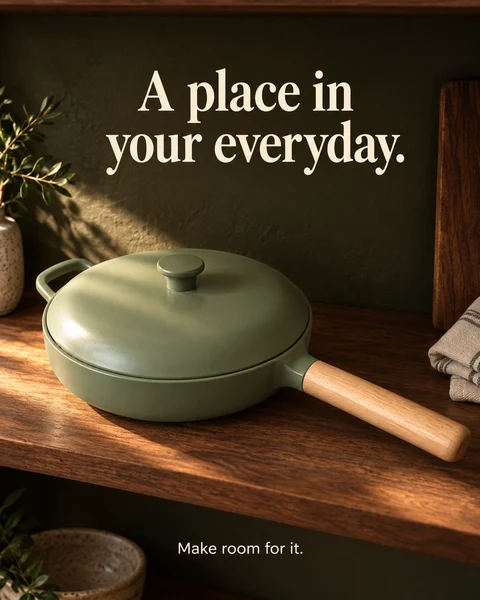
Coastal light and warm stone set the scene. Choose a setting that fits your product.
Make the message yours.
A new product, a new headline. Use your own facts, benefits, and brand voice.
One reference. Two approaches.
Follow the composition more closely, or explore a fresh direction.

Shared reference
Natural light & walnut tones
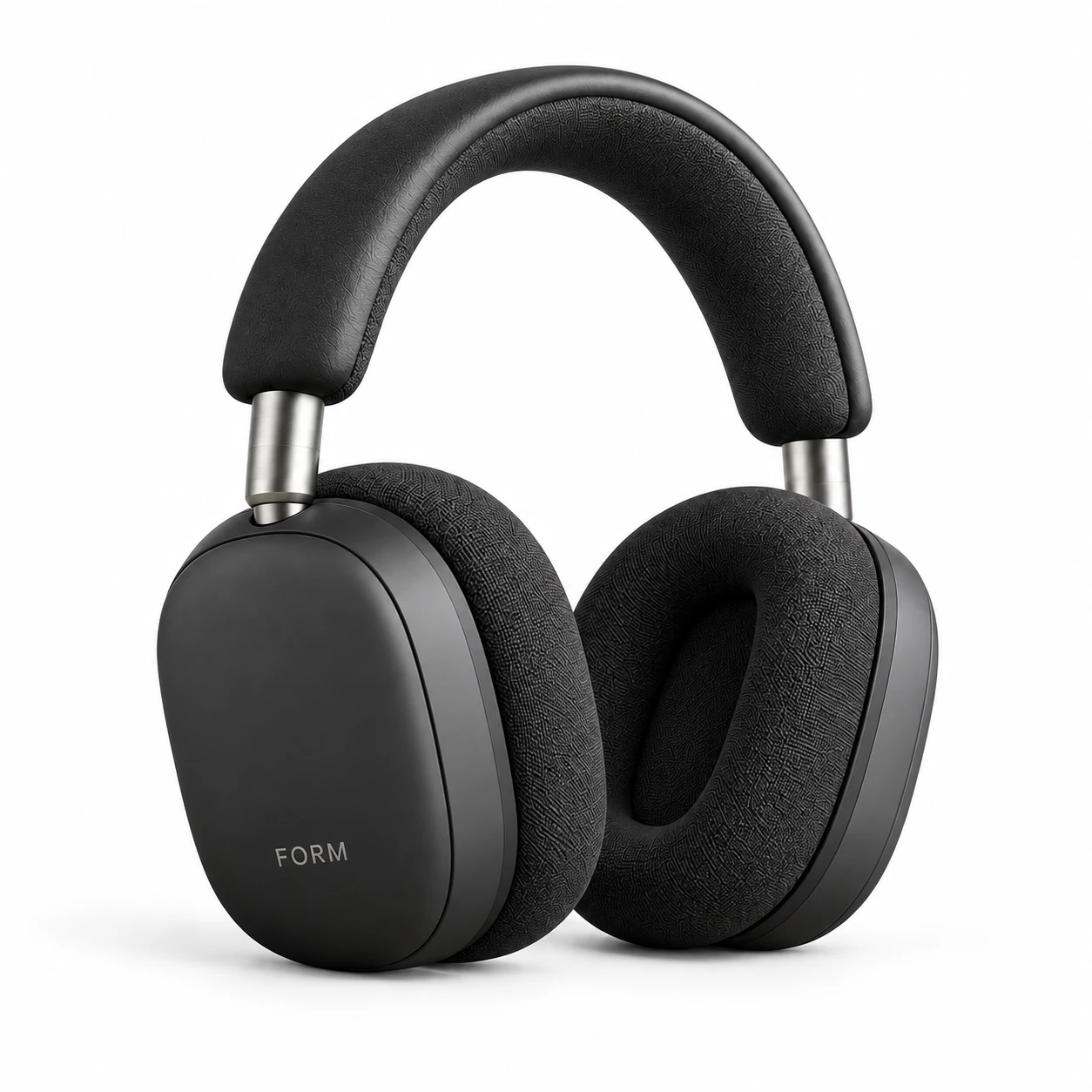
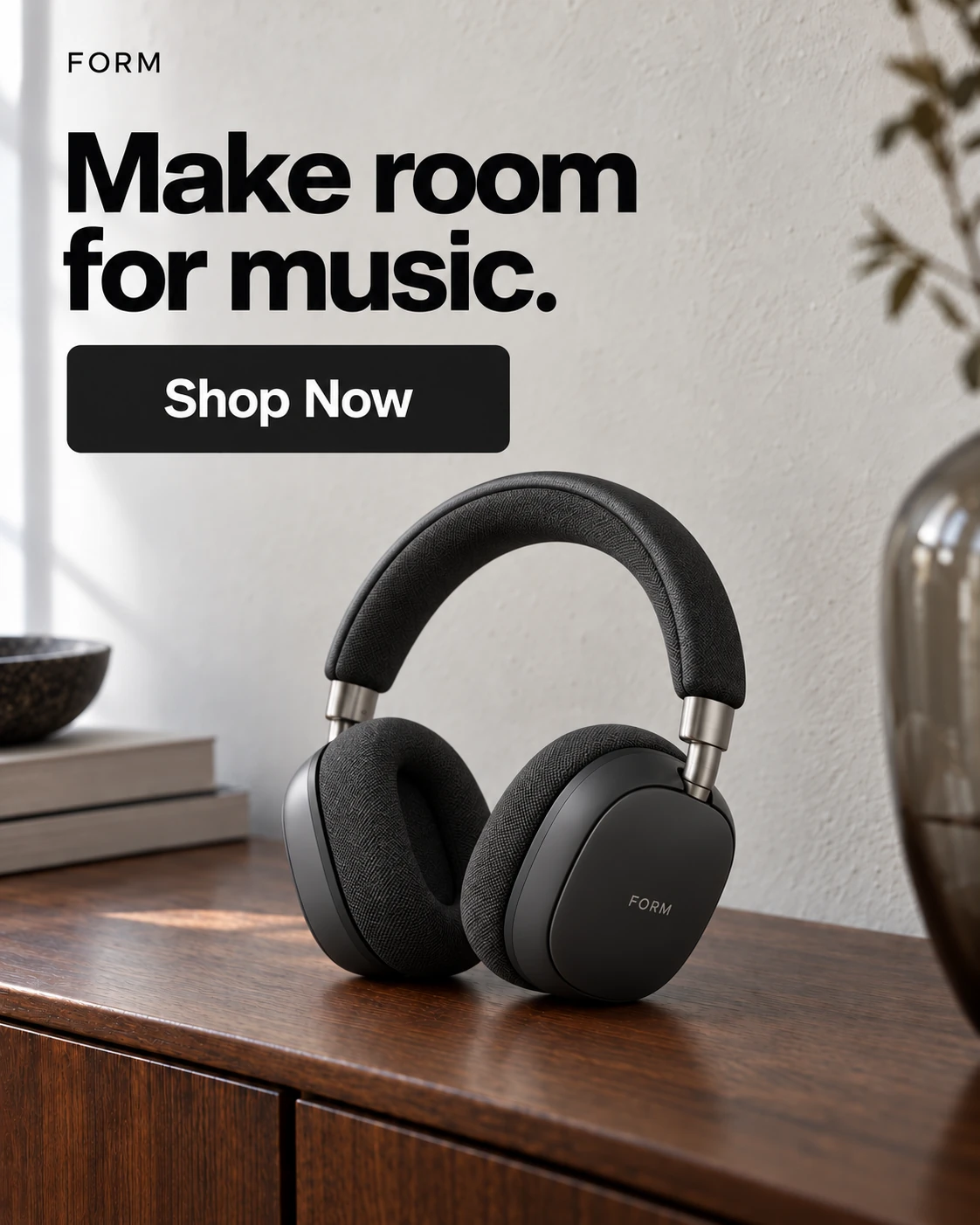
Exact Clone
Layout-ledFollow the reference more closely.
- Layout: Use the reference framing and visual zones.
- Copy: Reference, AI Write, Custom, or Hide for each text field.
- Brand: Use your logo or remove reference marks.
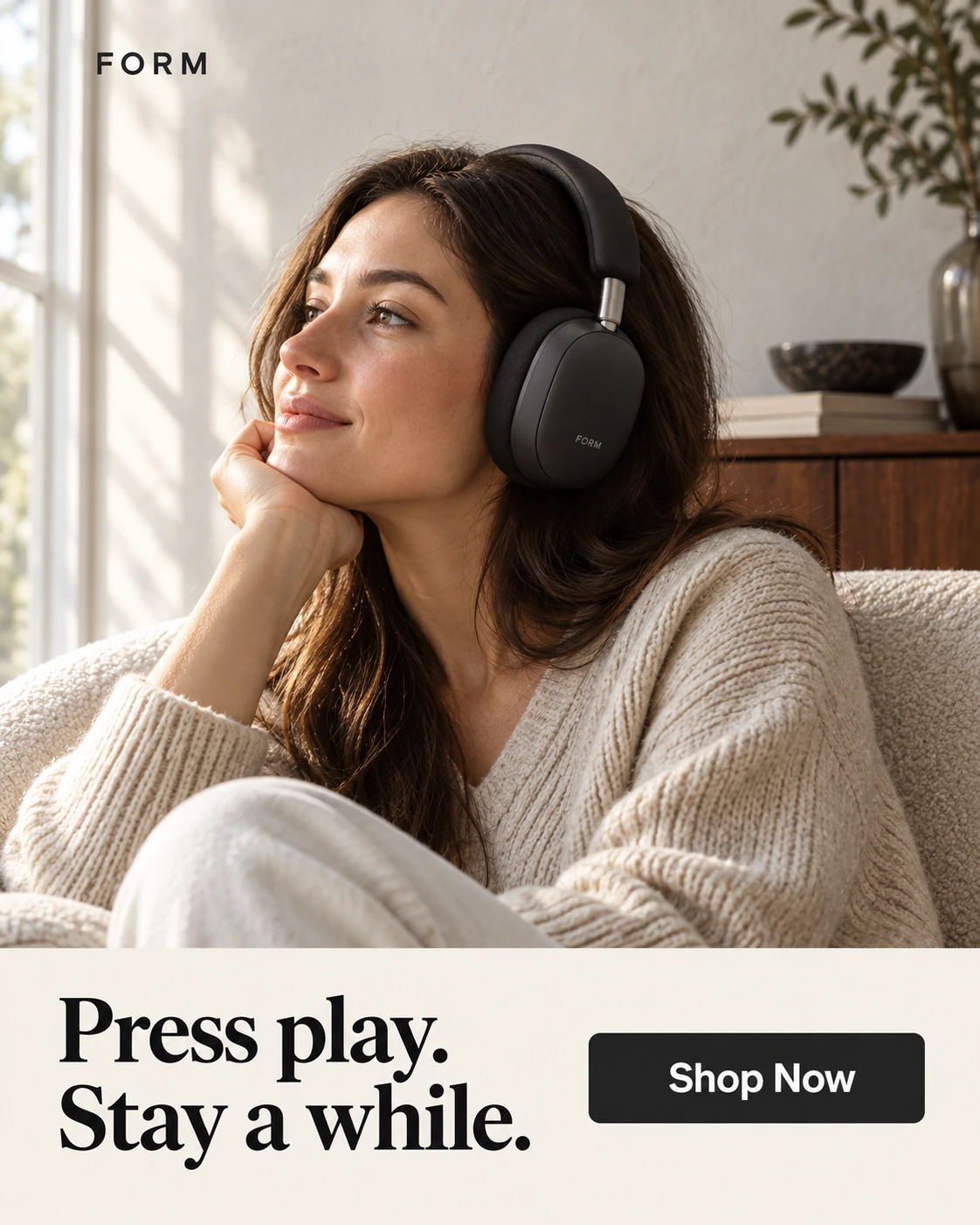
Inspired by
Mood-ledTake the mood in a new direction.
- Layout: Reinterpret the scene and product placement.
- Copy: AI text guided by your audience and brief.
- Product fit: Explore different proportions and directions.
Neither mode guarantees an exact copy. Review the result before use.
Explore Ad Clone in AdVariqFrom reference to creative.
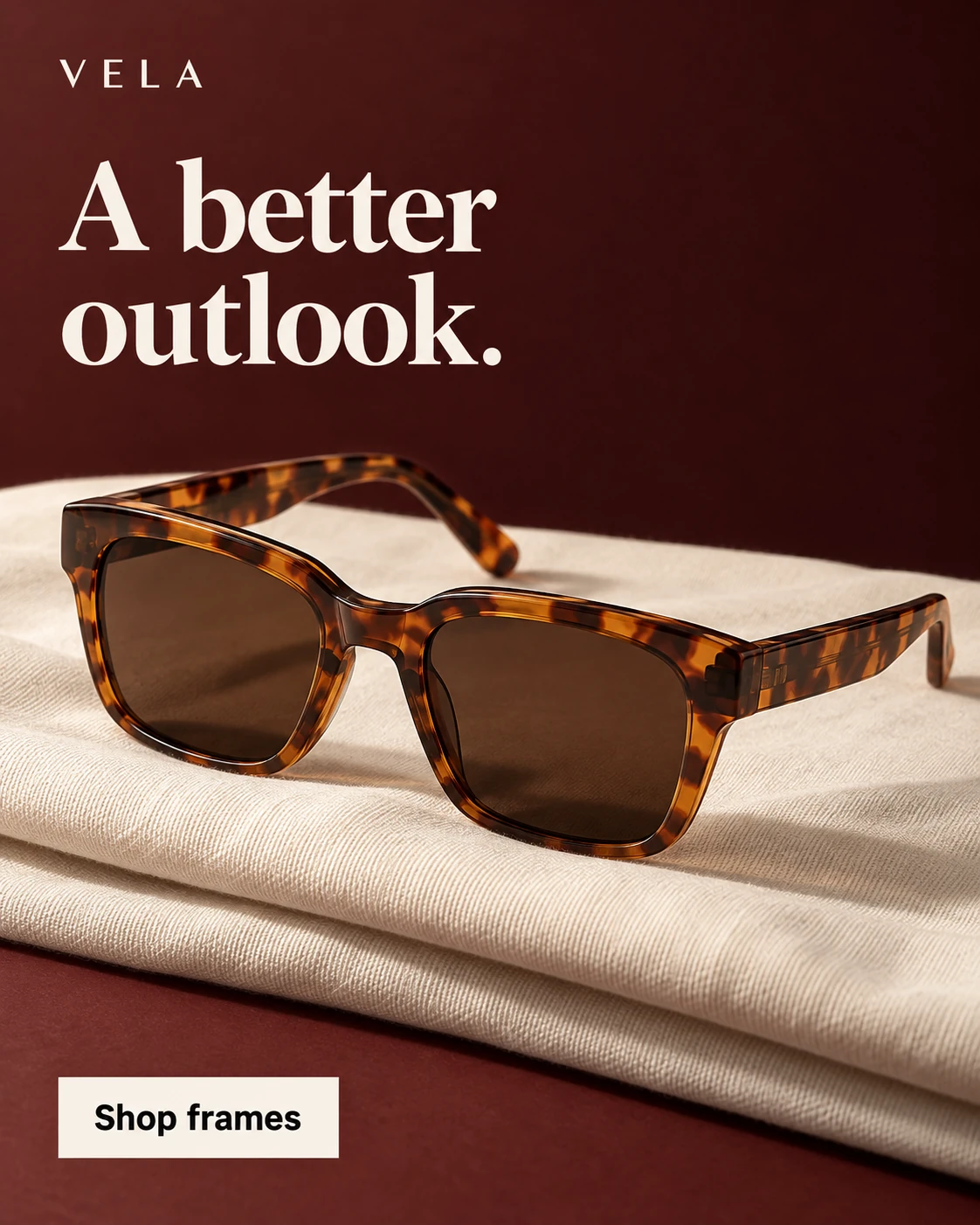
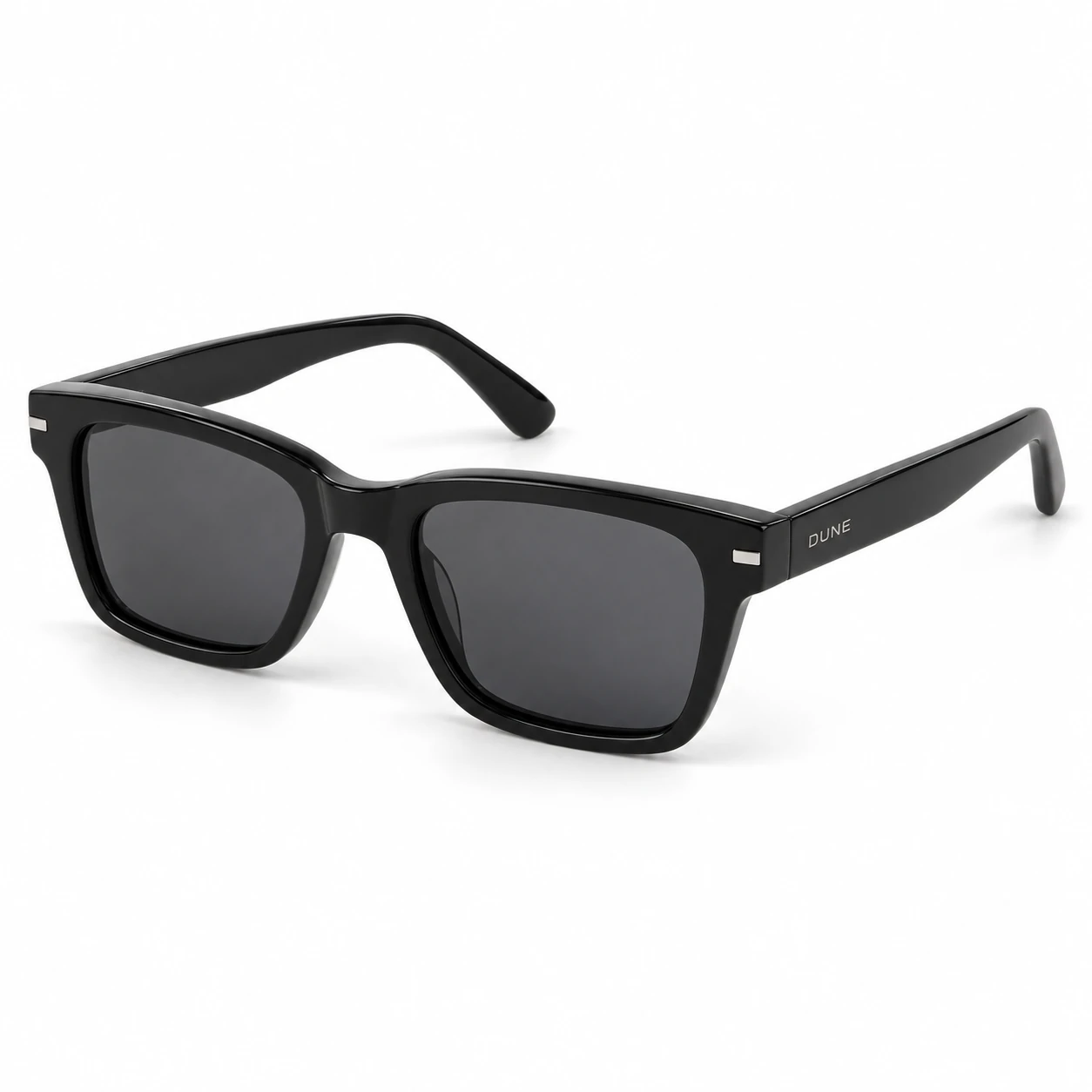 Step 1
Add your images
A reference you have permission to use, plus a clear product photo.
Creative brief
- Product
- DUNE black sunglasses
- Message
- Find your sunny side.
- Direction
- Oxblood editorial studio
Illustrative brief · Not an app screenshot
Step 2Choose your approach
Choose Exact Clone or Inspired by, then set your message.
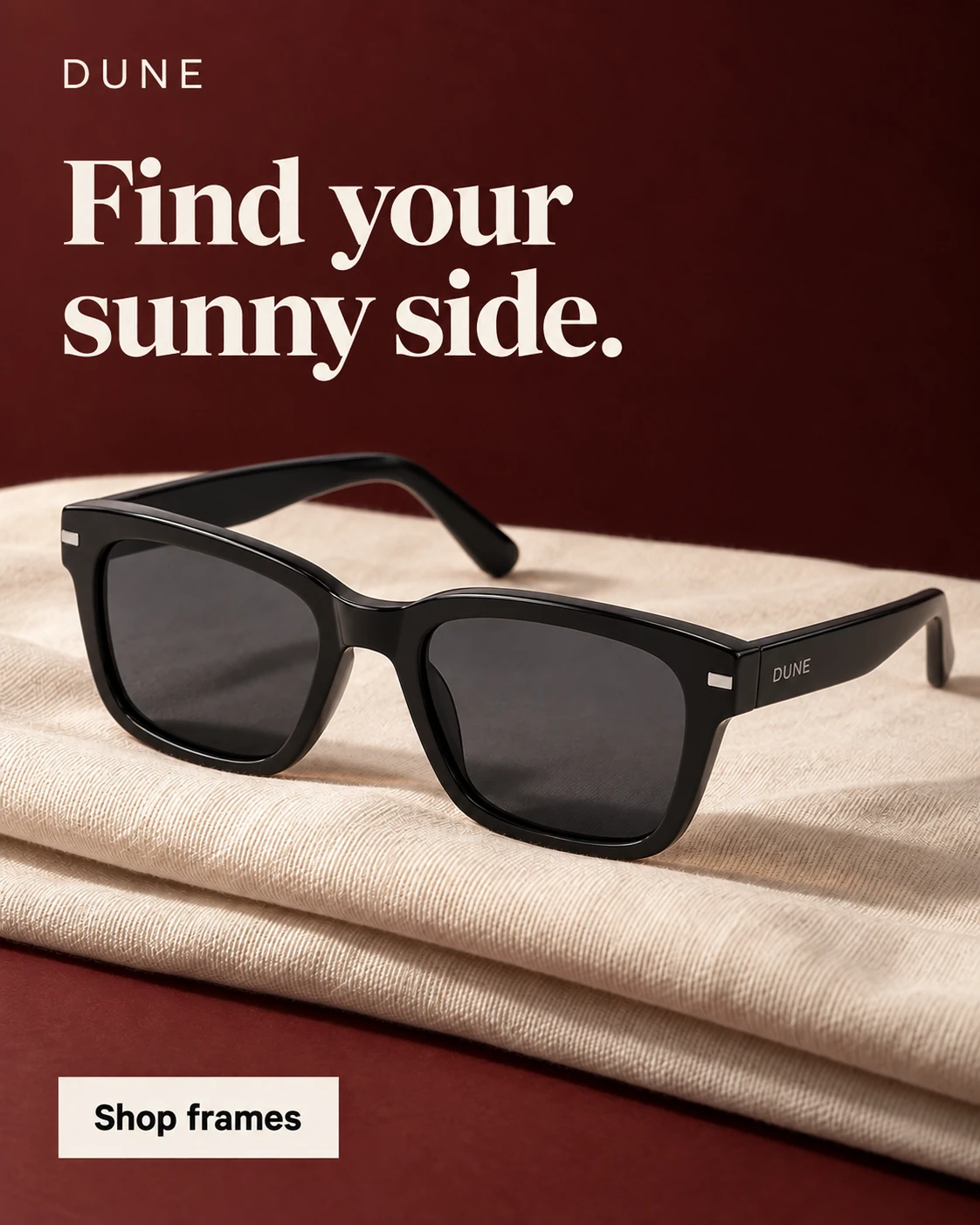 Step 3
Generate & review
Check the result, then download your chosen creative.
Before publishing.
Product details
Compare shape, color, packaging, and logos with your source.
Copy & claims
Verify every word, price, and offer applies to your product.
Placement & readability
Check the crop and read the ad at its intended display size.
The right tool for your next idea.
AI-generated ads
Create from a product photo and a style.
AI Ad Clone
Create from a reference ad and your product.
Magic Edit
Refine a selected area of a finished ad.
AI Ad Clone, explained.
What does AI Ad Clone do?
Ad Clone uses a reference ad as creative direction for a new image featuring your product. The reference supplies visual cues; your product and information supply the subject and message. It does not duplicate an advertising account or campaign.
What do I need to start?
Bring a reference image you are permitted to use, a clear product photo, and accurate product information. Choose what you want to communicate rather than carrying another brand’s claims or offers into your creative.
Will it reproduce the reference exactly?
The reference guides the visual direction, not a guaranteed pixel-for-pixel copy. Your product may have a different shape or packaging. Review the resulting product details, typography, and composition before using the image.
Can I use my own message?
Yes. Use your product information and the available copy controls to guide the message. Review any generated wording, and use only prices, offers, and claims that apply to your product.
Can I refine the image afterward?
You can create another direction or use Magic Edit for a selected-area revision. The output is an image, not an editable design file with separate layers.
What is the difference between Exact Clone and Inspired by?
Exact Clone uses the reference as a closer guide to the composition. Inspired by allows more interpretation of the visual direction. Available copy and output controls depend on the selected mode. Neither mode guarantees an identical layout or unchanged product details.
Does Ad Clone make video ads or publish campaigns?
This workflow creates image creatives. It does not generate video or automatically publish a campaign. Download and review the image for the advertising placement you intend to use.