
Magic Edit.
Your ad.
Refined.
Refine the headline, CTA, selling points, or a visual detail in a finished ad.
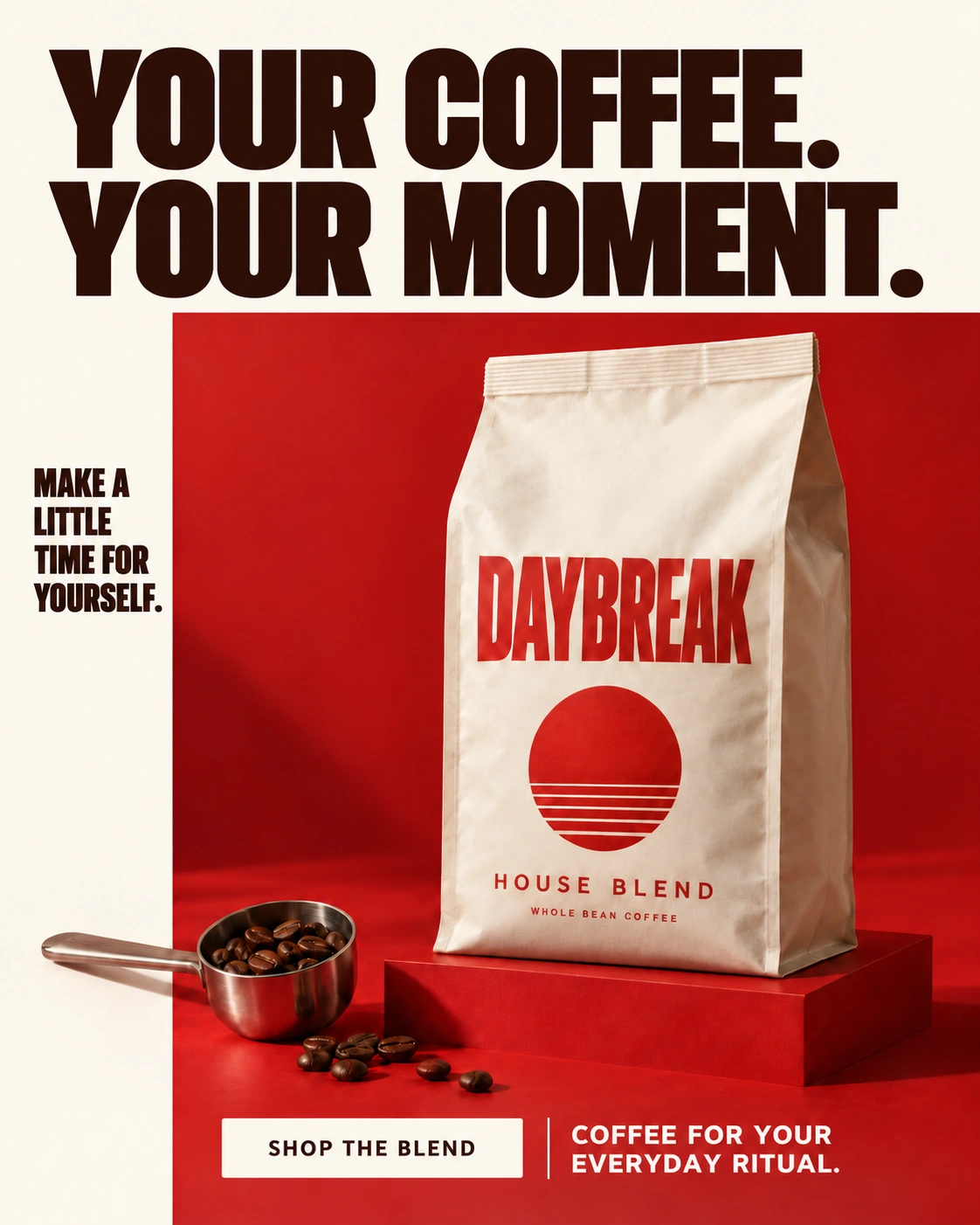
Select. Describe. Compare.
Try a headline change in this guided example.
116 / 1,000
Prepared example · Preview shows a fixed headline revision, not a live AI edit.
- 1
Select the headline
- 2
Describe the change
- 3
Compare the versions
A closer look at each edit.
Explore a headline, CTA, or object selection.
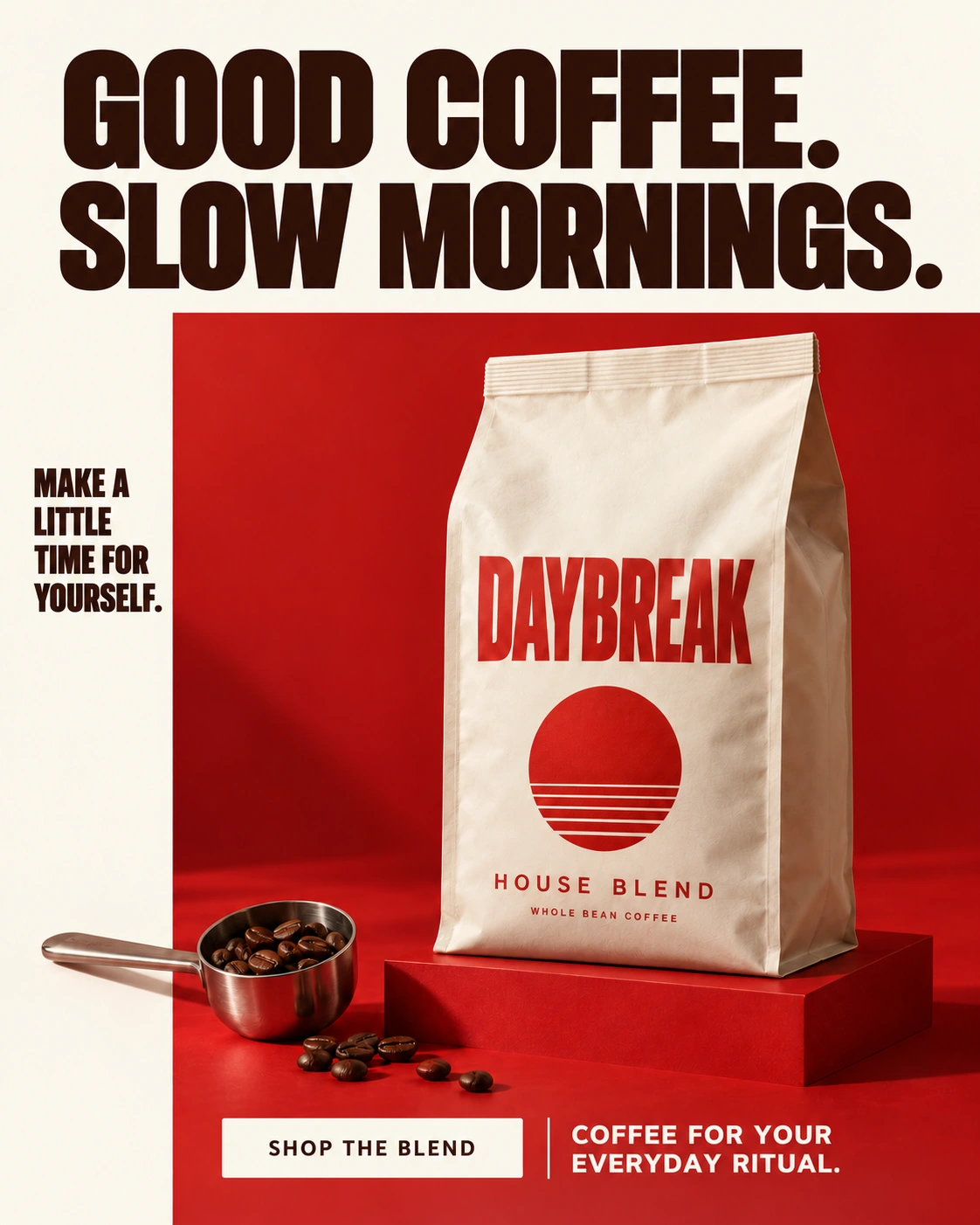
The headline
Prepared revisionReplace the headline with “YOUR COFFEE. YOUR MOMENT.” Keep the coffee bag, supporting copy, CTA, and overall layout.
The call to action
Proposed wordingReplace “SHOP THE BLEND” with “FIND YOUR BLEND”. Keep the button style, headline, coffee bag, and surrounding layout.
The coffee scoop
Selected objectRemove the selected coffee scoop and continue the existing surface in its place. Retain the product, headline, supporting copy, and CTA.
Before publishing.
AI may alter details outside your selection. Downloads are flattened images, without separate text or design layers.
Requested change
Check the wording, line breaks, and hierarchy against your request.
Product details
Compare shape, packaging, colors, logos, and labels with your source.
Final readability
Check spelling and read the ad at its intended display size.
The right tool for your next idea.

AI-generated ads
Create from a product photo and a style.

AI Ad Clone
Create from a reference ad and your product.
Magic Edit
Refine a selected area of a finished ad.
Magic Edit, explained.
What is Magic Edit?
Magic Edit is an AI ad-editing workflow for refining a finished image ad. Start with your existing creative, select the headline, CTA, or visual area that needs attention, and describe the revision. Review the updated ad against its source before downloading it.
Can I edit an ad I have already created?
Yes. Start with a saved ad creative from your product workspace, or upload an existing ad image you have the right to use. Select the part that needs a revision and describe the change. This lets you refine a finished ad rather than begin a new creative direction.
How should I describe an edit?
Select the part of the ad to revise, then give a specific instruction. For a headline, quote the exact new wording and state what should remain, such as the product, offer, CTA, and layout. Keep the instruction within 1,000 characters and review text accuracy in the new version.
What do I need to generate an edit?
Use a saved ad image, a nonempty selection, and an instruction of up to 1,000 characters. Generation also requires an eligible paid plan and available image generation in your workspace. The interactive example on this page illustrates a prepared headline revision; it does not submit an AI request.
Can I edit individual text layers?
Magic Edit produces a flattened image, not a layered design file. You can request a wording change, but text, labels, and other details still need a careful visual review in the generated result.
Will every other detail remain unchanged?
AI editing can alter details beyond the intended change. State what you want to preserve, then compare the product, labels, headline, and layout with your source before downloading.