Skip to content
AdVariq

AI-generated ads.
Made for your brand.

Bring a product photo. Turn it into image ads with a fresh setting, a clear message, and a style that feels like your brand.

Static ads & product images. Your next creative starts here.

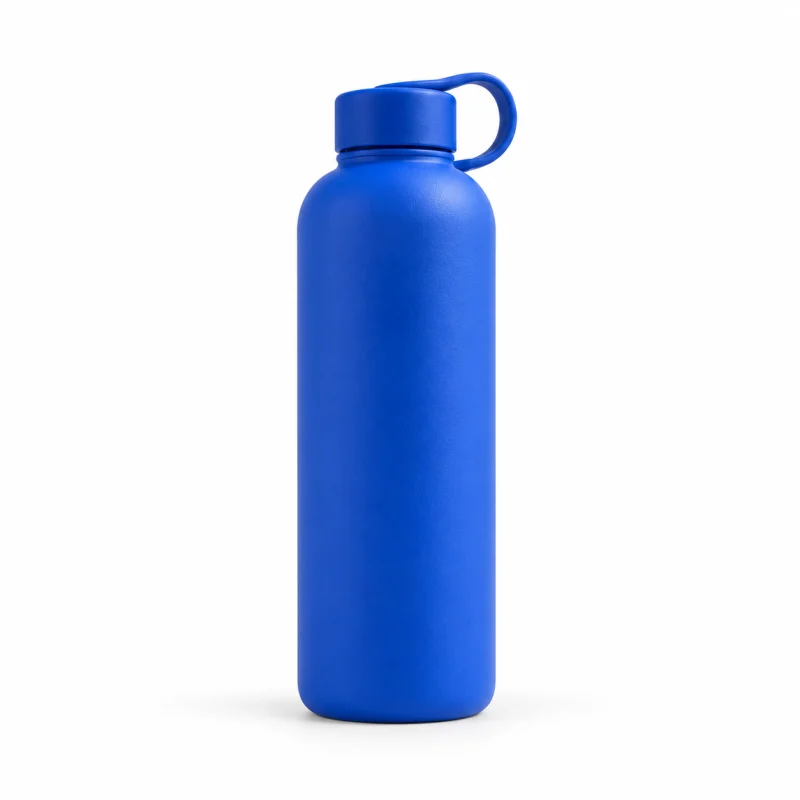
Original product photo of a cobalt-blue bottle
Product photo
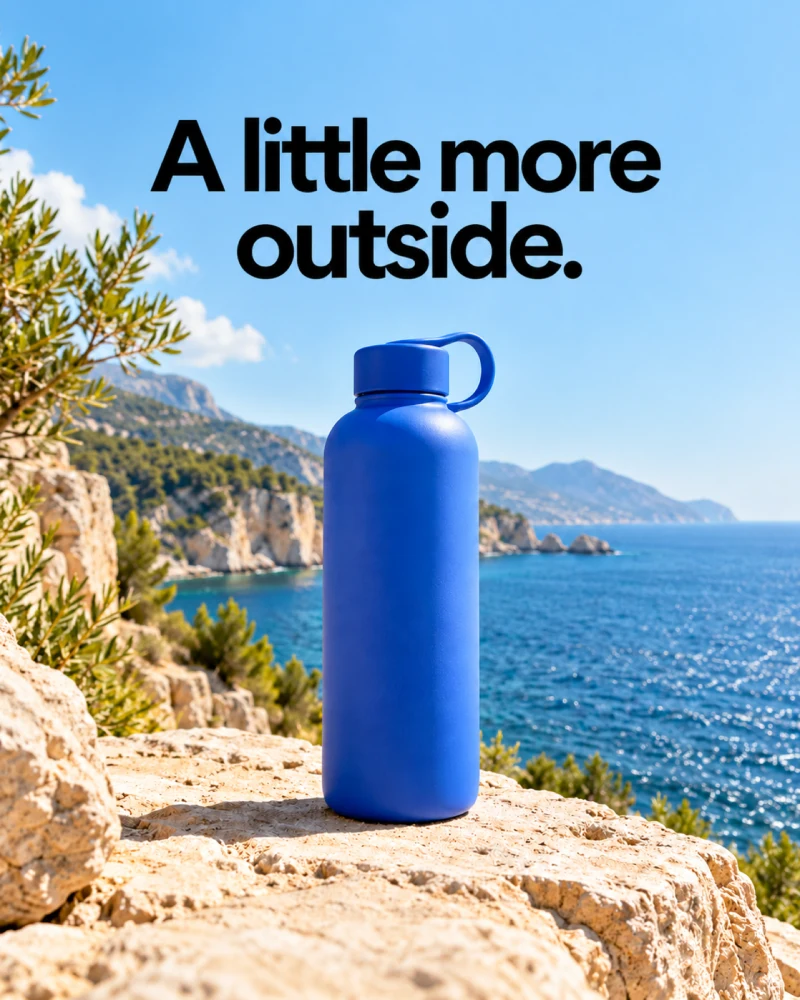
AI-generated lifestyle concept ad showing a cobalt-blue bottle beside the sea with the headline A little more outside.
Scenic
Preview a creative direction

Different styles.
Different ways to tell the story.

A product launch, a personal invitation, a moment of everyday life. Choose a visual direction around what you want your audience to notice.

4:5 Feed artwork · 1440 × 1800 PNG

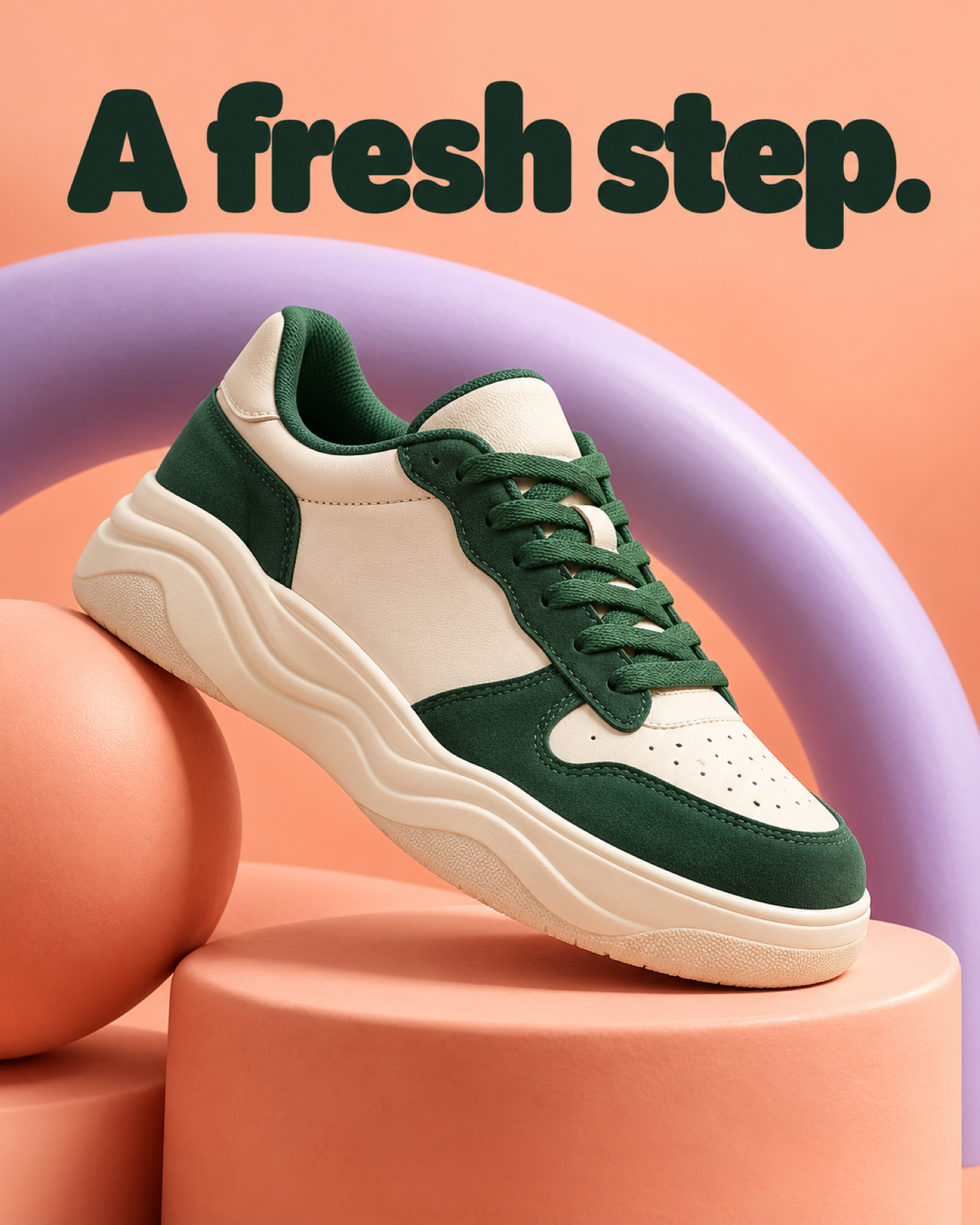
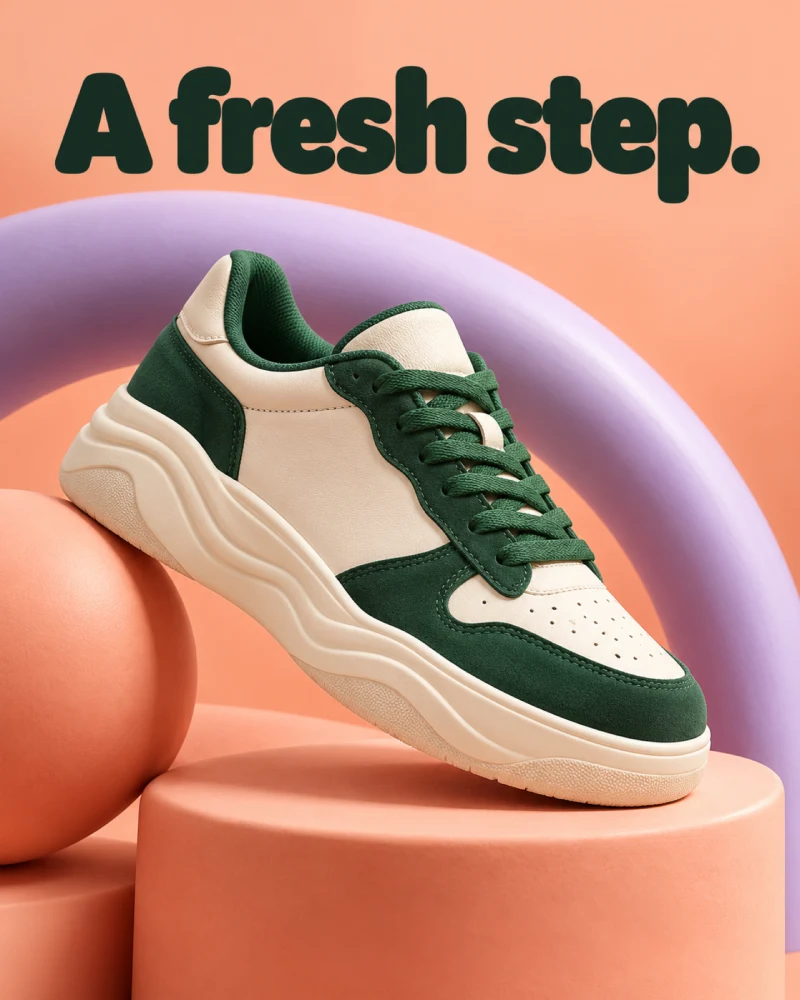
Cream and forest-green sneaker framed by a lavender arc on coral, with the headline A fresh step.

Playful & Friendly

PNG

Give a product introduction an energetic visual identity. Curved forms frame the sneaker while the green panels and laces remain distinct from the peach background.

How to explore this direction

The product stays photographic; the surrounding geometry supplies the personality. A single short headline leaves the shape and color of the shoe room to lead.

Creative brief

Frame the sneaker with a sweeping lavender arc on peach. Keep the shoe complete. Use the headline “A fresh step.” and no supporting copy.

What to try next

Keep the product and message fixed, then explore a different background or arc placement to compare the composition.
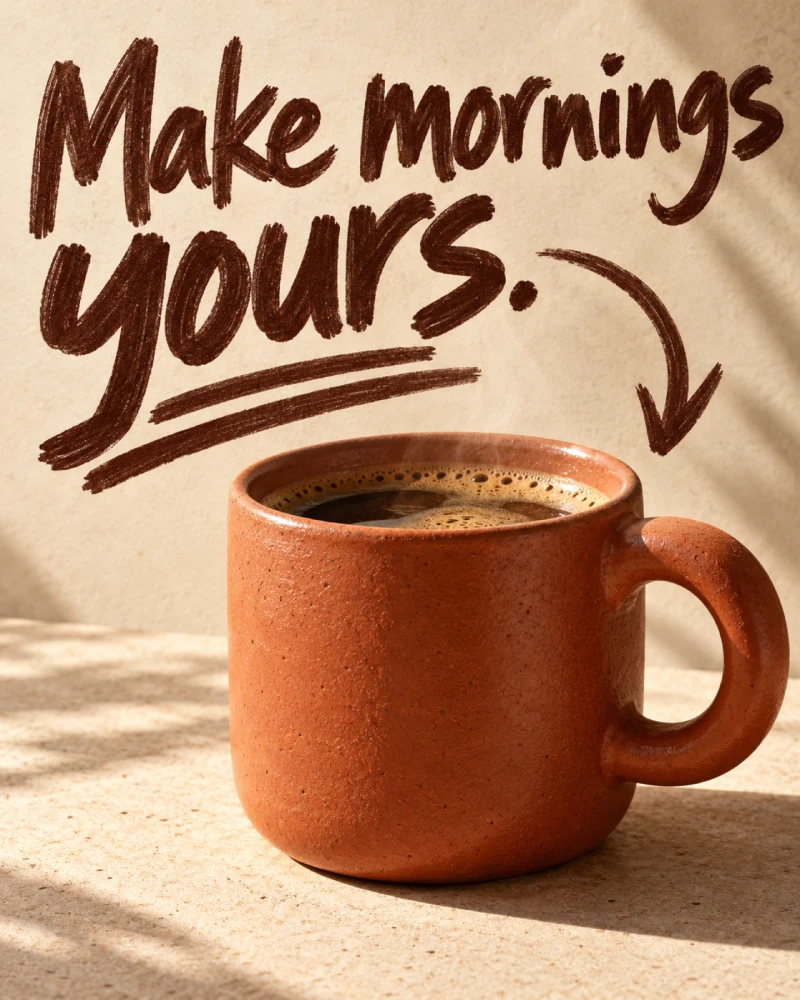
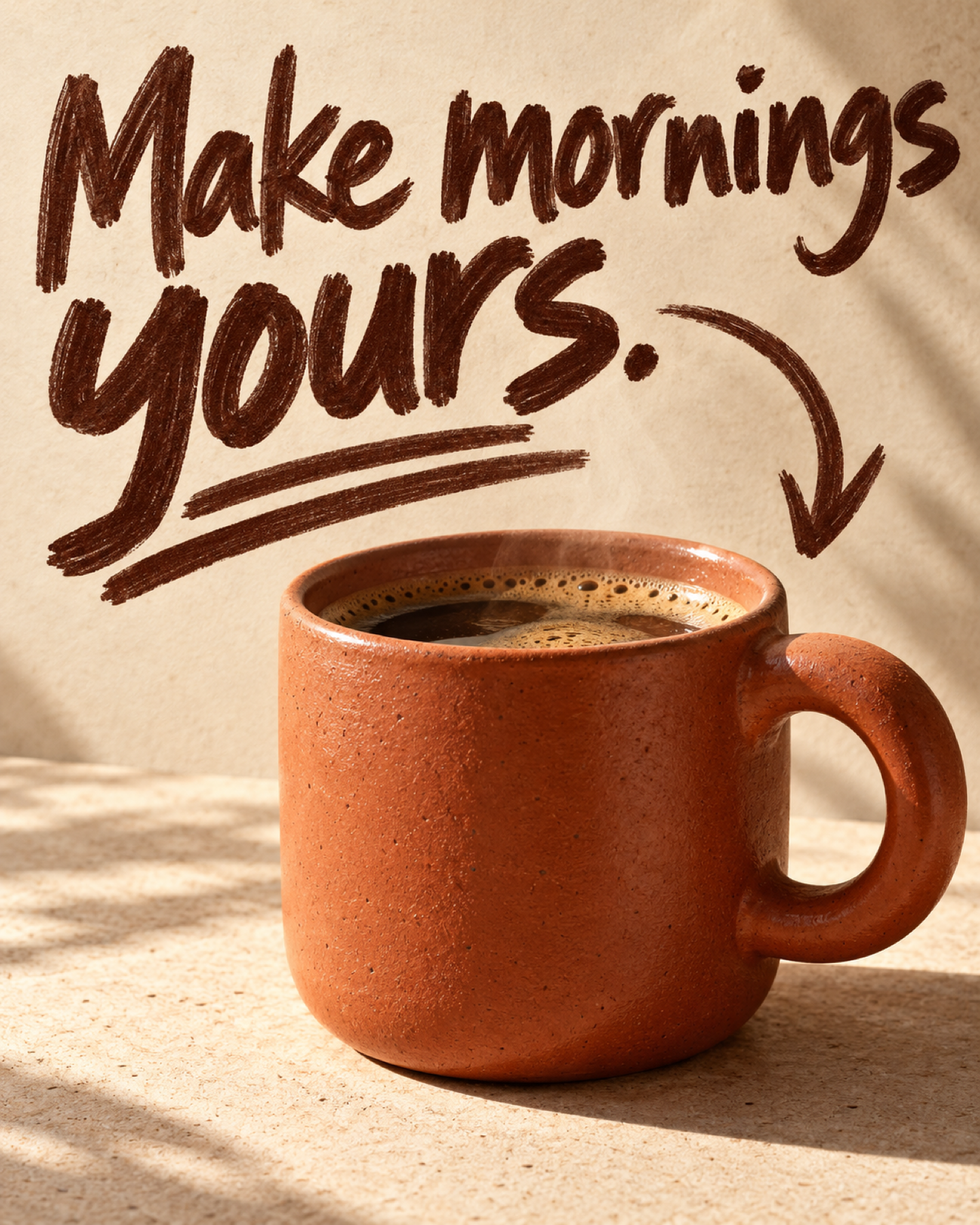
Photographic terracotta coffee mug with bold hand-lettered Make mornings yours headline and purposeful marker accents.

Rough Marker Sketch

PNG

Make an everyday product feel personal and approachable. Broad marker lettering turns the morning-coffee invitation into the main message, with the ceramic mug as its photographic anchor.

How to explore this direction

The handmade marks guide the eye; they do not replace the product with an illustration. The warm palette connects the headline and mug, keeping the reading path simple.

Creative brief

Keep the mug photographic. Use broad dark marker lettering for “Make mornings yours.” Add a purposeful underline; leave out extra text.

What to try next

Try a new headline with the same mug and layout. Check that every word still reads comfortably at feed size.

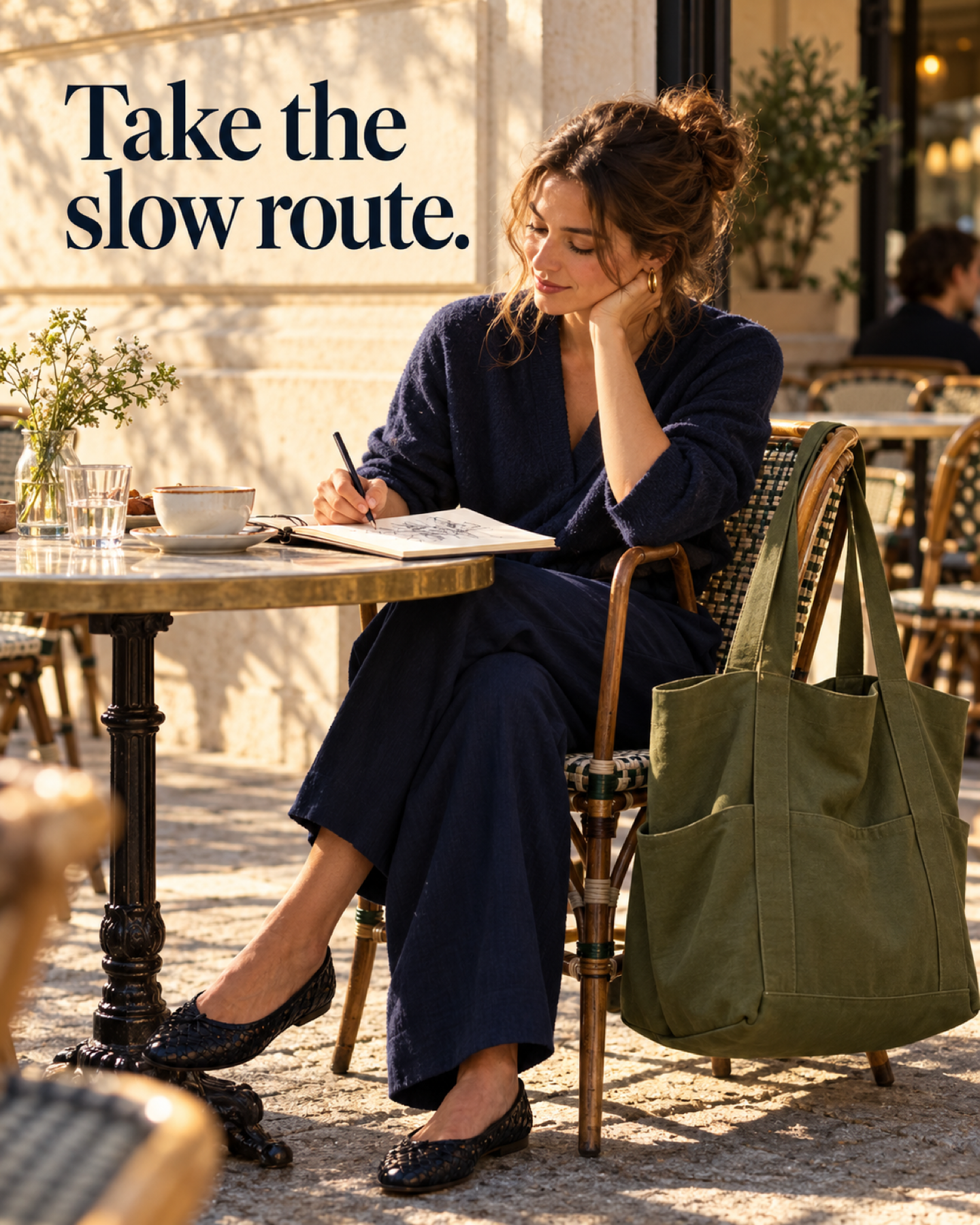
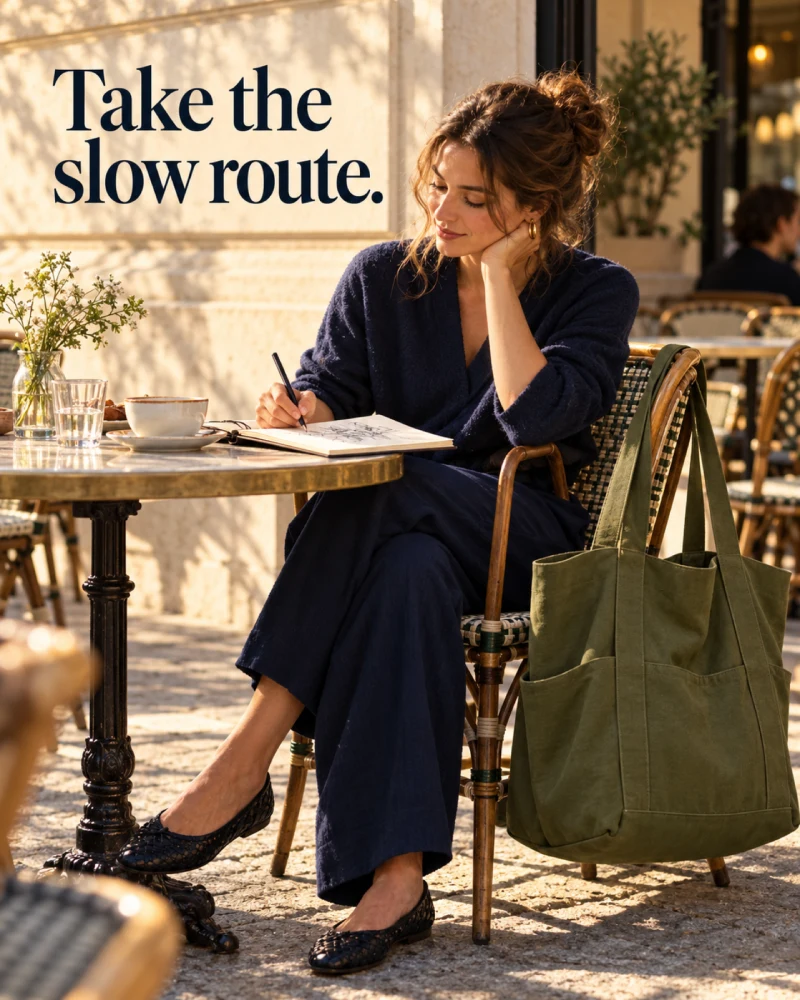
Woman sketching at a sunny pavement cafe with an olive-green tote on her chair, headlined Take the slow route.

Lifestyle Story

PNG

Introduce a product through a moment someone can imagine. The café scene centers on an unhurried activity, while the tote belongs naturally beside the person rather than being held up for the camera.

How to explore this direction

The setting gives the invitation context. Keep the bag identifiable through clear straps, natural contact, and believable scale. The product becomes part of the moment rather than competing with it.

Creative brief

Show a quiet café sketching moment. Keep the olive tote visible beside the person. Add the headline “Take the slow route.”

What to try next

Explore another everyday setting while retaining the product identity and message. Judge the story and product visibility separately.

Built for the feed.
Designed to be noticed.

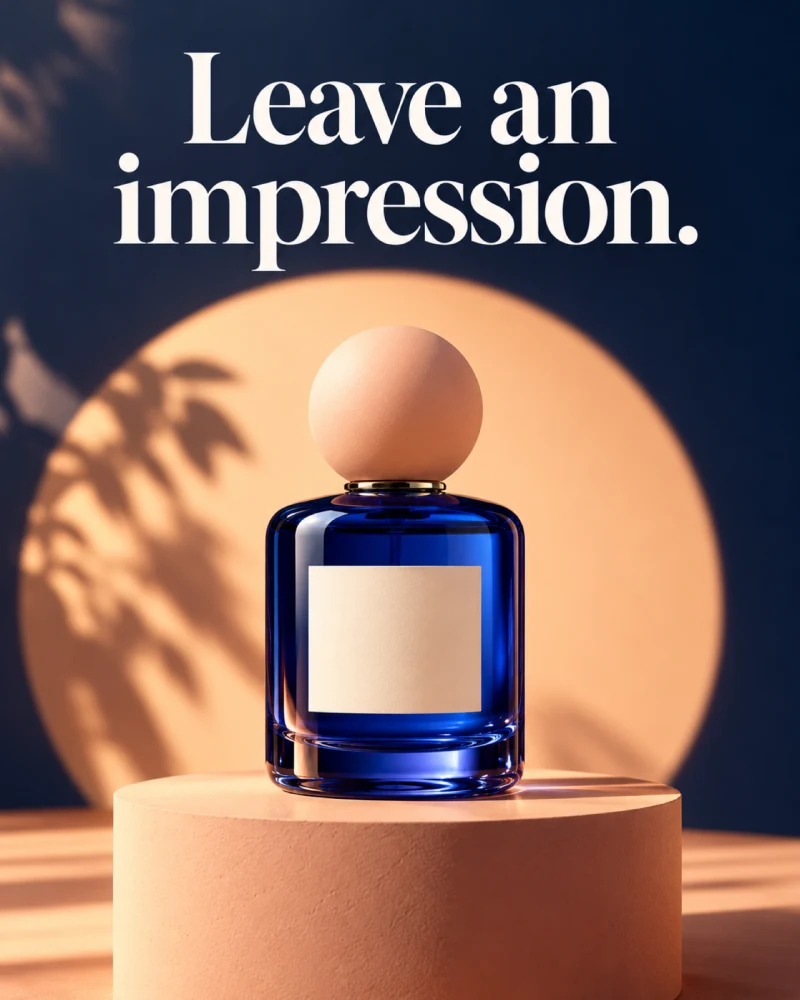
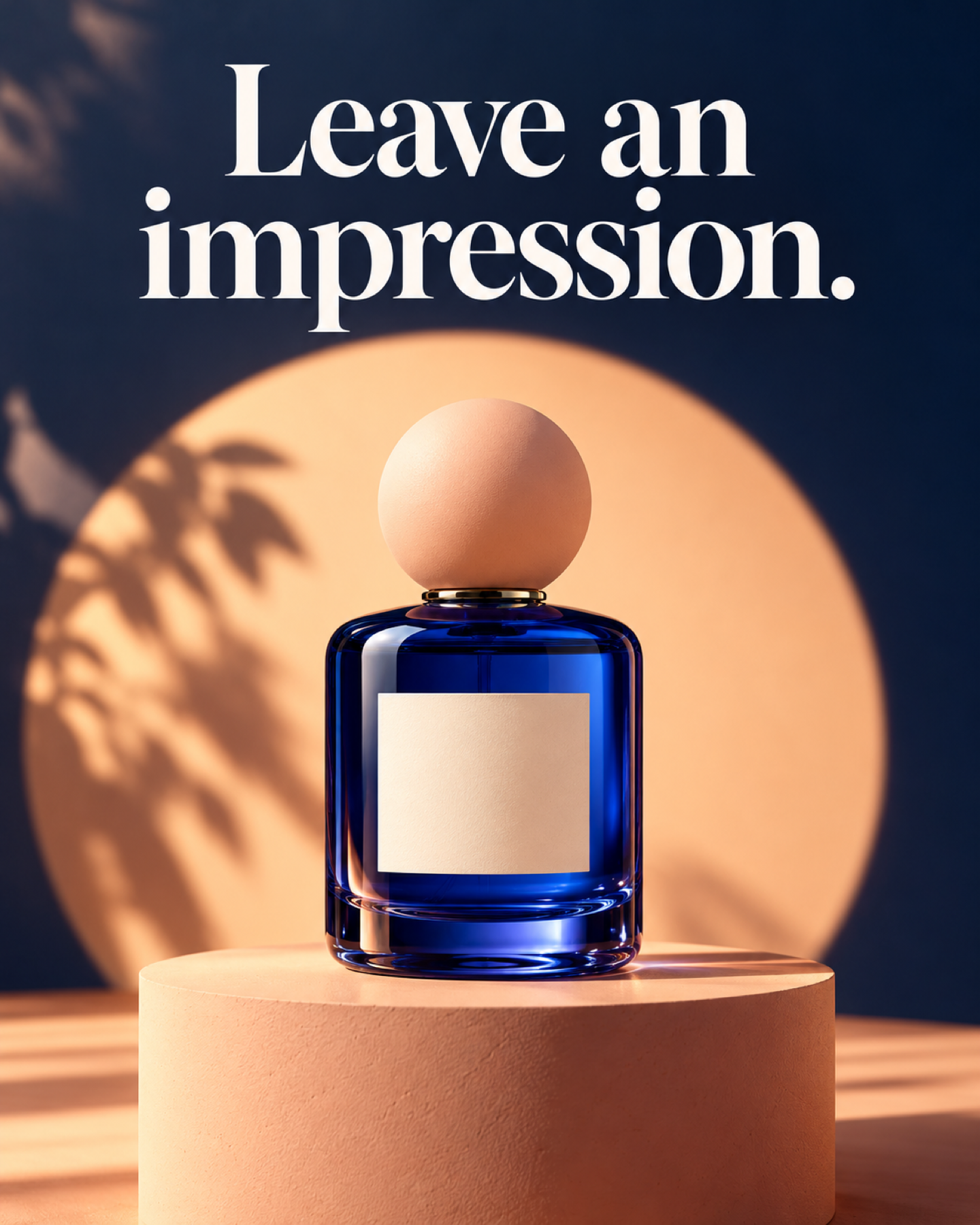
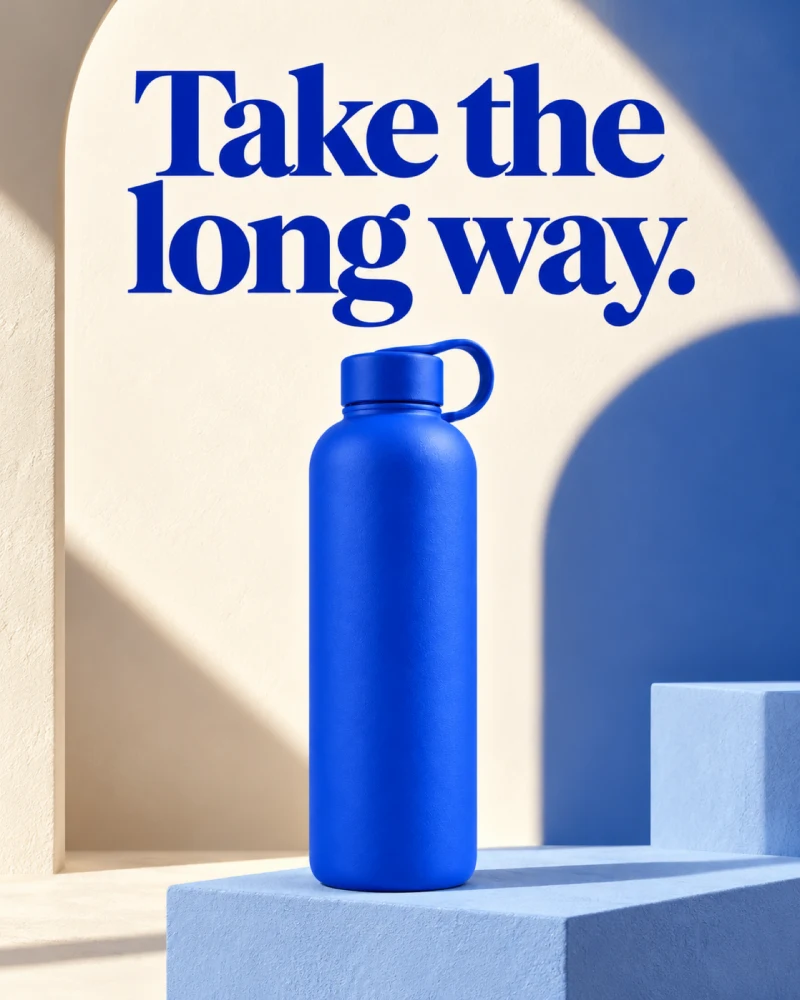
In this Product Hero direction, the peach pedestal separates the cobalt bottle from a midnight-blue backdrop. The headline has its own uninterrupted reading space, while the whole bottle remains visible.

Feed creative
4:5 portrait

Use the vertical space to organize a reading path: headline first, then the bottle and its silhouette. Export a complete image for the intended Feed placement.

More placements
Adapt the composition

Choose square or vertical formats for your intended placement. Rebalance the product and text for each format instead of relying on an automatic crop.

Explore static ad formats
Cobalt perfume bottle on a peach pedestal against a midnight-blue wall, with a large Leave an impression headline

Product Hero · Shape, light, and a clear invitation.

Download PNG

From a photo
to your next campaign creative.

Create image ads and styled product images from a photo. Choose a direction, then refine.

  1. 1

    Bring your product.

    Upload a photo or import a product URL. Add the details that make it yours.

    What makes a useful product photo?

    Use a sharp, well-lit image with the whole product visible. Additional angles can clarify shape, packaging, and labels. Check imported product information before creating.

  2. 2

    Give it a direction.

    Choose a style, a format, and one message. A few clear details are enough to start.

    A simple creative brief

    Product
    Blue bottle, fully visible
    Setting
    Warm studio, bold contrast
    Message
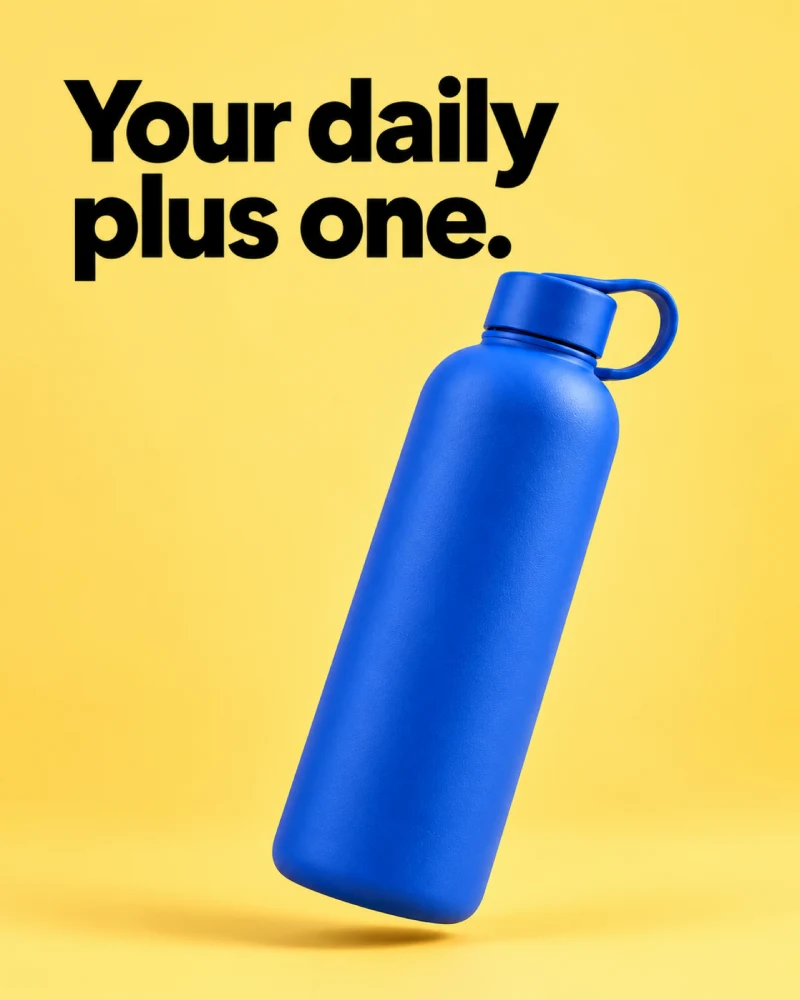
    “Your daily plus one.”
  3. 3

    Generate, refine, and download.

    Generate your image, describe changes with Magic Edit, and download the version you choose.

    Check product details and text at ad size.

    Start creating

Give each variation
a question to answer.

Try one creative change at a time, so you know what you are comparing.

  1. Keep the foundation.

    Same product, offer, and audience.

  2. Change one choice.

    The headline, setting, or style.

  3. Compare the response.

    Measure against your goal in your ad platform.

Before you launch

Review claims, readable text, and the destination page. Creative is one part of a campaign: audience, offer, delivery, and test conditions also affect the result. Changing one creative choice helps define a comparison; it does not by itself establish a controlled experiment.

A few good questions.

Formats, credits, and what comes next.

What are AI-generated ads?

AI-generated ads use artificial intelligence to create some or all of the creative, such as images, copy, or video. AdVariq currently creates static ad images and styled product images from your product photos and information. Generating creative does not automatically publish or run an advertising campaign.

Can I create video or avatar ads here?

This AdVariq workflow currently creates images. Video and avatar generation are not available in this workflow. You can make static ad creatives in different image formats, then download them for your campaign.

Can I create AI-generated ads for free?

New users receive a one-time allowance of 3 credits after email verification or Google signup, with no credit card required. Each generated image uses 1 credit. Creating another version uses credits too. Paid plans and additional credit packs are available; see Pricing for current terms.

Can I change an ad after generating it?

You can describe a change with Magic Edit or generate another version. Results are flattened image files, not editable design layers. Review labels, logos, product details, and text before using an image.

Do AI-generated ads perform better?

The generation method alone does not establish advertising performance. Audience, offer, placement, and creative all matter. Compare creatives in your own campaign before drawing conclusions.

What do I need to make my own ads?

Start with a clear photo you have the right to use, accurate product details, and the message or offer you want to communicate. Review AI-generated advertising for product accuracy, readable text, supported claims, and the rules of your intended advertising platform before publishing.

Explore all FAQs

Your product has
more than one story.

Give your next ad a new direction.