
AI Ad Clone.
An idea you love.
Made your own.
Turn a reference ad into a new creative with your product and message.
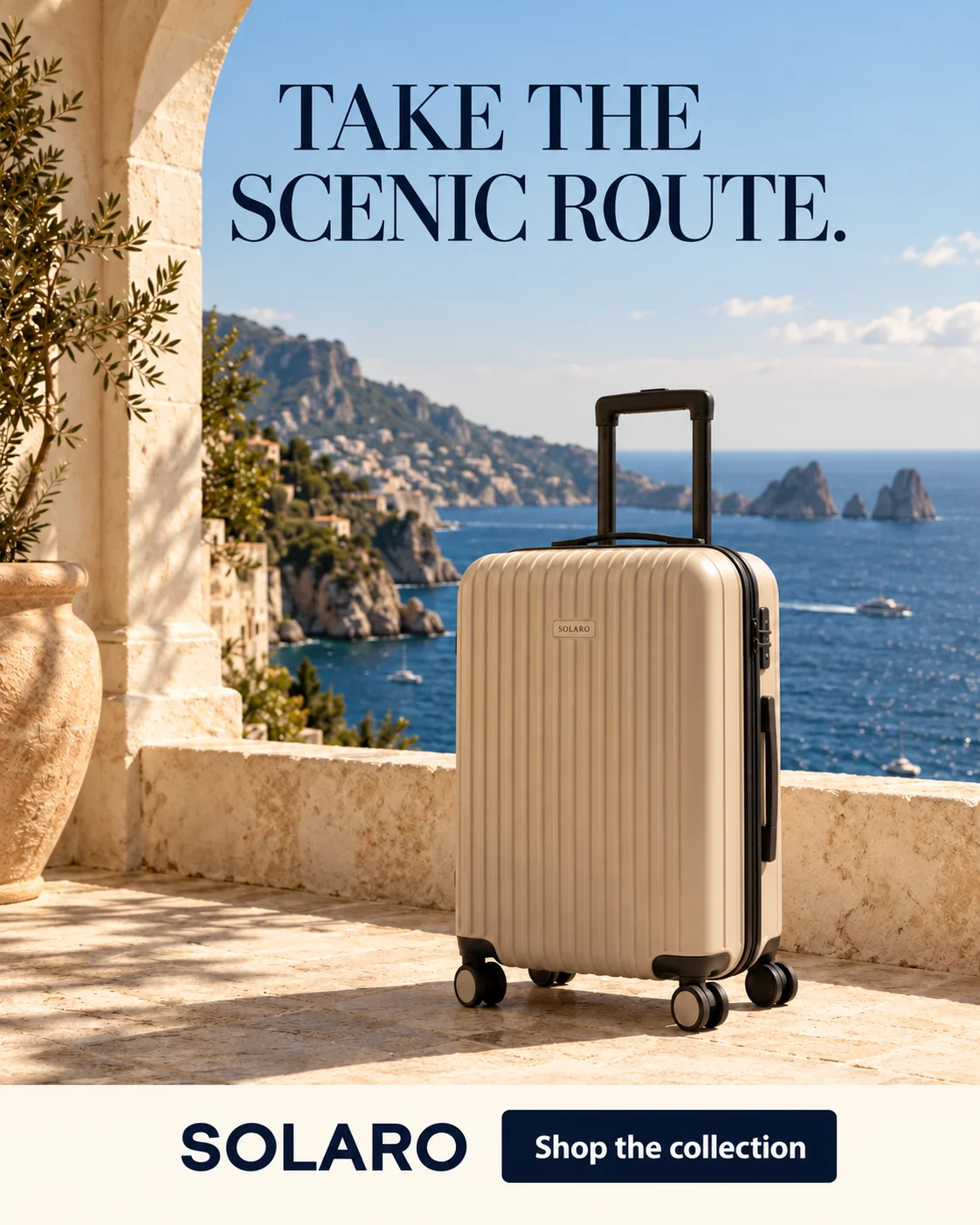
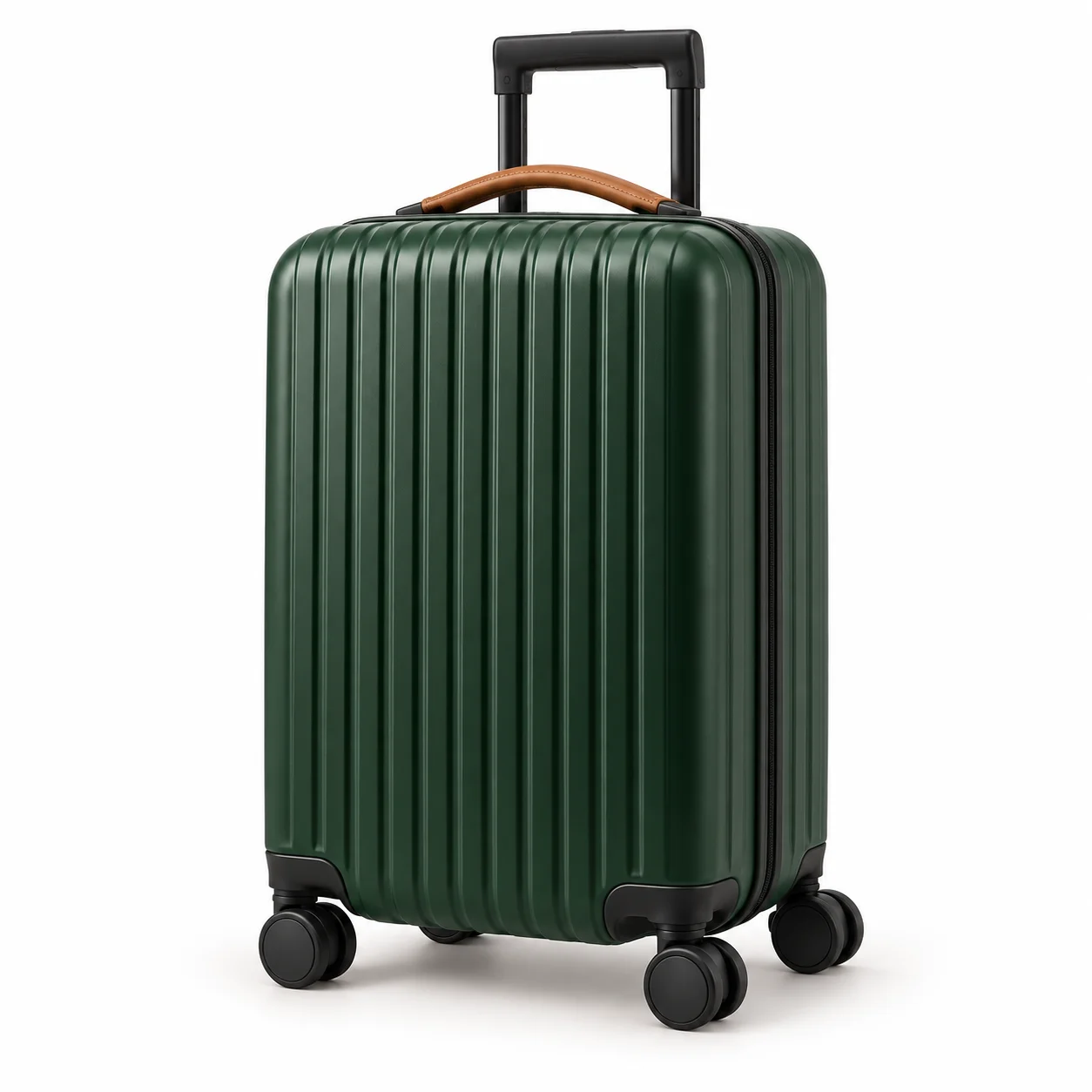
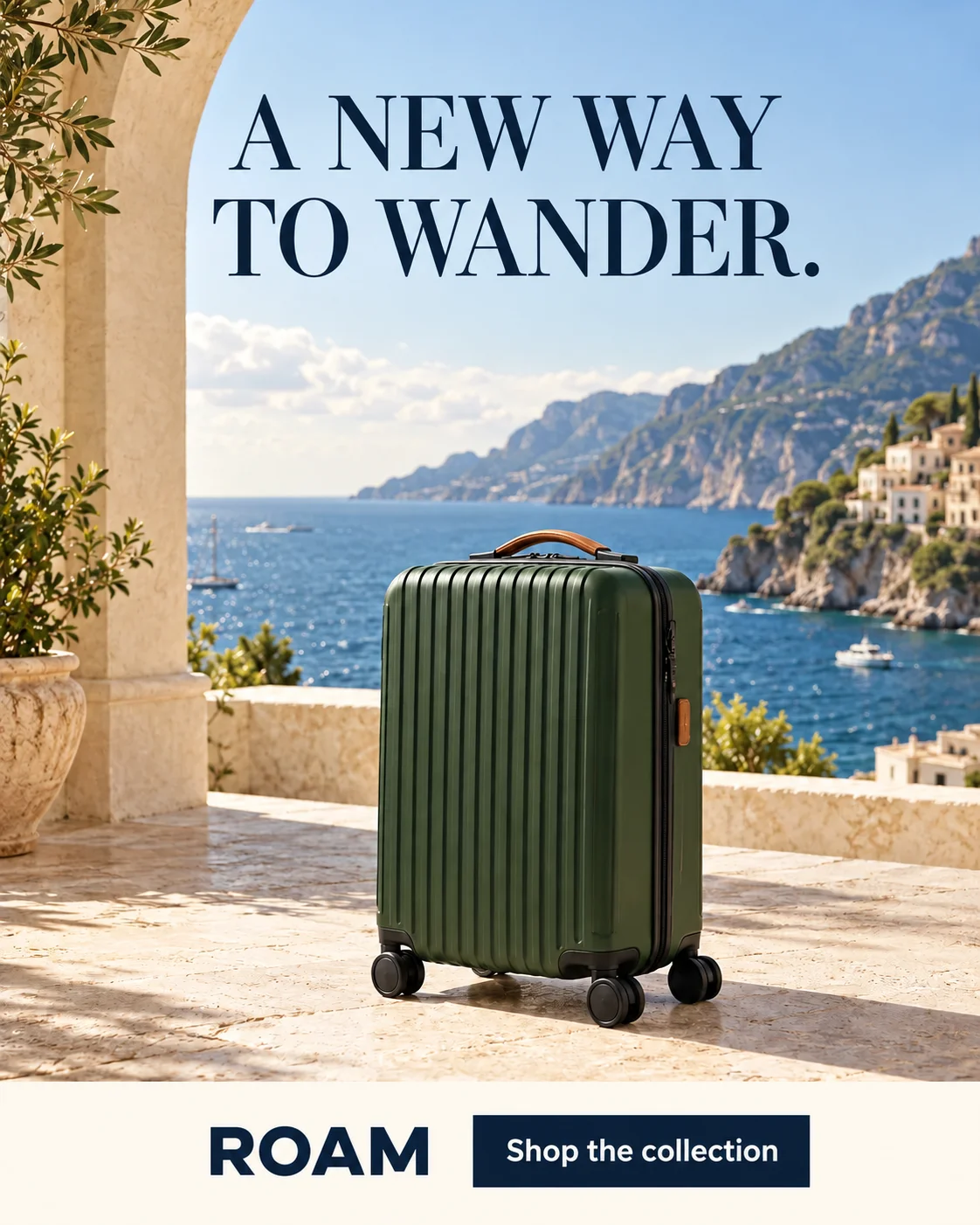
Illustrative example · New product and headline
Make the reference your own.
Explore what makes it work, then choose how closely to follow.
Leave room for your message.
Product below. Headline above. A clear focal point with space to read.
Carry over the mood.
Coastal light and warm stone set the scene. Choose a setting that fits your product.
Make the message yours.
A new product, a new headline. Use your own facts, benefits, and brand voice.
One reference. Two approaches.
Follow the composition more closely, or explore a fresh direction.
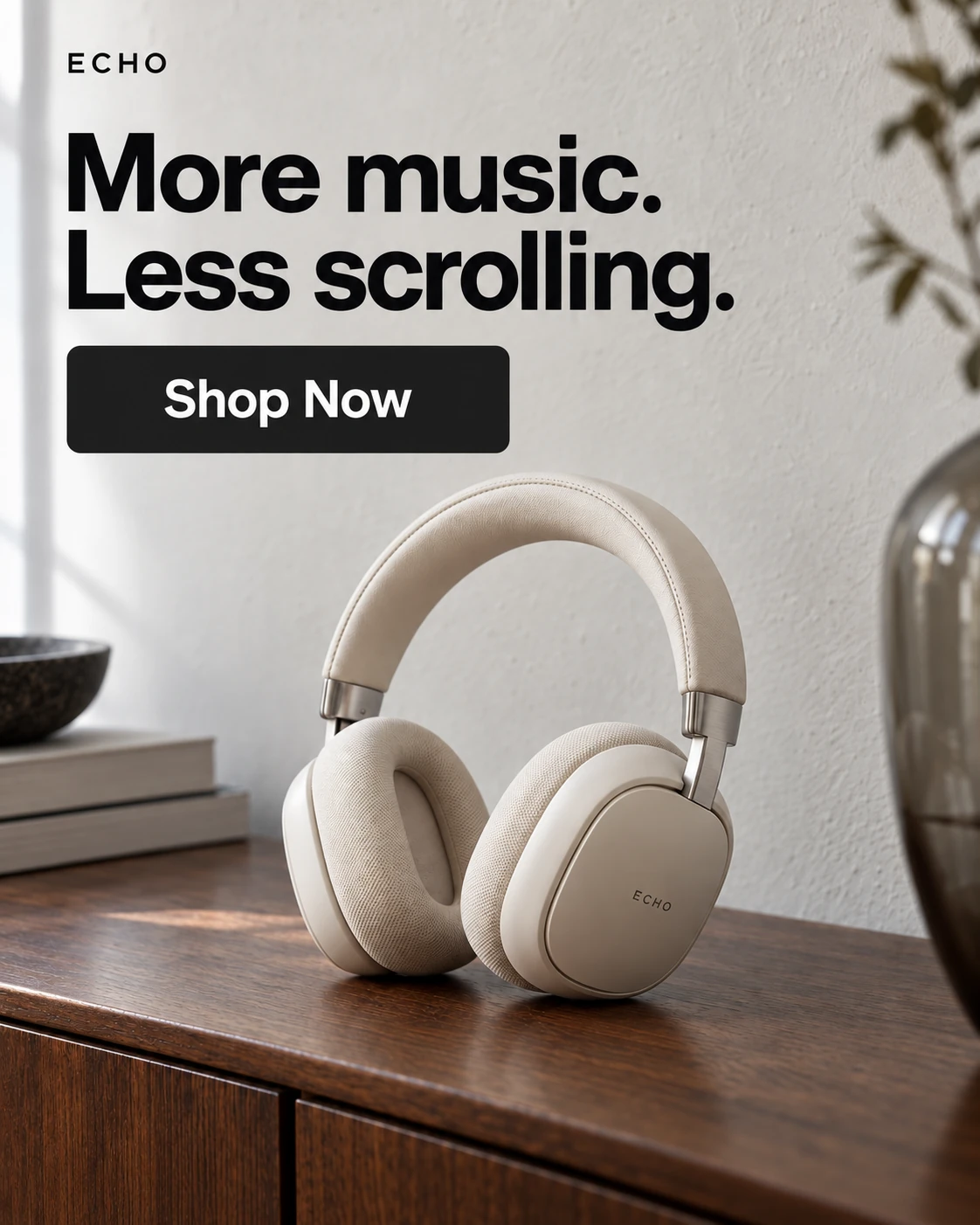
Shared reference
Natural light & walnut tones
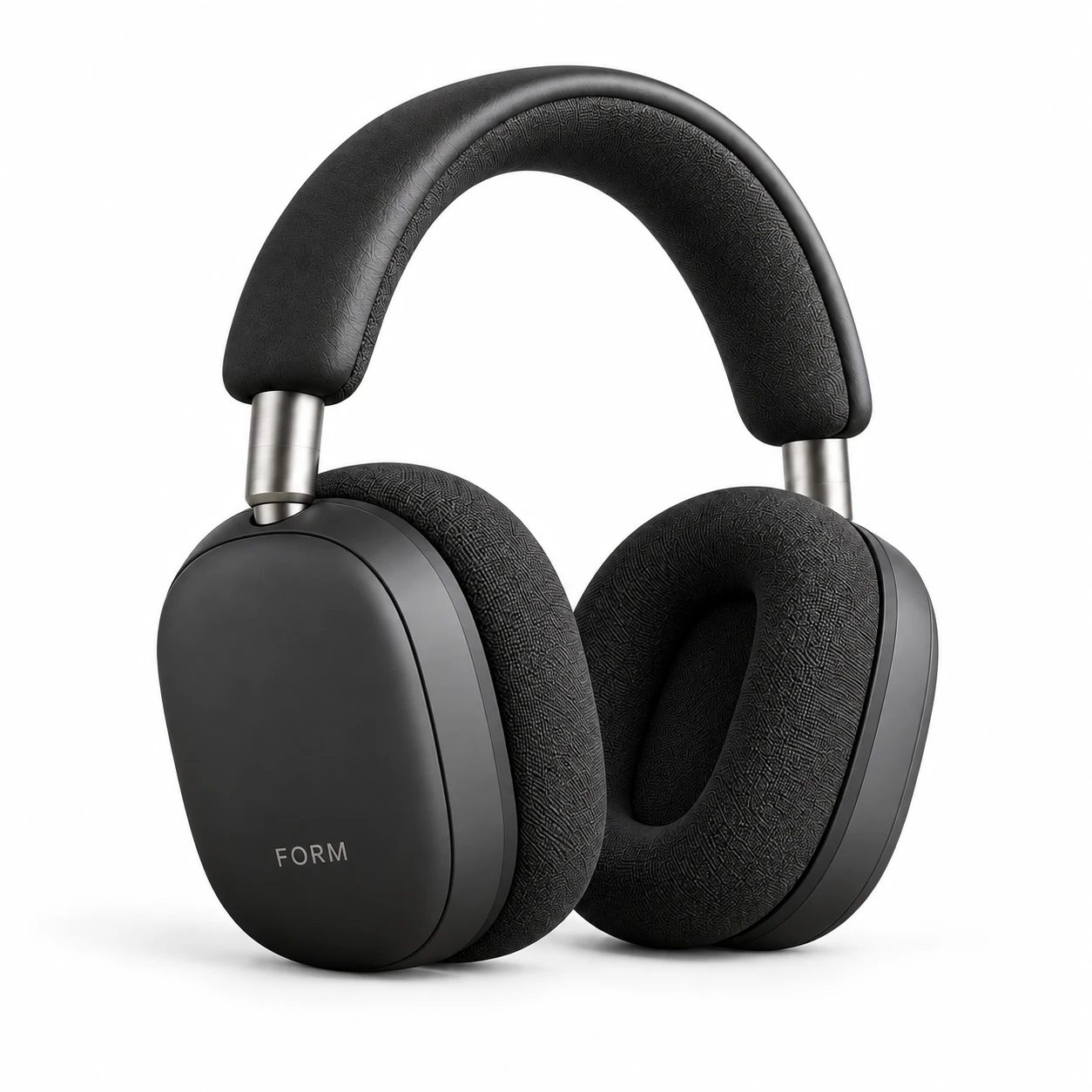
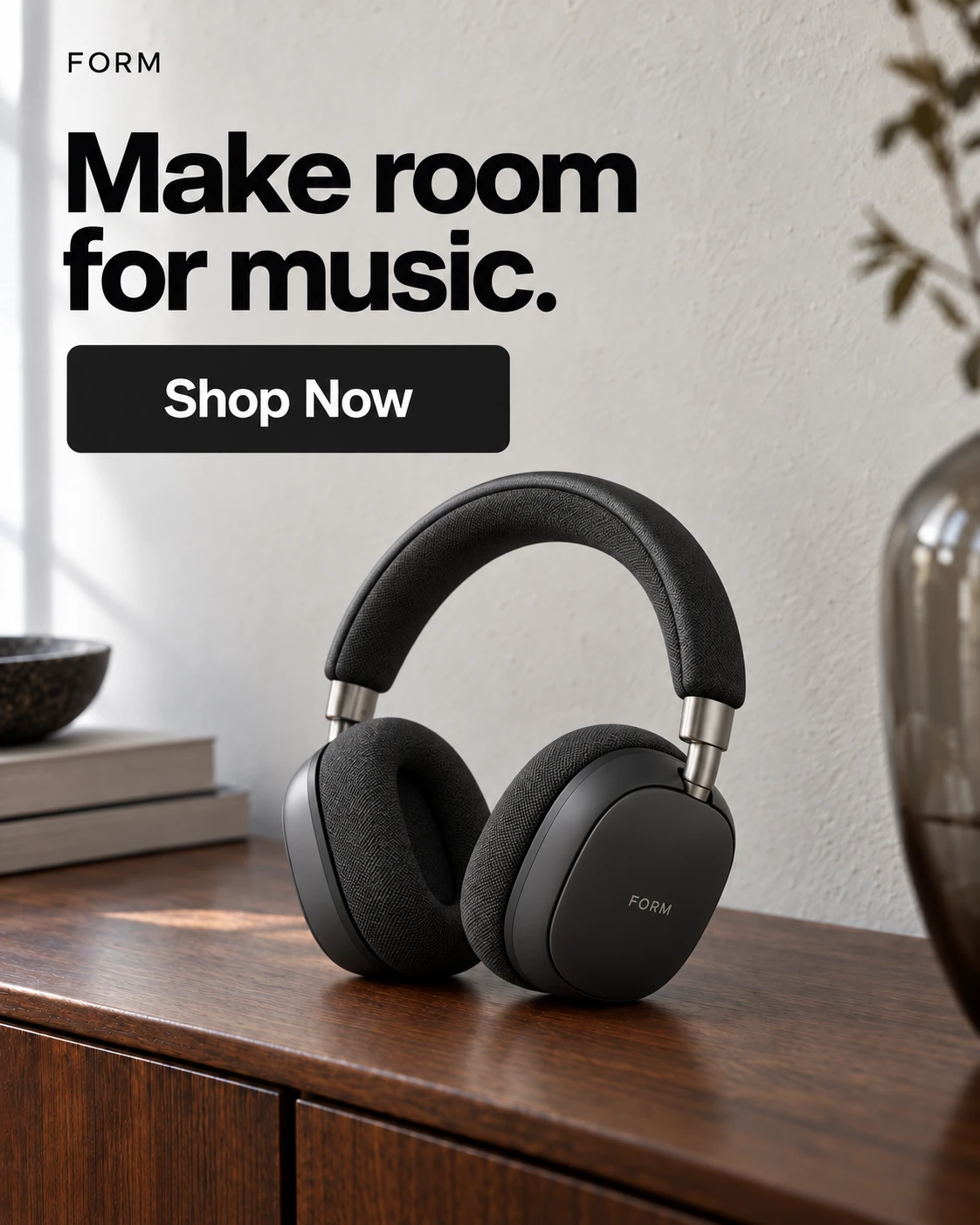
Exact Clone
Layout-ledFollow the reference more closely.
- Layout: Use the reference framing and visual zones.
- Copy: Reference, AI Write, Custom, or Hide for each text field.
- Brand: Use your logo or remove reference marks.
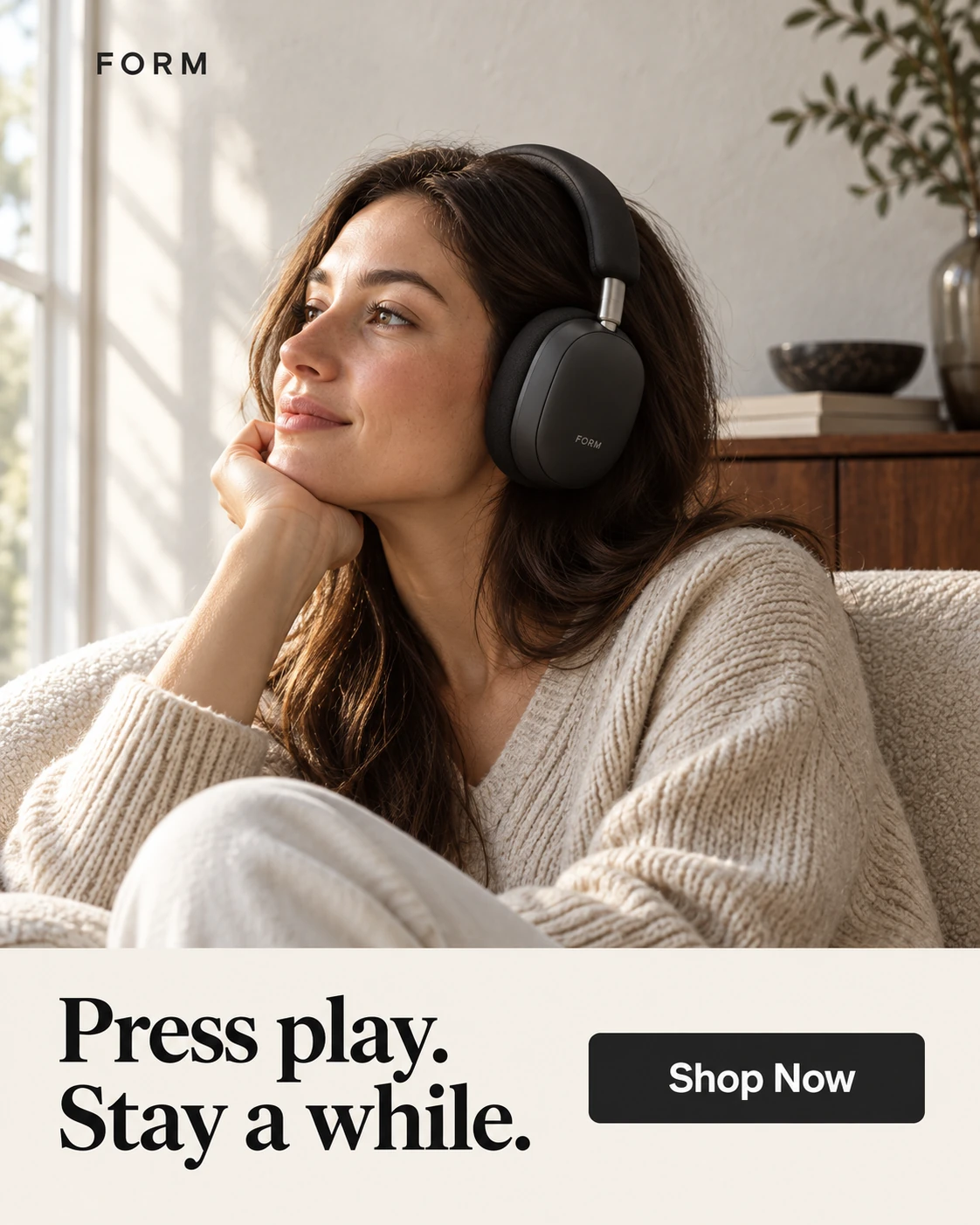
Inspired by
Mood-ledTake the mood in a new direction.
- Layout: Reinterpret the scene and product placement.
- Copy: AI text guided by your audience and brief.
- Product fit: Explore different proportions and directions.
Neither mode guarantees an exact copy. Review the result before use.
Explore Ad Clone in AdVariqFrom reference to creative.
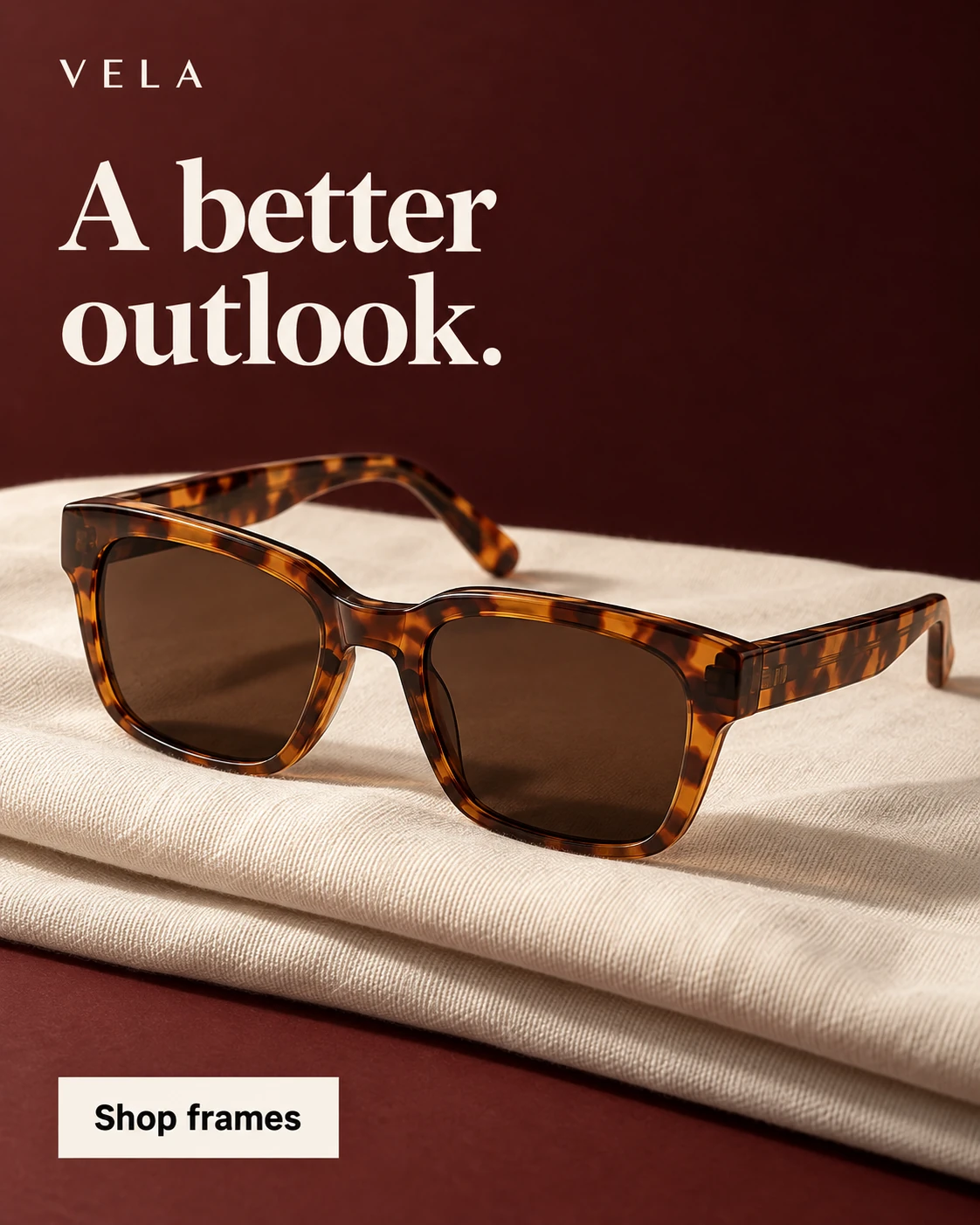
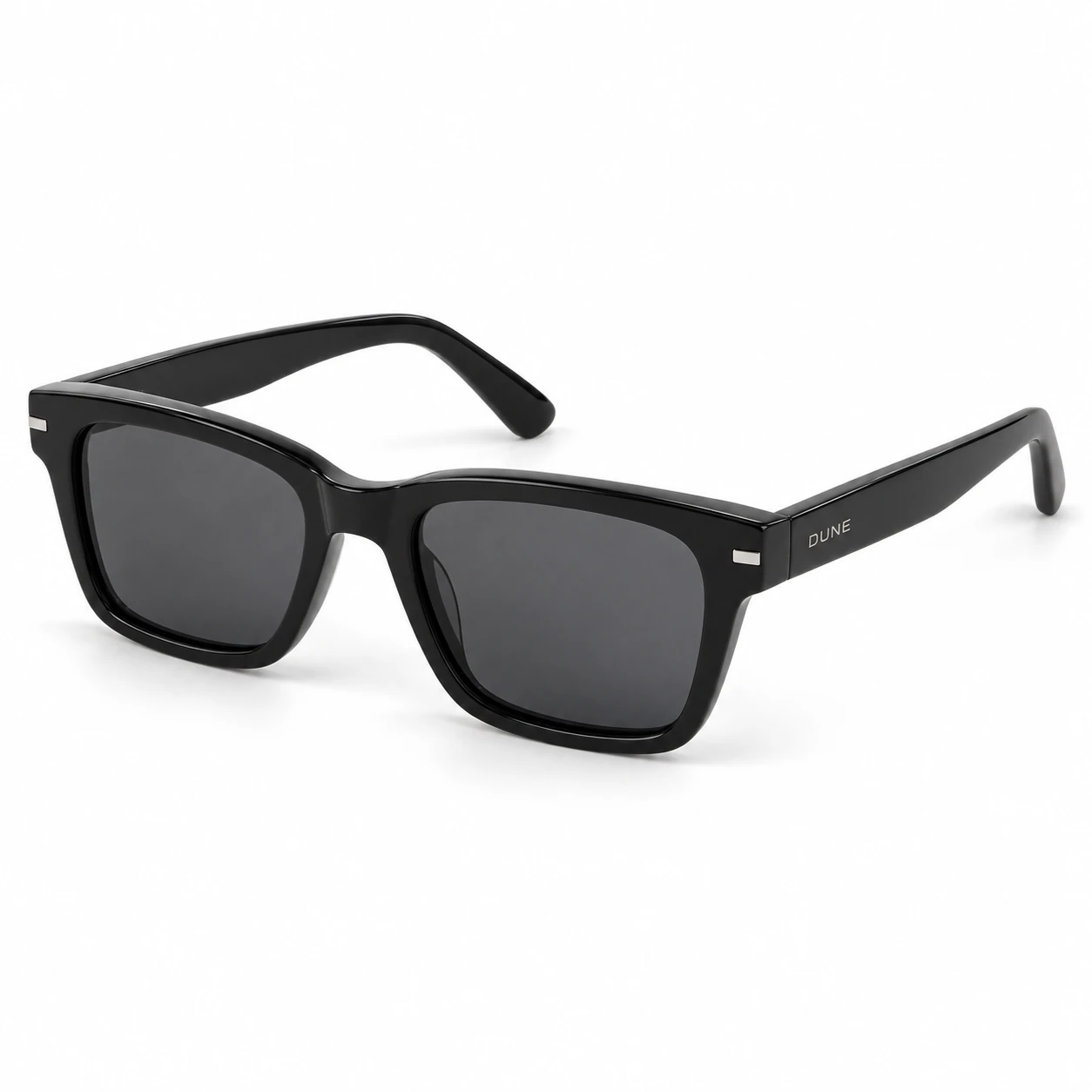 Step 1
Add your images
A reference you have permission to use, plus a clear product photo.
Creative brief
- Product
- DUNE black sunglasses
- Message
- Find your sunny side.
- Direction
- Oxblood editorial studio
Illustrative brief · Not an app screenshot
Step 2Choose your approach
Choose Exact Clone or Inspired by, then set your message.
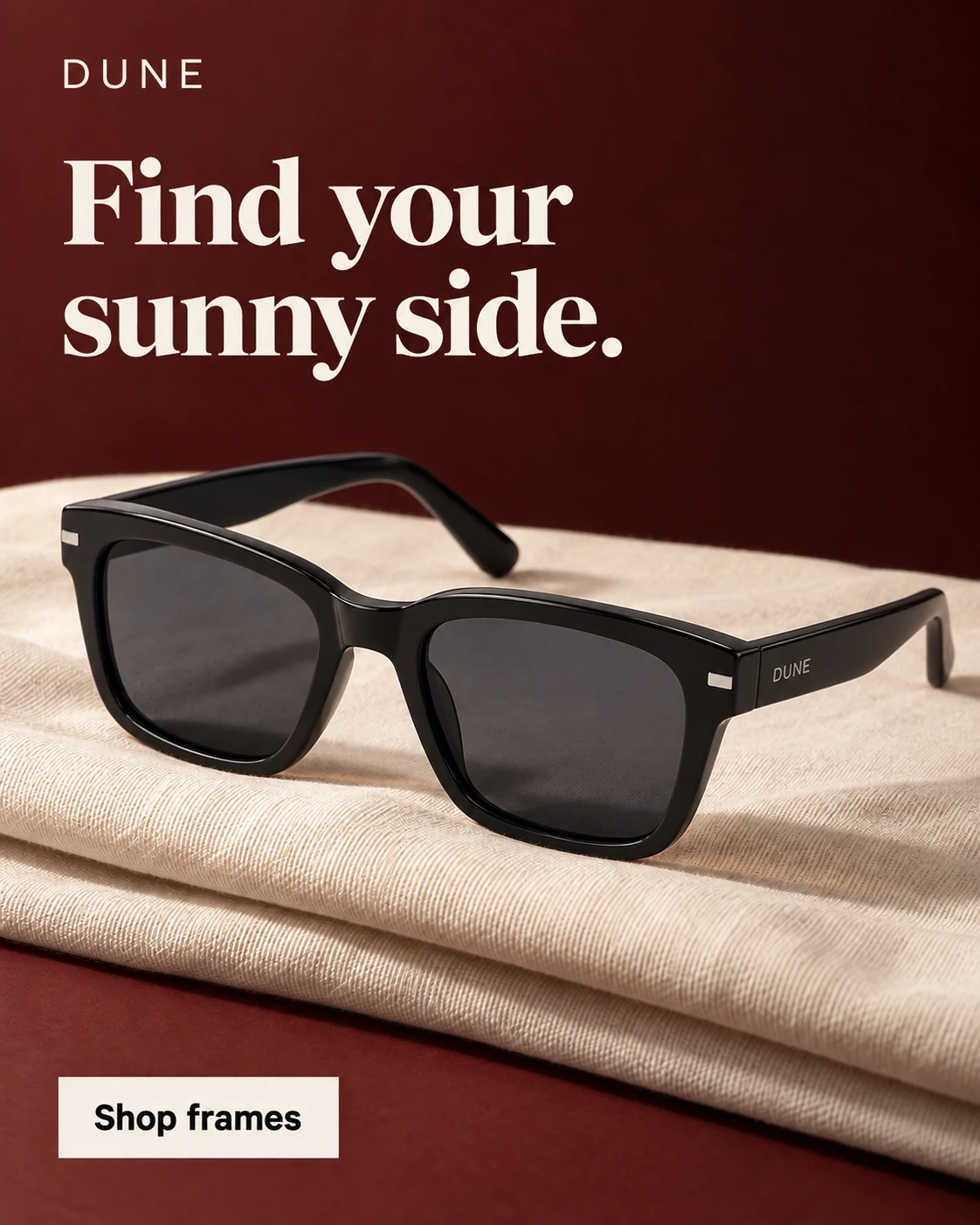 Step 3
Generate & review
Check the result, then download your chosen creative.
Before publishing.
Product details
Compare shape, color, packaging, and logos with your source.
Copy & claims
Verify every word, price, and offer applies to your product.
Placement & readability
Check the crop and read the ad at its intended display size.
The right tool for your next idea.
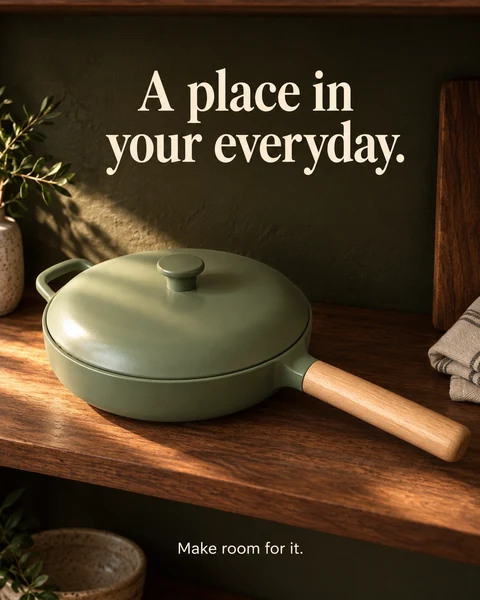
AI-generated ads
Create from a product photo and a style.
AI Ad Clone
Create from a reference ad and your product.
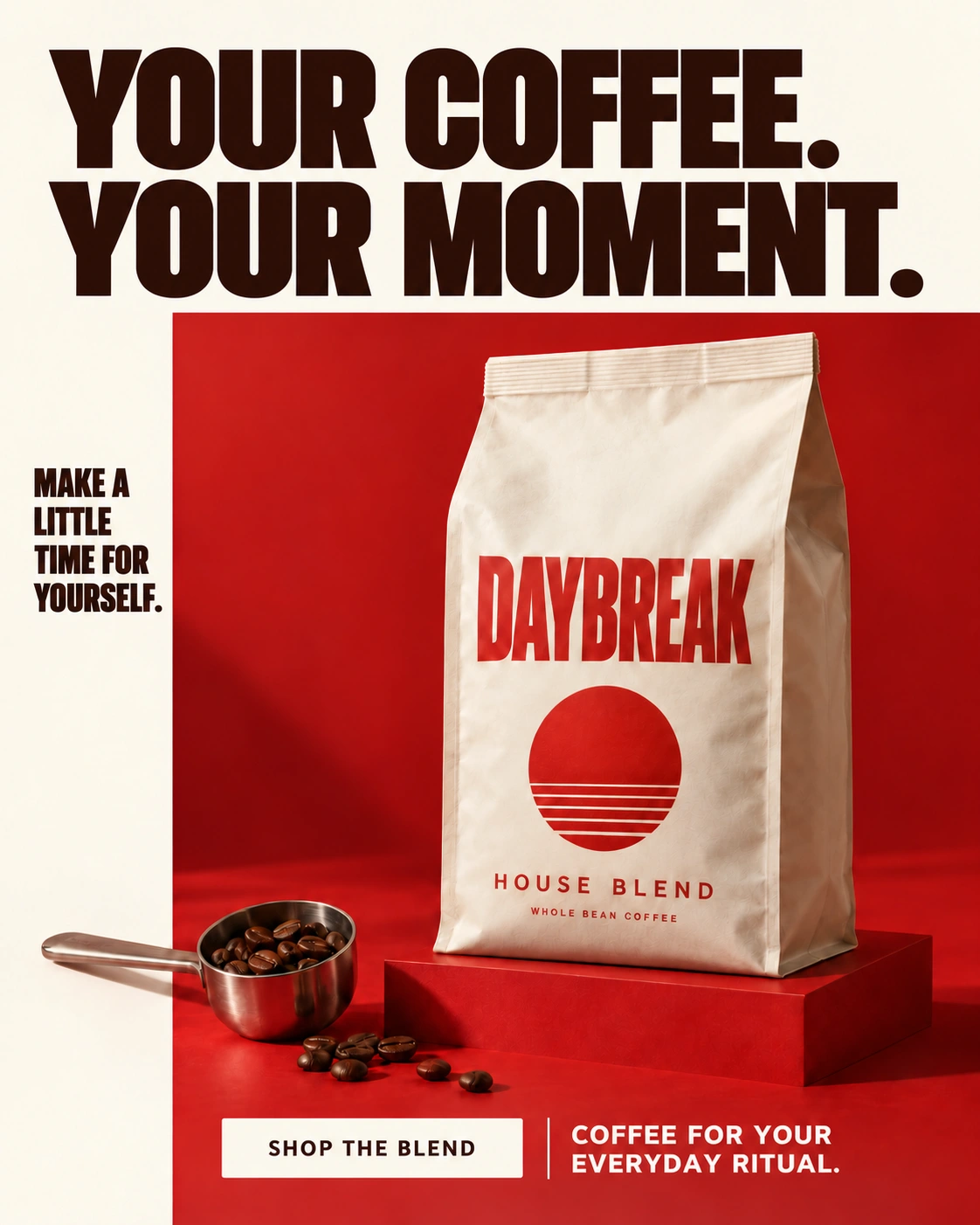
Magic Edit
Refine a selected area of a finished ad.
常見問題解答
AI 廣告復刻有什麼作用?
廣告復刻(Ad Clone)使用參考廣告作為新圖片的創意視覺方向,並將主體替換為您的商品。參考廣告提供視覺啟發;您的商品與資訊決定畫面主體與核心文案。該功能不會複製任何廣告帳戶或投放活動。
開始使用需要準備什麼?
準備一張您有權使用的參考廣告圖片、一張清晰的商品照片以及準確的商品資訊。請專注於傳達您自己的品牌價值,避免將其他品牌的承諾或促銷資訊帶入創意中。
生成結果會與參考圖完全一致嗎?
參考圖僅用於引導視覺風格方向,並非逐像素複製。您的商品可能具有不同的外觀或包裝。在使用圖片前,請仔細核對商品細節、排版文字與構圖。
我可以使用自己的行銷文案嗎?
可以。您可以基於商品資訊與提供的文案選項來指導核心文案。請仔細審核生成的文字,並確保價格、優惠與宣傳點完全適用於您的商品。
生成後我還可以微調圖片嗎?
您可以嘗試生成其他創意方向,或使用 Magic Edit 進行局部精修。輸出結果為合成圖片,而非分層的可編輯設計原始檔。
「精準復刻」與「靈感啟發」有什麼區別?
「精準復刻」更嚴格地參照範例構圖;「靈感啟發」則在視覺方向上提供更多發散空間。兩種模式均不保證絕對相同的排版或毫無變化的商品細節。
廣告復刻支援製作影片廣告或直接發布廣告活動嗎?
當前工作流程專注於生成靜態圖片廣告,不支援影片生成或直接發布投放。生成後請下載並按目標廣告版位進行審核。