Image ads
Review complete image creatives and product scenes before downloading.
Explore AI-generated adsTurn your product photos into image and video ads. Explore creative styles and make your next variation.
100 free credits once after verification · No credit card required
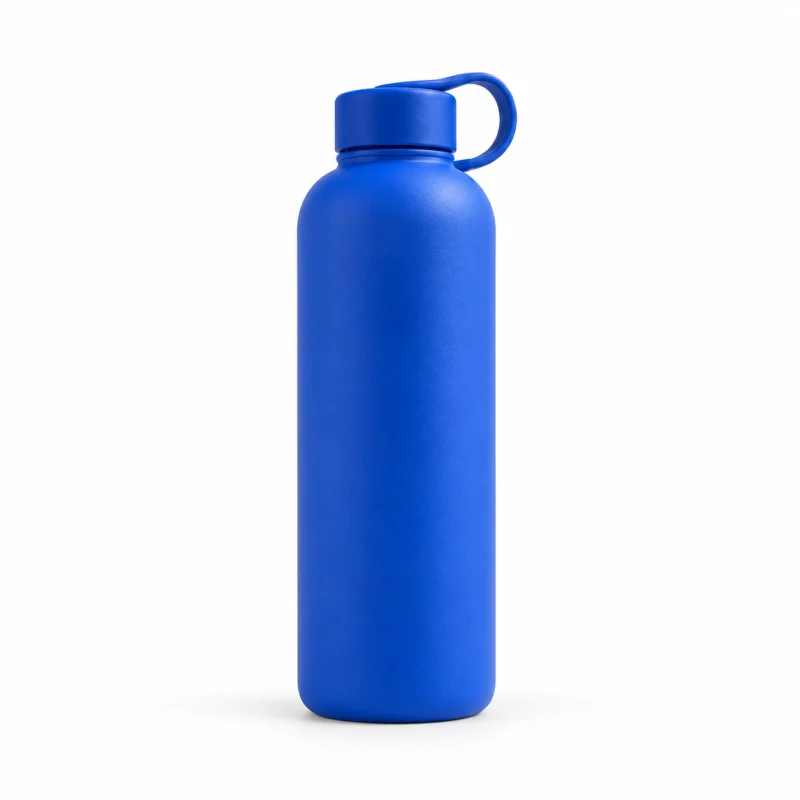
A focused product view with a clear, direct message.
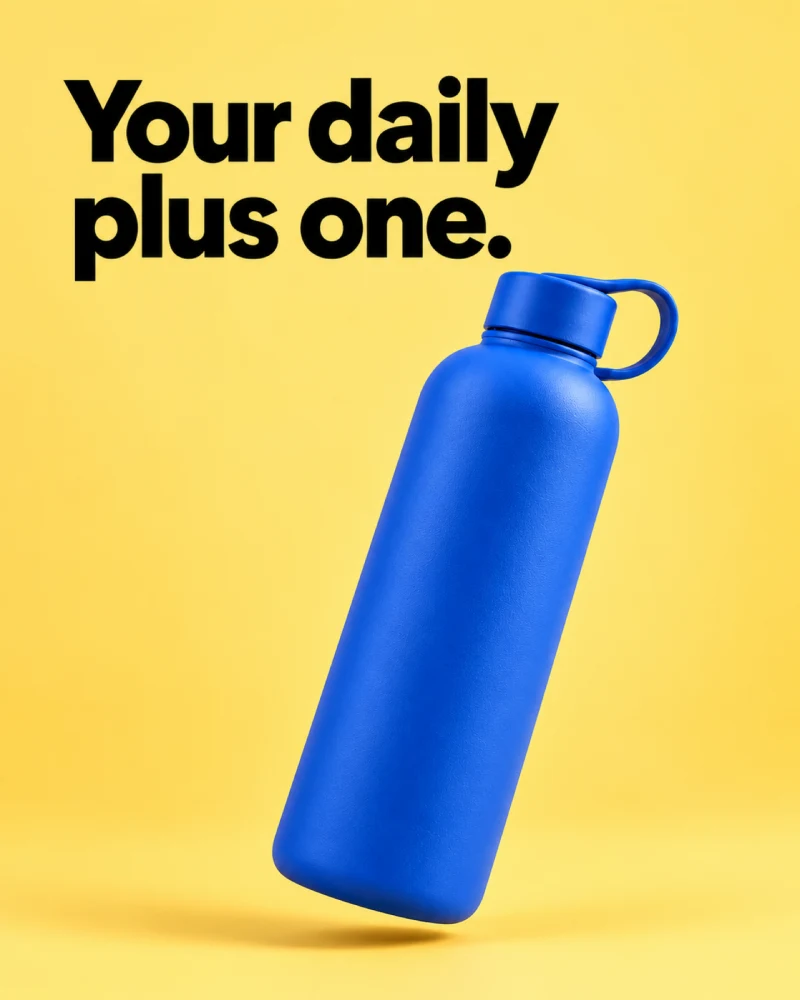
The 100-credit grant is available after email verification or Google signup. Image and Video Prompt access depends on the app environment and account. Preview selections are examples; they are not carried into the creation flow.
Bring your product. Choose a direction. Make it yours.
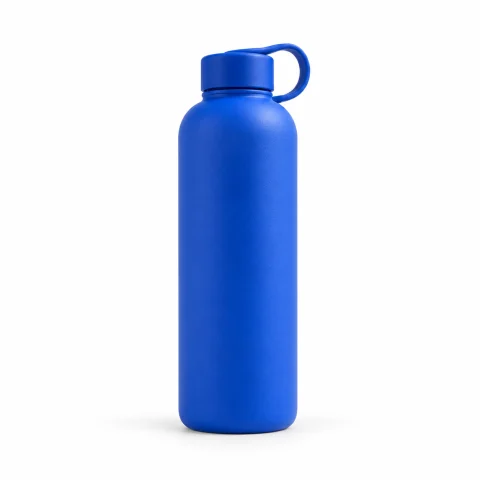
Start with a clear photo and accurate product details.
Pick a style and shape the message.
Check the details, refine your ad, and download.
Choose the format that fits your next idea.
Review complete image creatives and product scenes before downloading.
Explore AI-generated adsAvailability depends on your app environment and account.
Open Video PromptExplore the separate Video Prompt workspace. This page does not include a playable video sample.
One product. Different ways to tell its story.
A focused product view with a clear, direct message.
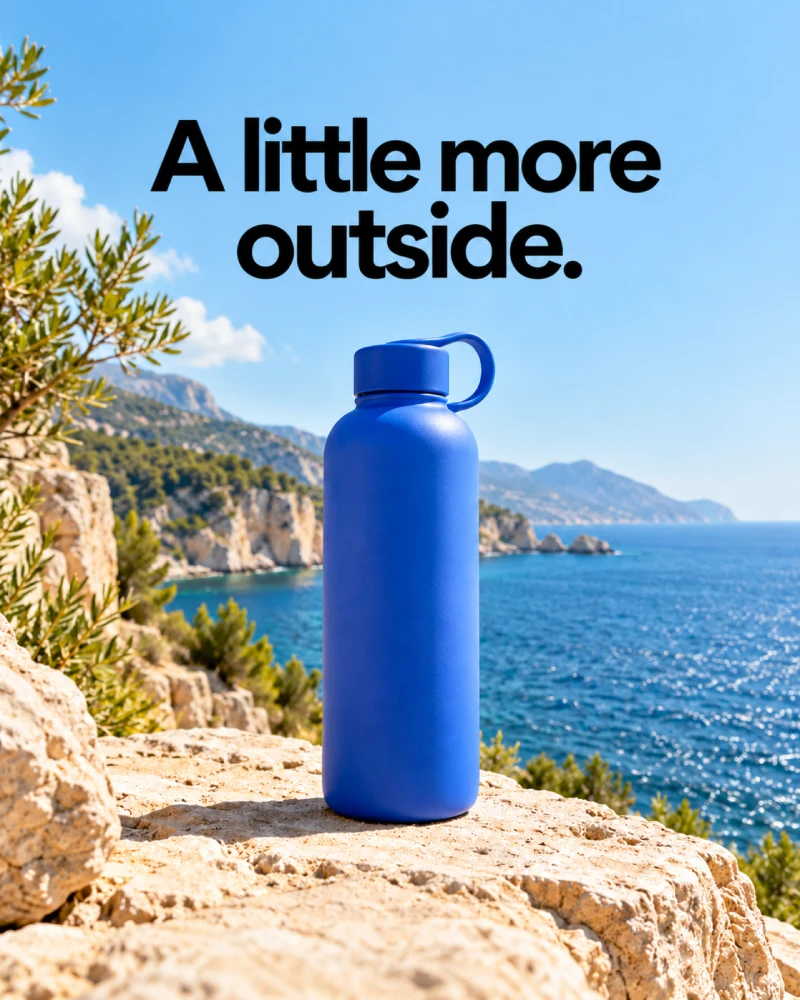
A setting that gives the product a recognizable context.
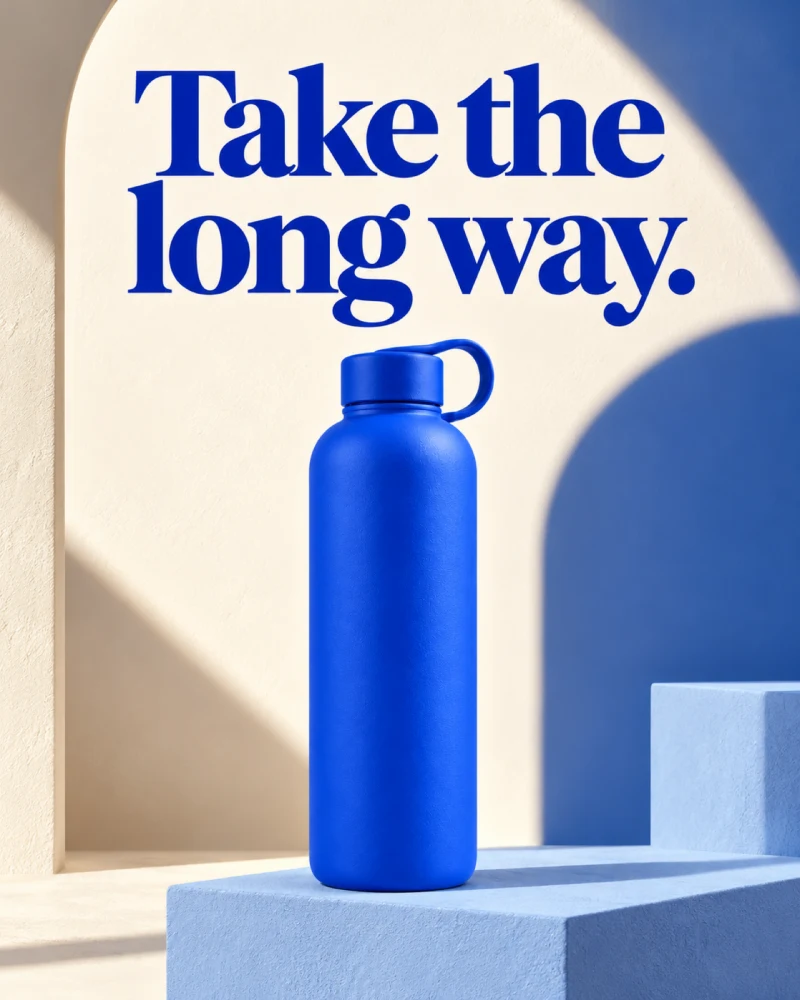
A bolder editorial composition led by one thought.
Compare results in your advertising platform. Each additional generation uses credits according to the cost shown in the app.
Find a direction for your product.
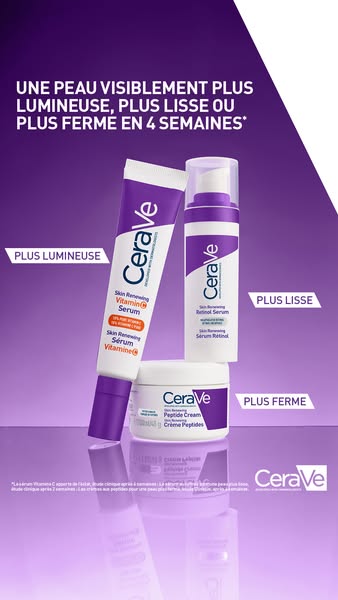
Public advertising reference · CeraVe Skincare
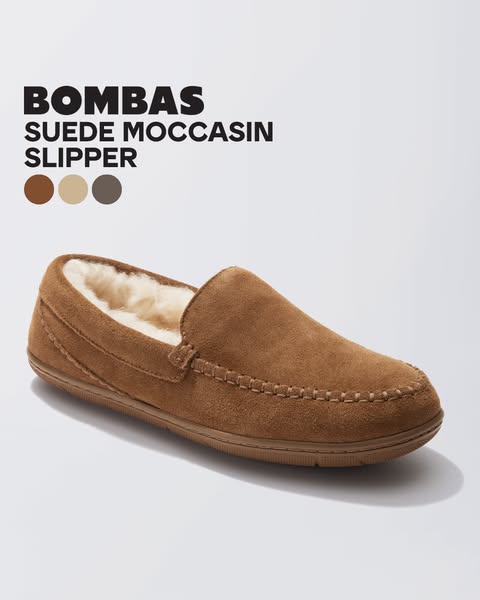
Public advertising reference · Bombas
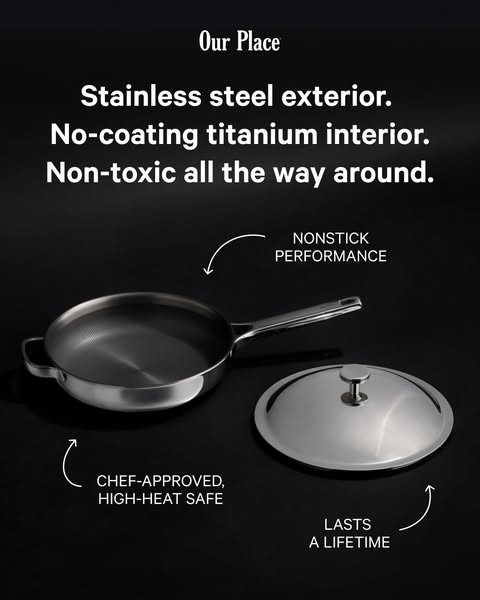
Public advertising reference · Our Place
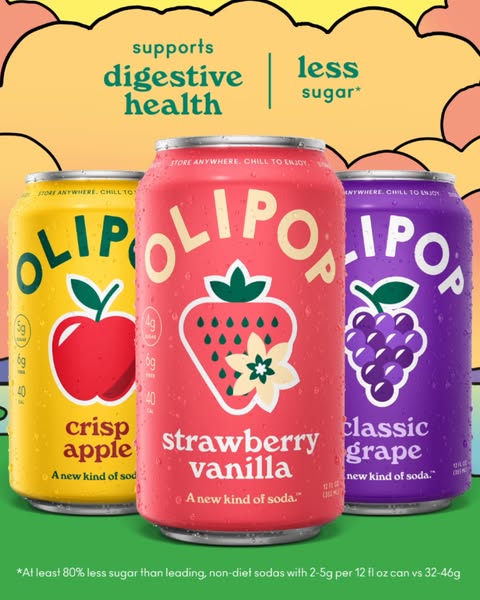
Public advertising reference · Olipop

A clear product. A focused message. A useful next step.
Show what you sell in a setting that makes sense.
Give the headline one job.
Match the action to the offer.
Review product details, claims, and text before publishing.
Explore AI-generated adsPricing
Available after email verification or Google signup. No credit card required.
Review current credit costs and plans before you create.
A few things to know before you create.
New users receive a one-time grant of 100 credits after email verification or Google signup. No credit card is required. Image generation costs vary by model and output size; review the current cost and plans before creating. See plans and current pricing.
Yes. Start with a clear product photo you have the right to use and accurate product details. You can then choose a creative direction and review the generated image before using it.
Video Prompt is available as a separate app workflow. Generation access depends on the app environment and your account. This page does not include a playable video sample.
The image workflow can offer 1, 2, or 4 images per run when the capability is enabled for your app environment and account. Each output uses credits at the cost shown in the app; check your access and current cost before creating.
The standard image workflow defaults to 1K PNG and offers square (1:1), 4:5 portrait, and 9:16 portrait formats when image creation is available to your account; additional aspect ratios depend on access. The workflow does not automatically export every size. Video Prompt is a separate app workflow with its own access requirements.
No. The guided workflow helps you start with a product, choose a direction, and shape a message. Review the final product details, claims, and text before publishing.
You can refine a prompt, generate another version, or use Magic Edit for a described change. Downloaded image ads are flattened images rather than editable design layers, so inspect text and product details carefully. Learn about Magic Edit.
You can use creative in campaigns subject to your rights, applicable terms, and each platform’s policies. Review the product, claims, text, and placement yourself. AdVariq does not guarantee platform approval or campaign performance.
Drag to reposition. Use arrow keys to move, or Enter to open chat.