
Ad examples worth exploring.
Discover curated collections by industry and creative format. Explore a topic, study the examples, or browse the full library.

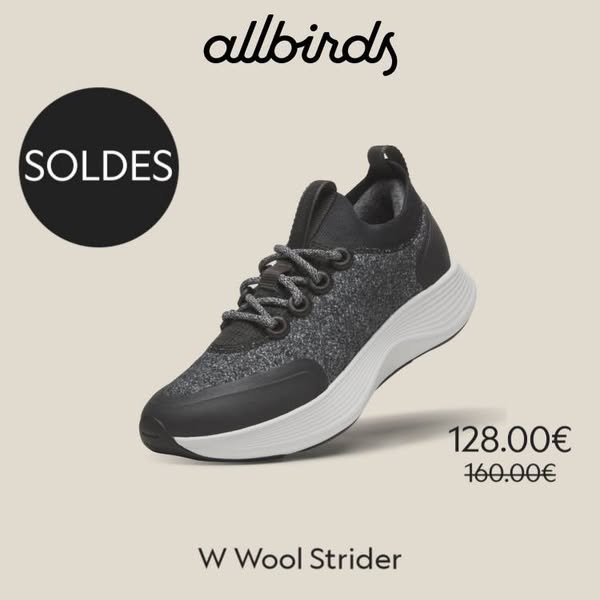
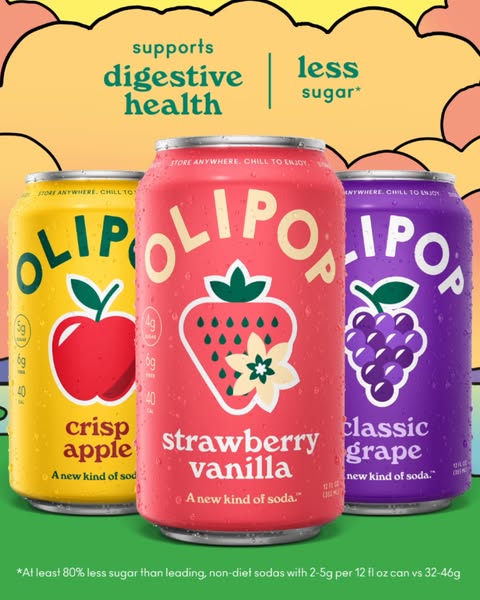

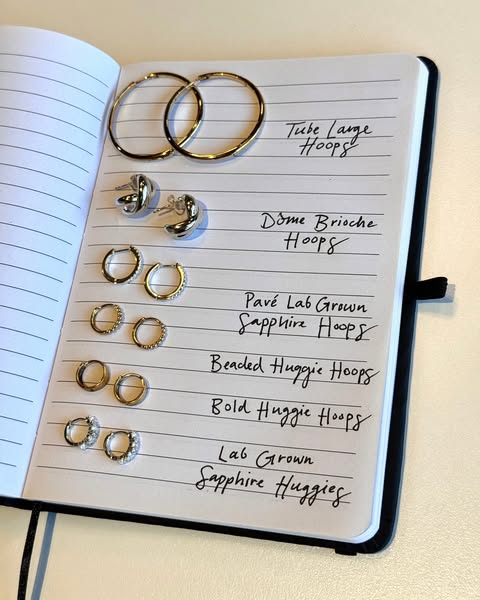
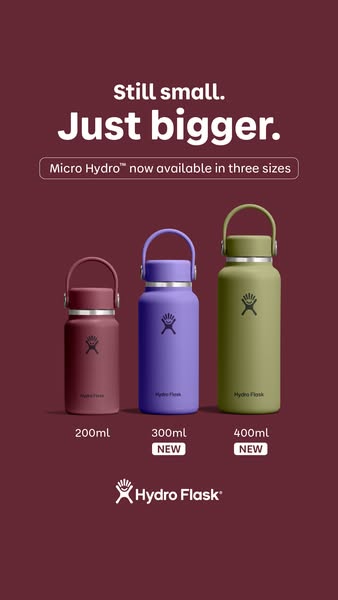

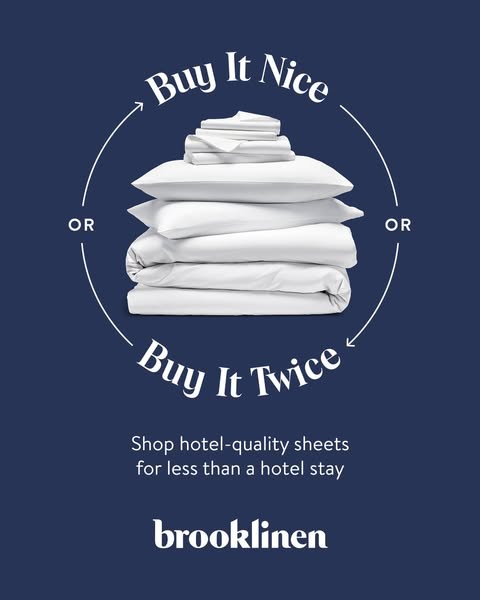
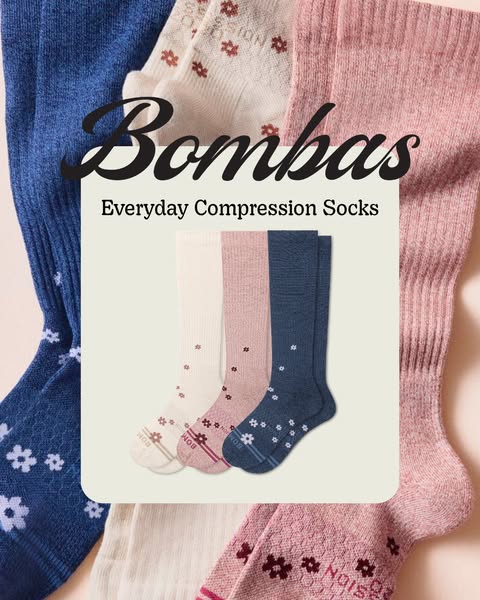
Browse by industry
Explore real ads, creative analysis and detailed examples by industry.



Browse by creative format
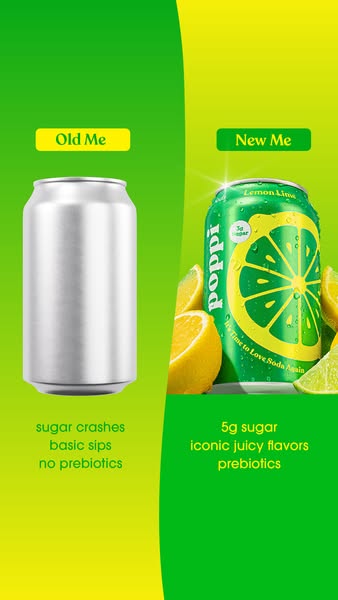
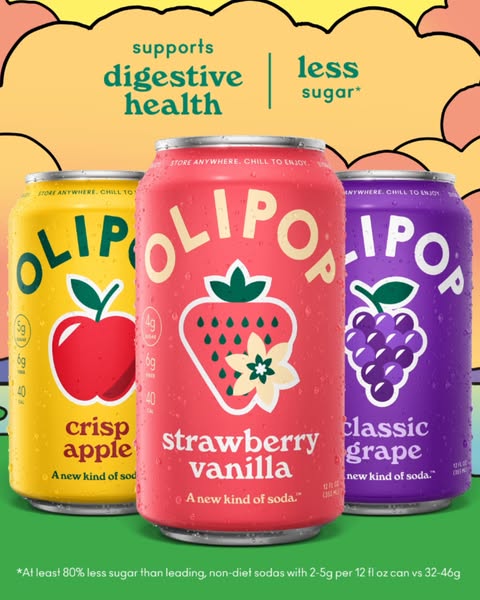
Study the structures behind the message, from visible contrast to product benefits. Explore the examples and analysis in each collection.
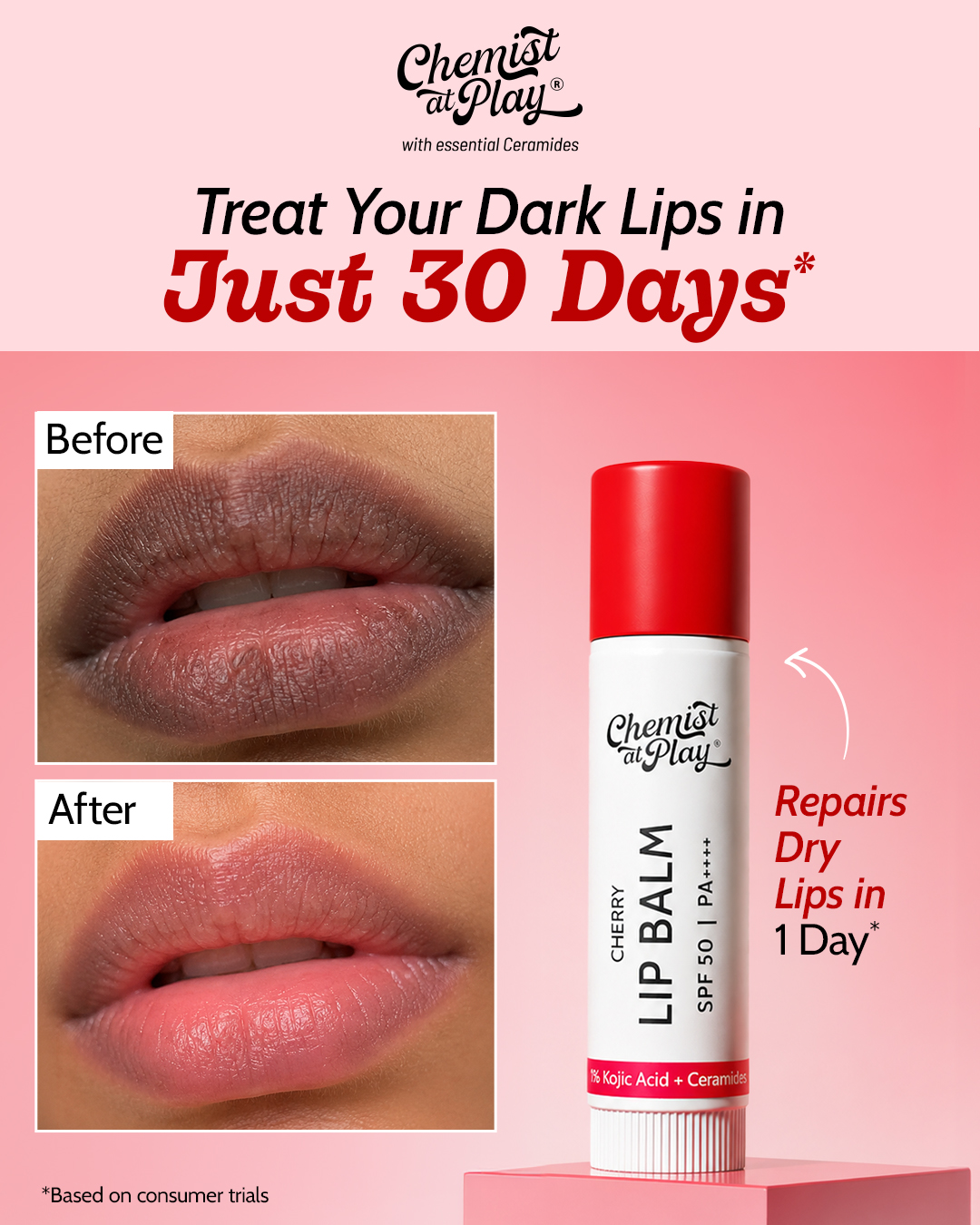
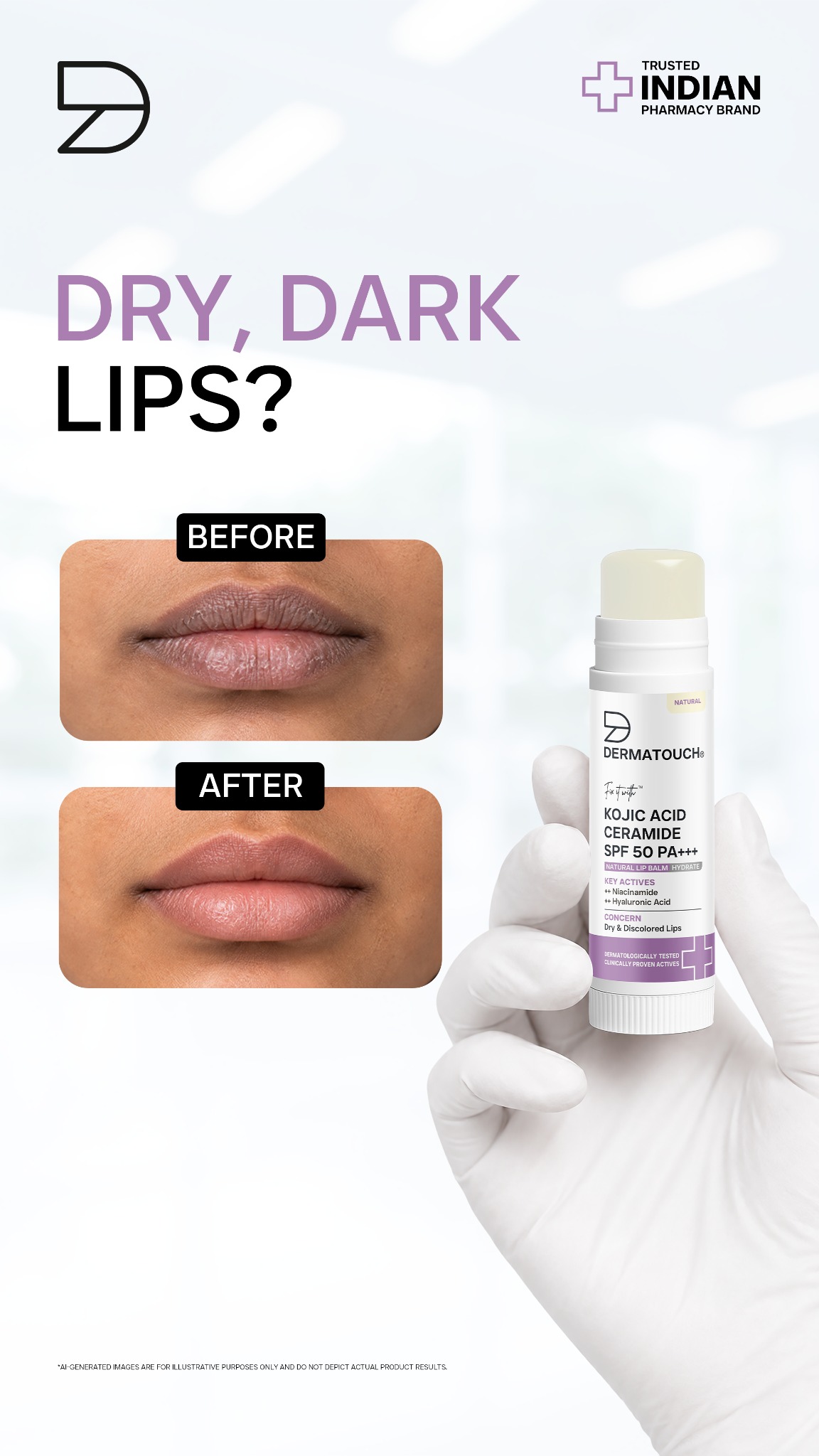
How to turn a reference into your own ad
Follow the product, reference and review steps in Ad Clone. This guided demo shows interface states without uploading files or running a generation.
Select a product
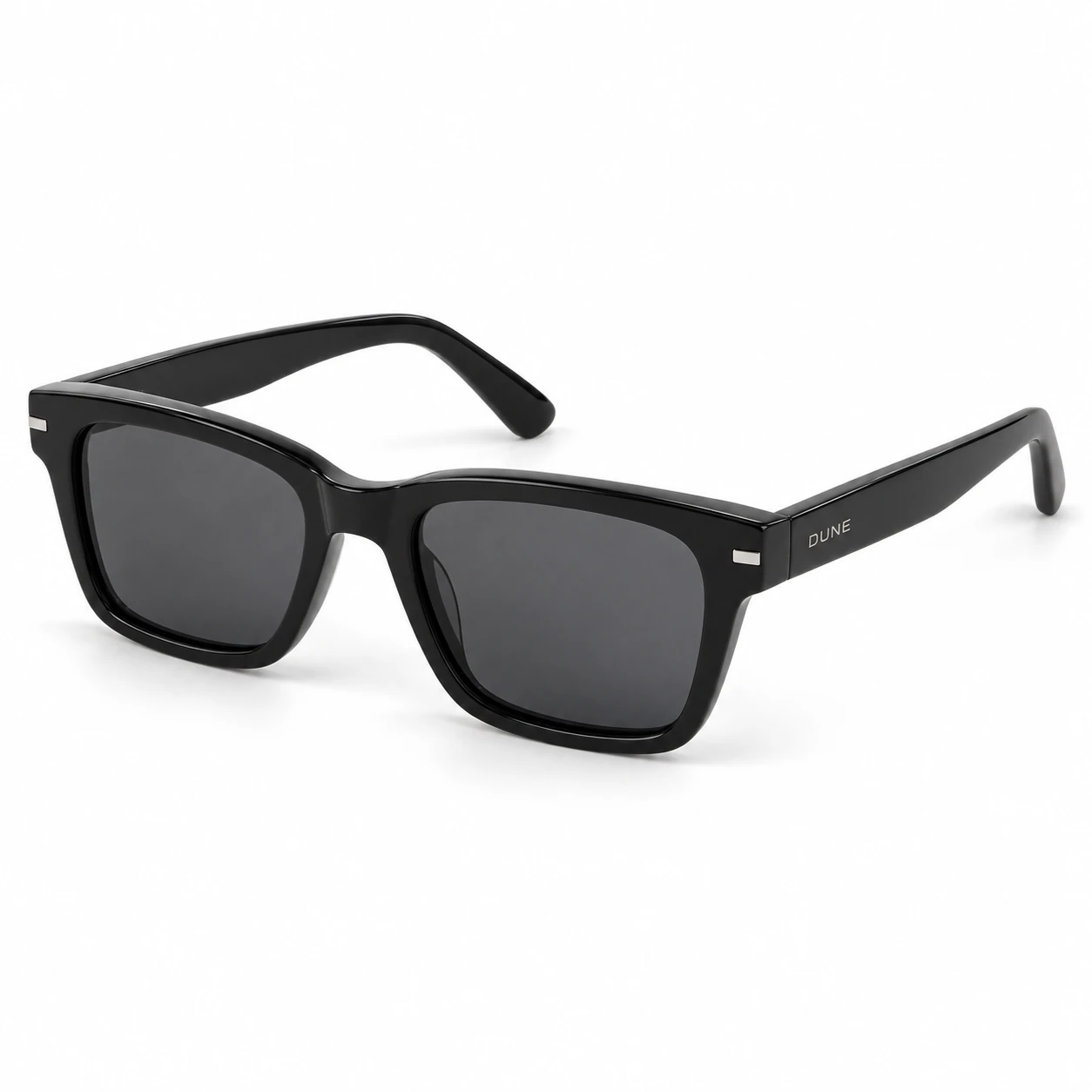
Choose a saved product with a main photo. Use New product to open Products and add one if needed.
A product and its saved photo are selected for this clone.
FAQ
What is the difference between collections and the full library?
Collections bring selected examples and analysis together. The full library is where you search, scroll and filter all available ads.
Does every ad have an in-depth breakdown?
Selected references have a dedicated page with a detailed breakdown. In the full library, you can preview an ad and the information available for it.
How are selected references chosen?
The selection focuses on useful creative structures, clear visual references and ads with longer observed runs. The analysis examines the message, composition and reading order of each selected example.
Can I use a reference for my own creative?
Study the structure and adapt it to your own product, assets and supported claims. Original brand names, testimonials, prices and product claims belong to the reference and should not be copied into your ad without a basis.
How do I start with Ad Clone?
Create an account, complete the new-user onboarding, then continue to Ad Clone. Select a saved product there or create one in Products, then choose a reference.
Where can I see all available ads?
Open the full ad library to search, scroll and use its complete set of filters.
Turn inspiration into your next ad.
Choose a reference, add your product, and make it your own.